Filming
So on one hand you get to actually shoot the script and storyboard you’ve spent hours on, which when done correctly, feels really satisfying and gets you excited to edit.
But without an idea of what your doing, filming can be awful. You feel uncomfortable on camera, mess up your lines, the composition is off, and it feels like you’re never going to understand what “cinematic” means.
And Im speaking from experience here, Ive had my fair share of filming-related breakdowns.
It can really suck BUT that’s what were here to prevent.
Because if you film knowing what you’ll learn in this module the camera is going to become your best friend.
Speaking of: How do cameras work?
Most people knowledge base is sequestered to:
Point lens at thing
Press record
Pray
But when it comes to ISO, shutter speed, and aperture; here’s what you need to know:
Aperture (or F value)
This is how much light your camera is allowing into your lens.
High apertures mean more light is let in and less aperture means less, imagine your camera squinting vs. opening it’s “eye” all the way.
Iso
This is your camera’s sensitivity to light.
Use a LOW ISO for outside or naturally lit shots.
And a HIGH ISO for filming in darker areas.
Sometimes a your lens wont be able to handle all the light by itself and will need an ND filter: ND FILTER
You can use an adapter to make the lens fit any camera: ADAPT FILTER
They also make them for your phones as well:
Shutter speed
This is how fast the camera “blinks”
A higher shutter speed can sharply capture fast moving objects.
A lower shutter speed means fast movement will appear more “blurry.”

Shout-out Google for this one.
You now know more about cameras than I did when I reached 10k. You don’t have to be an expert, just understand the general idea.
Lastly, before we continue, make sure you understand what your going to film with (phone vs. camera) and where (location and lighting.)
Now because we did so much preparation with storyboarding, what we we’re going to shoot isn’t the problem, it’s the “feel” of it.
Yes that is vague, but how would you go about explaining feeling?
Like when a video makes you happy? How does that feel?
Could you explain it without using a synonym of happy?
No, right? It just is.
However, this feeling is curated though focal length, angles, composition, color theory, and a bunch of other little micro-skills that assemble into feeling.
THE BASICS
So the first rule of filming is that at SOME POINT you’re going to have to improvise.
Maybe the storyboard you had for a location just doesn’t work and you’re close to a deadline OR you’re at said location and the coolest idea you ever had hits you.
And like we talked about before YOU CAN’T IGNORE GOOD IDEAS.
I wish I could give you some perfect templatized storyboard that went viral every-time BUT viral videos innately need to have things people haven’t seen before.
However we can root them in tried and true shots to make sure that they’re executed properly and give you something to fall back on in the aforementioned situation.
Here’s my (patent pending) fast-cinema checklist to pull from:
Talking head shot
This THE most common shot in all of content, it’s when your in front of the camera in some way and yapping.
BUT as mentioned before, we can use modifiers to make them not boring.
(This goes for all other fast-cinema shots.)
Modifiers = angle + distance from camera x movement
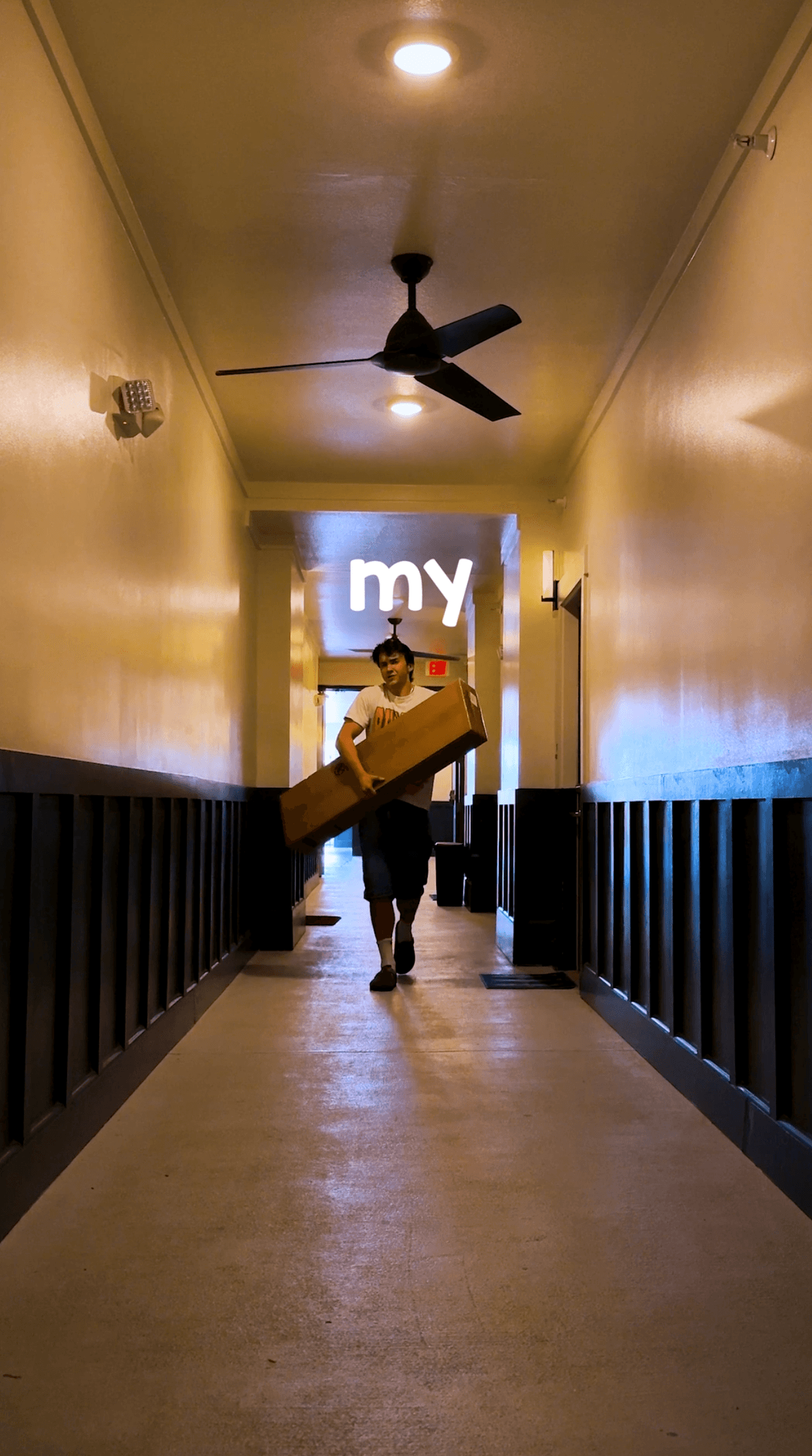
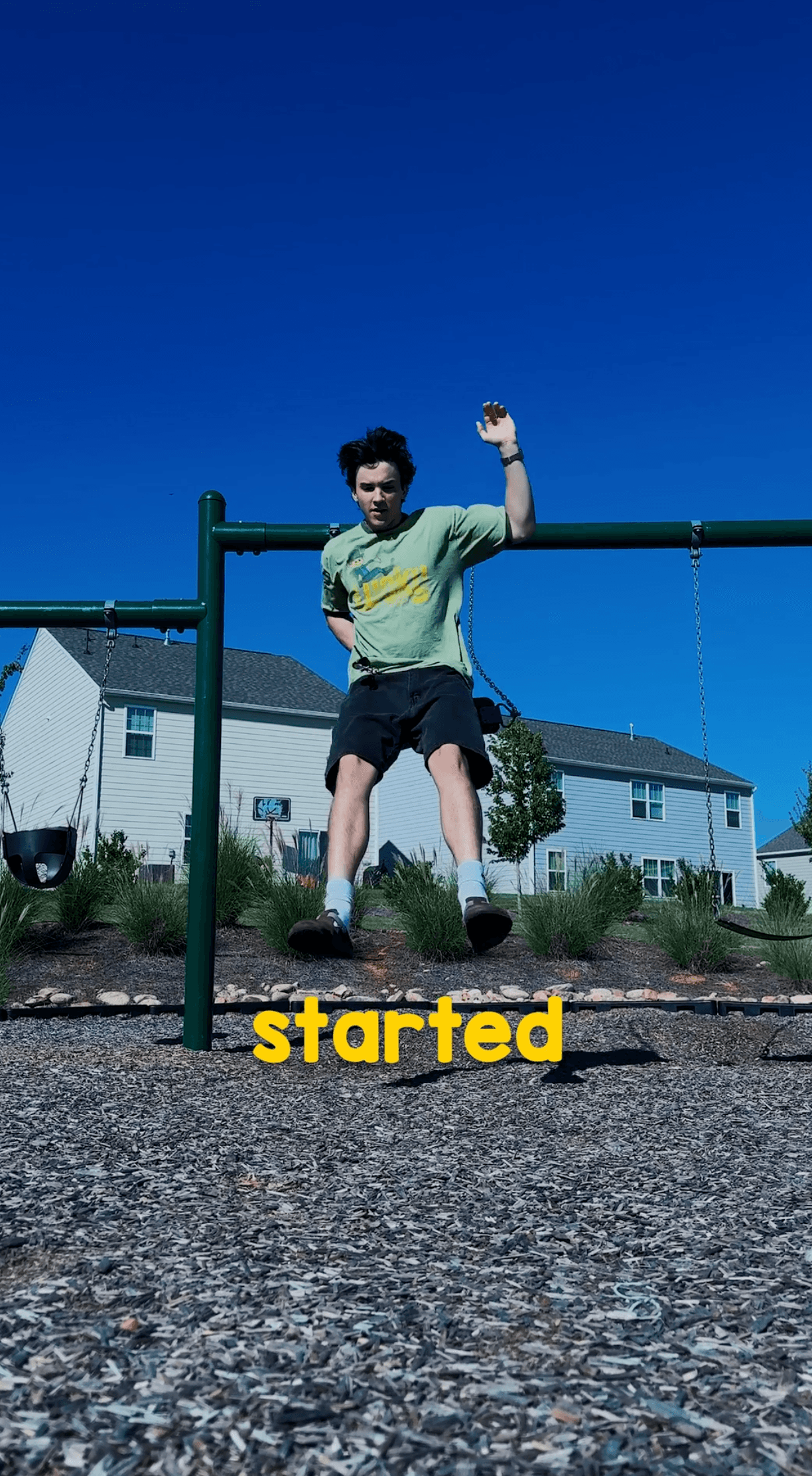
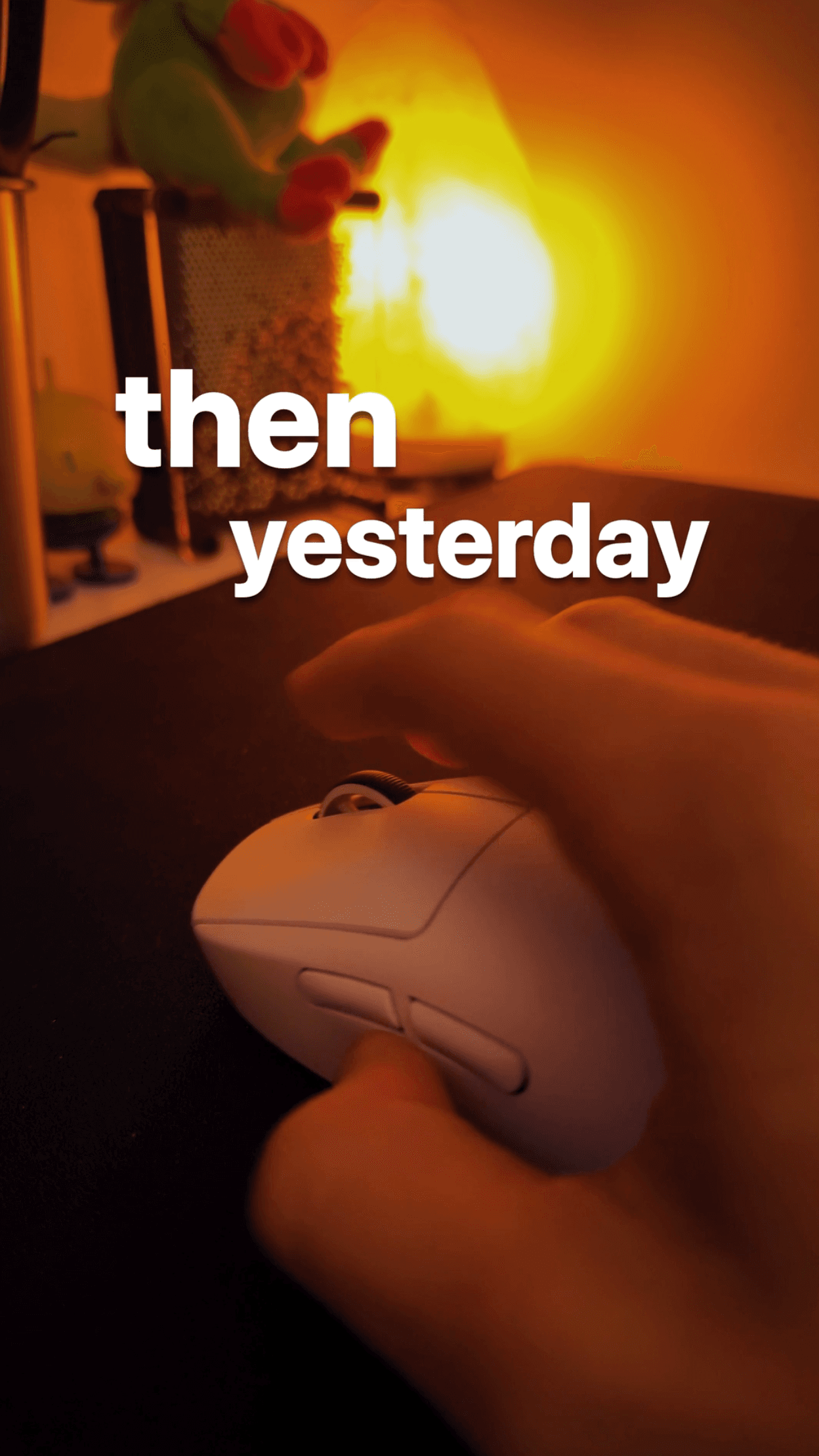
The easiest angles to pull off on the fly are high and low angles.
There is always something you can set your tripod on that is taller and always something that you can prop your phone against that is lower.
There’s a bit of physiology behind angles here as well:
High angle → the audience is “looking down” on you. You appear more vulnerable.
Low angle → your looking down on the audience, so you appear more dominant.
This goes for wide, medium, and short shots as well. A follow a pattern of cycling through them throughout the entire video.
Wide shots are 10ft+ away, medium around 5, and short shots are anything closer than that.
Transition shot
Now these will most likely be storyboarded, but sometimes you’ll notice how two things could connect and want to try it out.
Transitions shots make your video feel satisfying and they don’t have to be complex.
Say you have a line that’s like “and then I jumped into the pool, but.. I hit a guy on the way in.”
You could say the first section of the line front facing the camera and turn your head to the second angle for the other half. Saying the line twice to make sure you can edit it seamlessly.
Storyboard for this example
and then I jumped into the pool,
[Front facing medium shot → turn head to the left on “the pool.”]
but.. I hit a guy on the way in.”
[start with left head turn saying “but…” → to Low angle shot to left of shot 1]
The same goes for black or white screens. (or any color you can have two shots start/end at.)
This can be as simple as you covering the camera with your hand at the end of one line and taking it off at the start of another.
You can move your phone up into the sun and then down from an inside light.
You can also use movement in between shots to keep up the pace.
Walking to the left at the end of one shot and starting by coming in on the right of another.
Jumping at the end of the first clip and landing at the start of the next one.
It’s also ok NOT to have transitions for every shot, hard cuts from one position to another can look great as well.

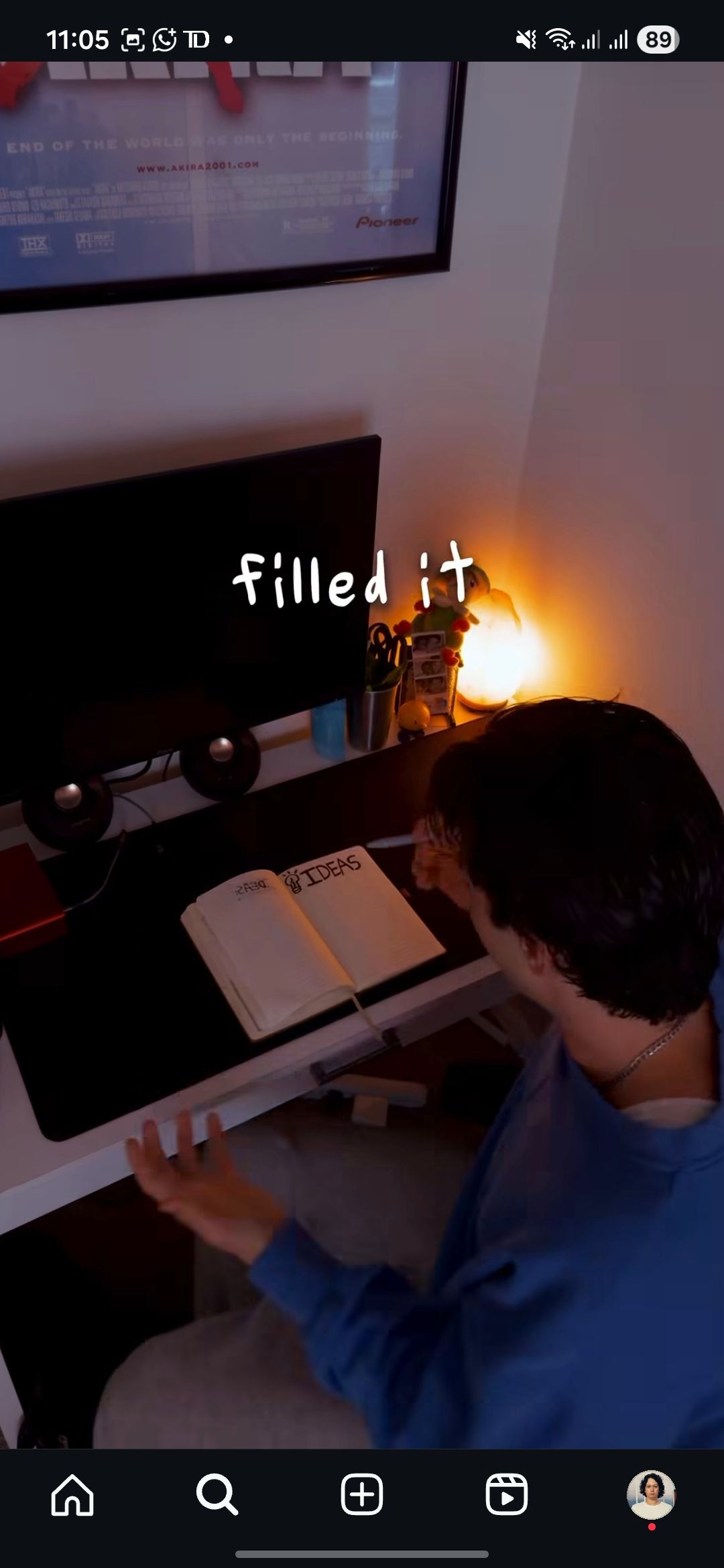
Acting shot
“Acting” shots do not require Oscar nominee skills.
The point is to actually be a bit silly or sarcastic. You want to over do them so people don’t think that YOU think you’re a good actor.
(unless that is the point of your account of course.)
My acting shots typically involve an exaggerated face compared with a silly voice over or just over-done movement.
They’re mainly used for when I want to emphasis an emotional pain or dream I have in any given script.
For example if the line was: “And then I realzied no one was watching my videos and people were unfollowing me.”
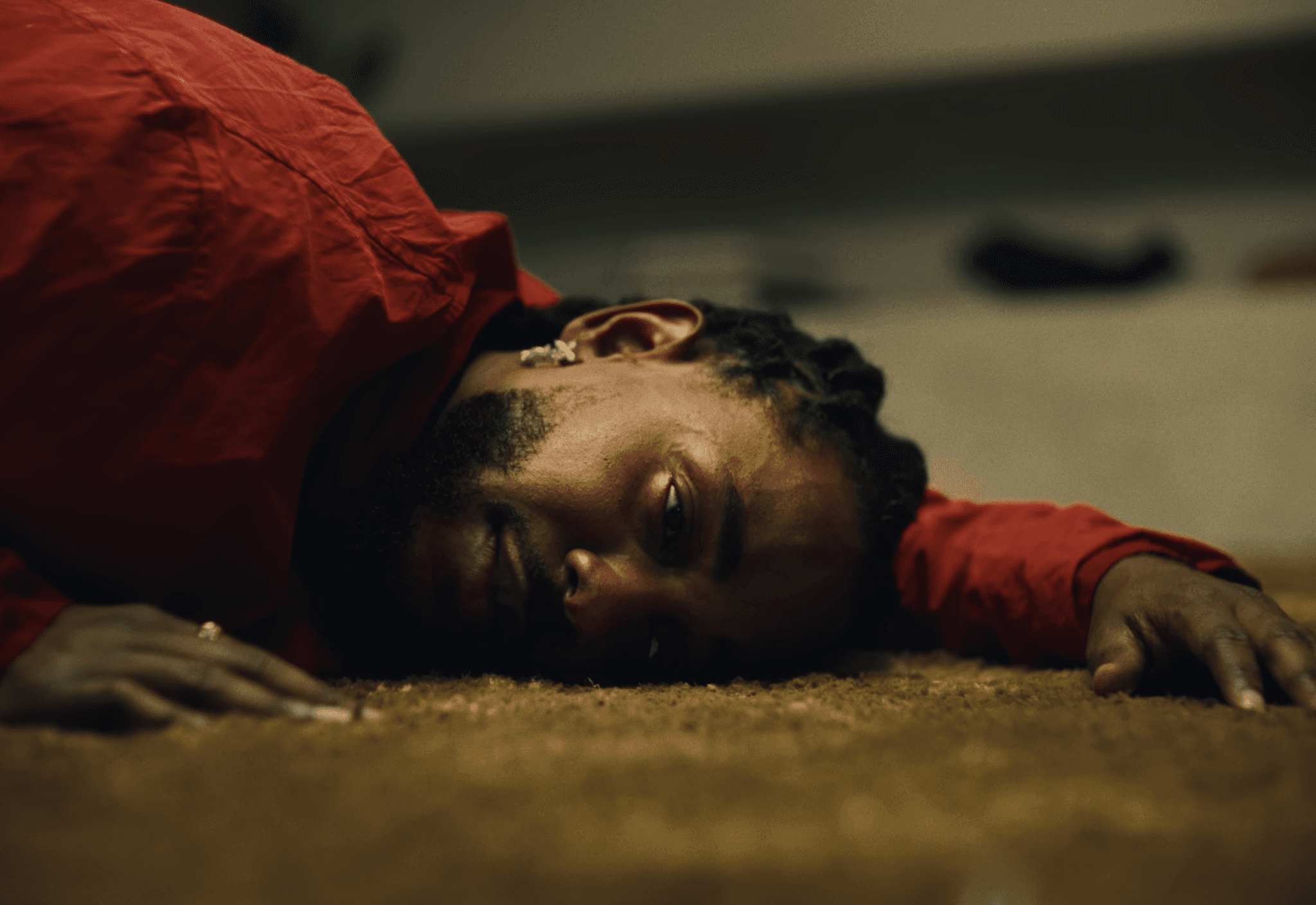
The storyboard would be: Me turning and looking at the screen with my jaw dropping → panicked POV shot with a screen recording overlay → cut me on the ground in the fetal position looking at my numbers go down.
Like I said, we want to OVER do it.
The goofy-ness depends on the level of authority you want in your videos.
Over the shoulder shot
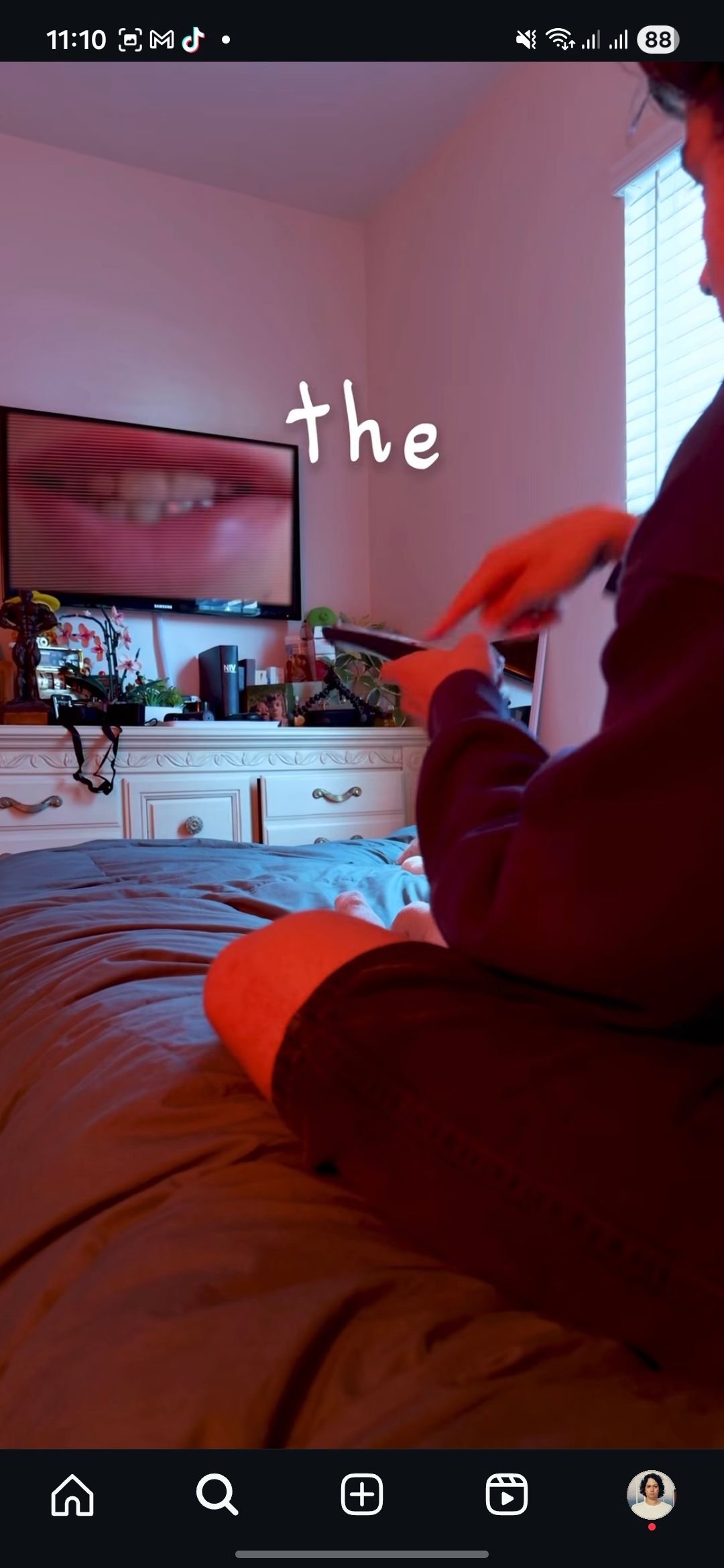
This is when you put the camera over your shoulder and press record.
Super complex, multi level stuff here I know.
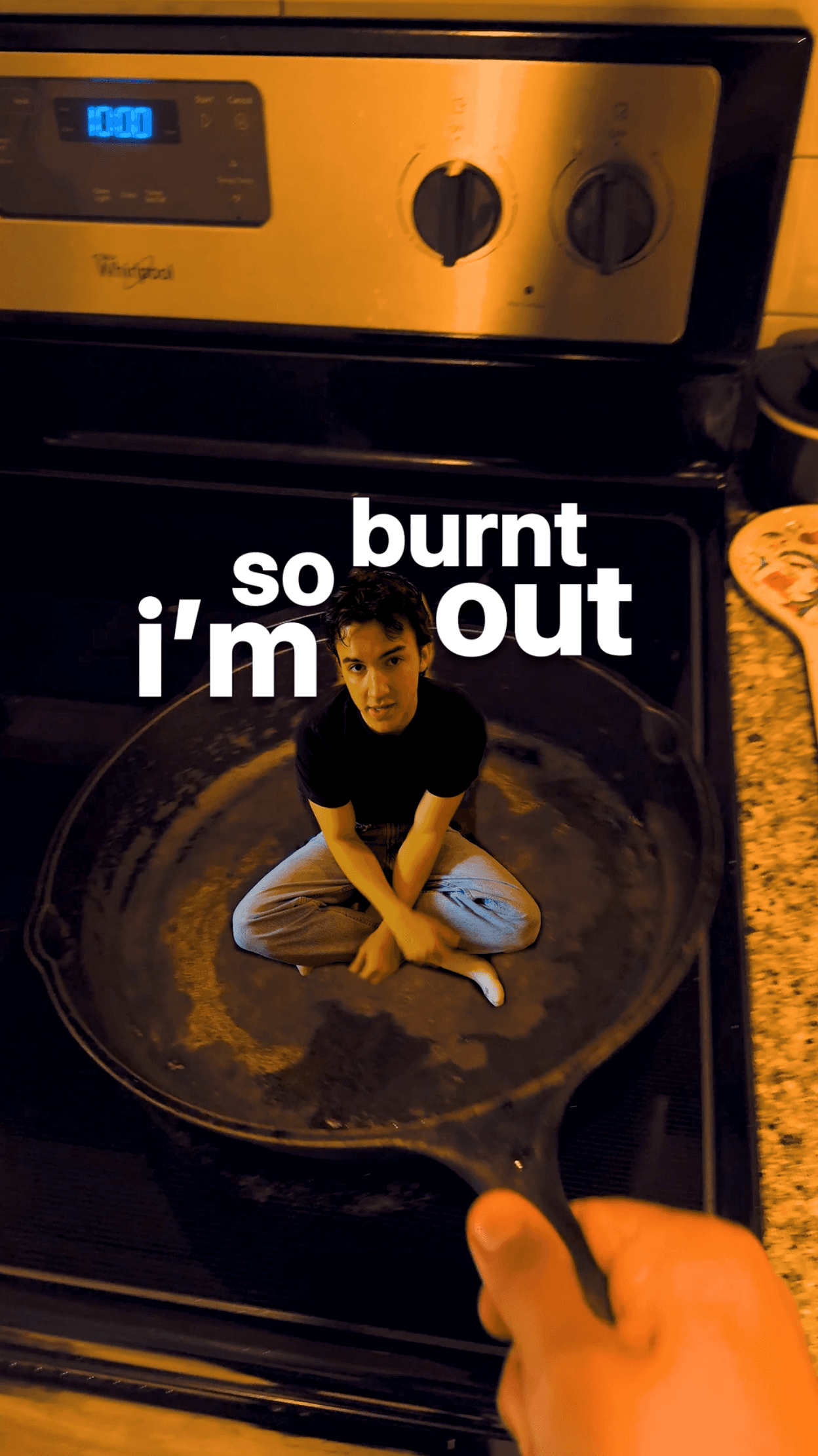
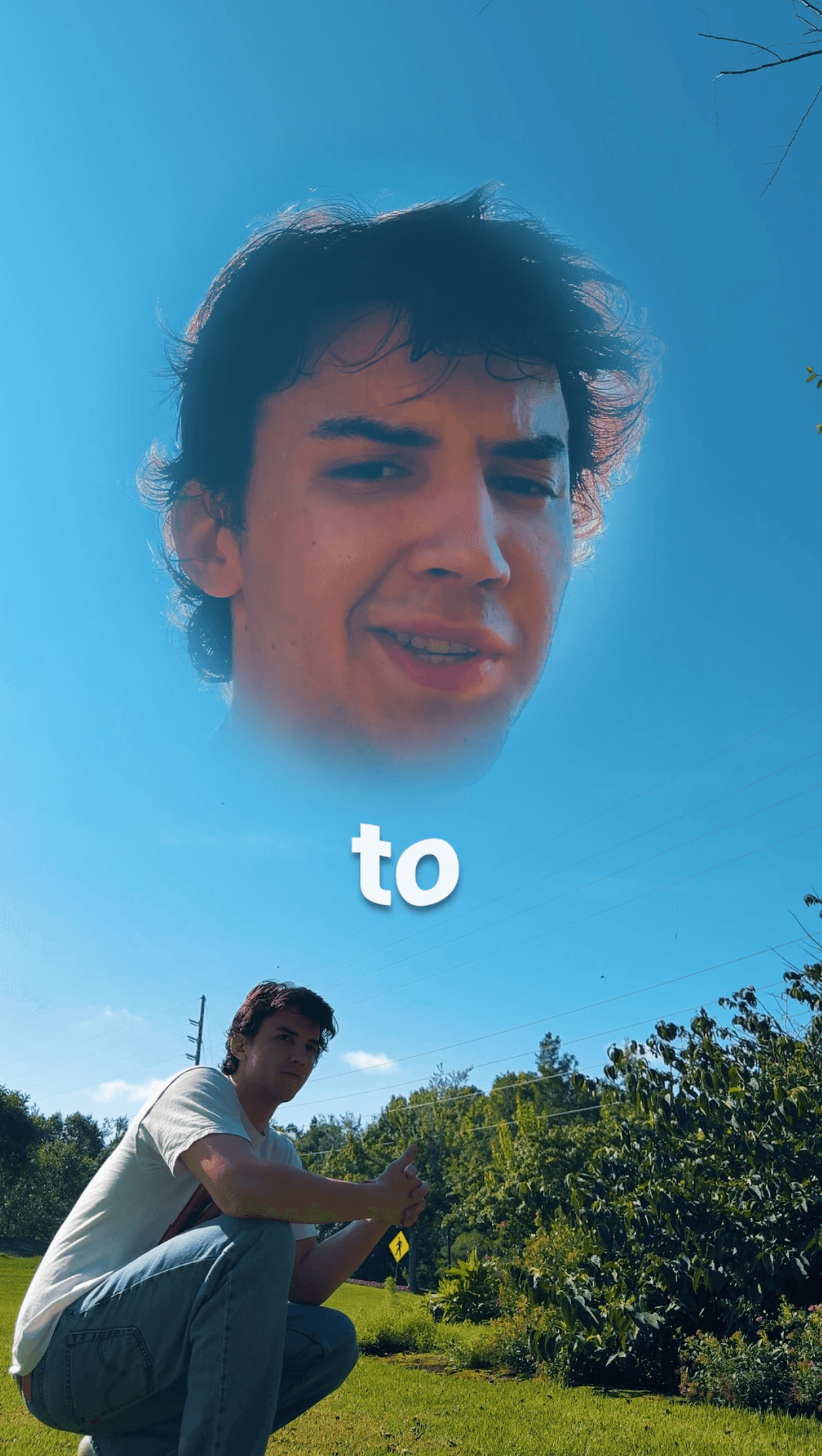
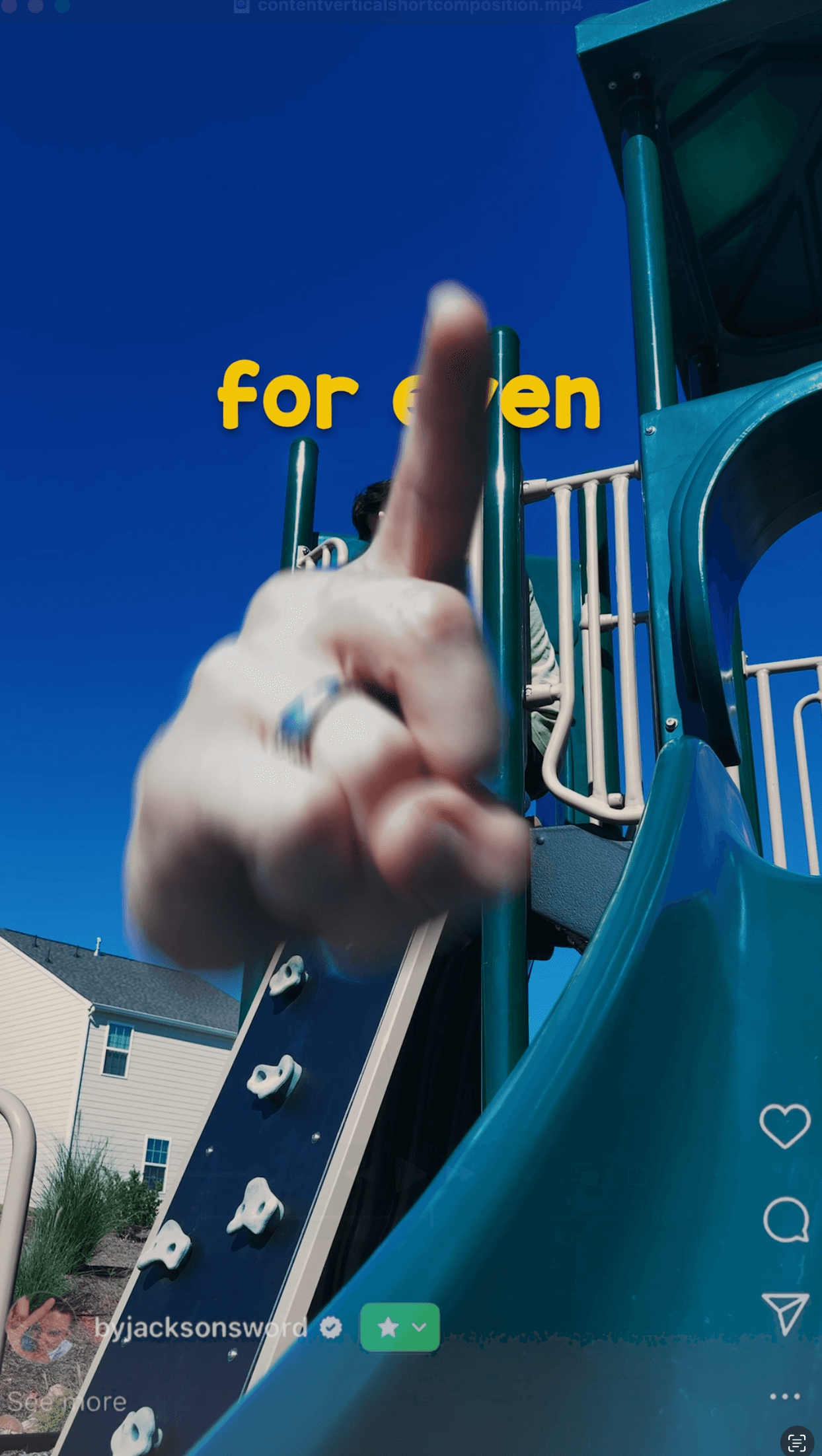
Unique shot
Unique shots are story-boarded shots 99% of the time. They are shots that take planning but looks really cool when pulled off.
If you want to do a unique shot on the fly, I would root it in these basic shots and add your own creative flare to make sure it’s clean and well-done.
Sloppy unique shots can make your videos feel amateur. (which is obviously ok, but we want a clean atheistic as you improve.)
Prop shot
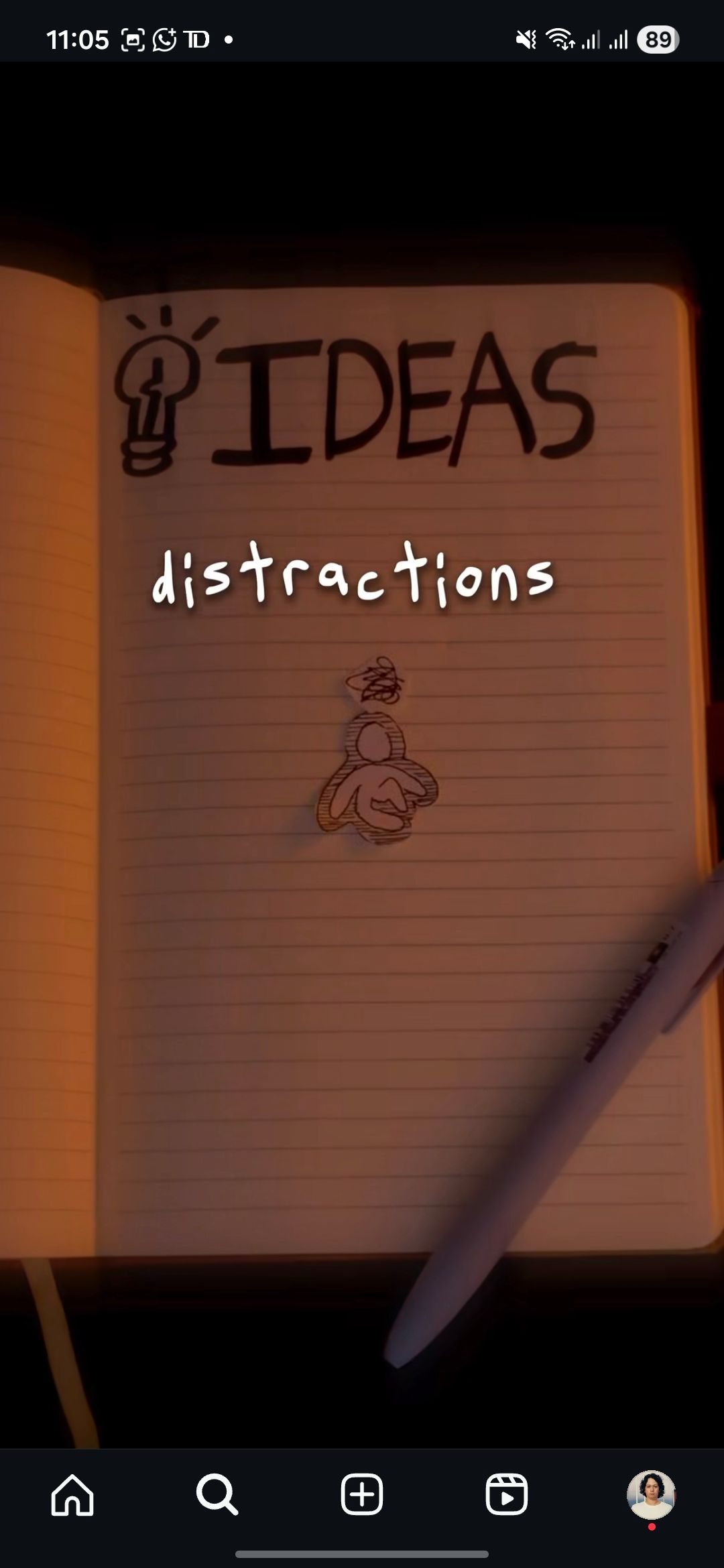
I LOVE PROP SHOTS.
It’s why I use so many note cards.
These are the best way to demonstrate ideas in an engaging manner and can really be anything.
A good practice is having a part of your script, typically an important keyword or point, written out or drawn IRL and filming it.
You can use sticky notes, note cards, really anything you want.
You can spell out the words with leaves or toothpaste.
This also goes for non-written props as well.
Say you have a line that said “I felt really overwhelmed.”
You could pour a bunch of water into a glass and have it over flow to convey that feeling.
Again, this relies on how creative you are and the level of authority you want to have. (there are ways to have “serious” prop shots as well.)
To determine if I should use a prop I think about:
The level of completely and how a prop shot could simplify it
If the shot would other wise be boring if filmed regularly
Or if I have a trinket to use or idea for how to make it look cool
Clone shot
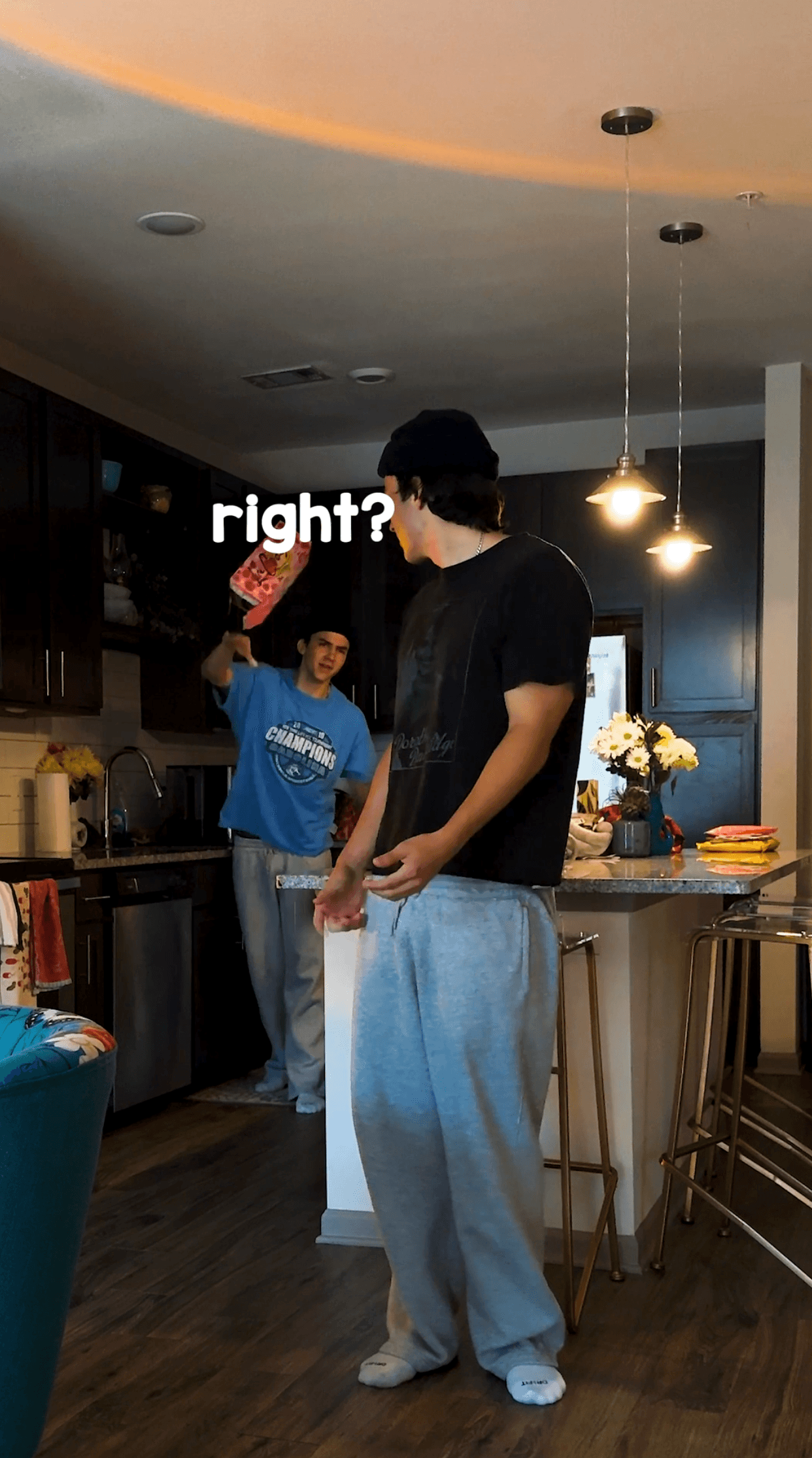
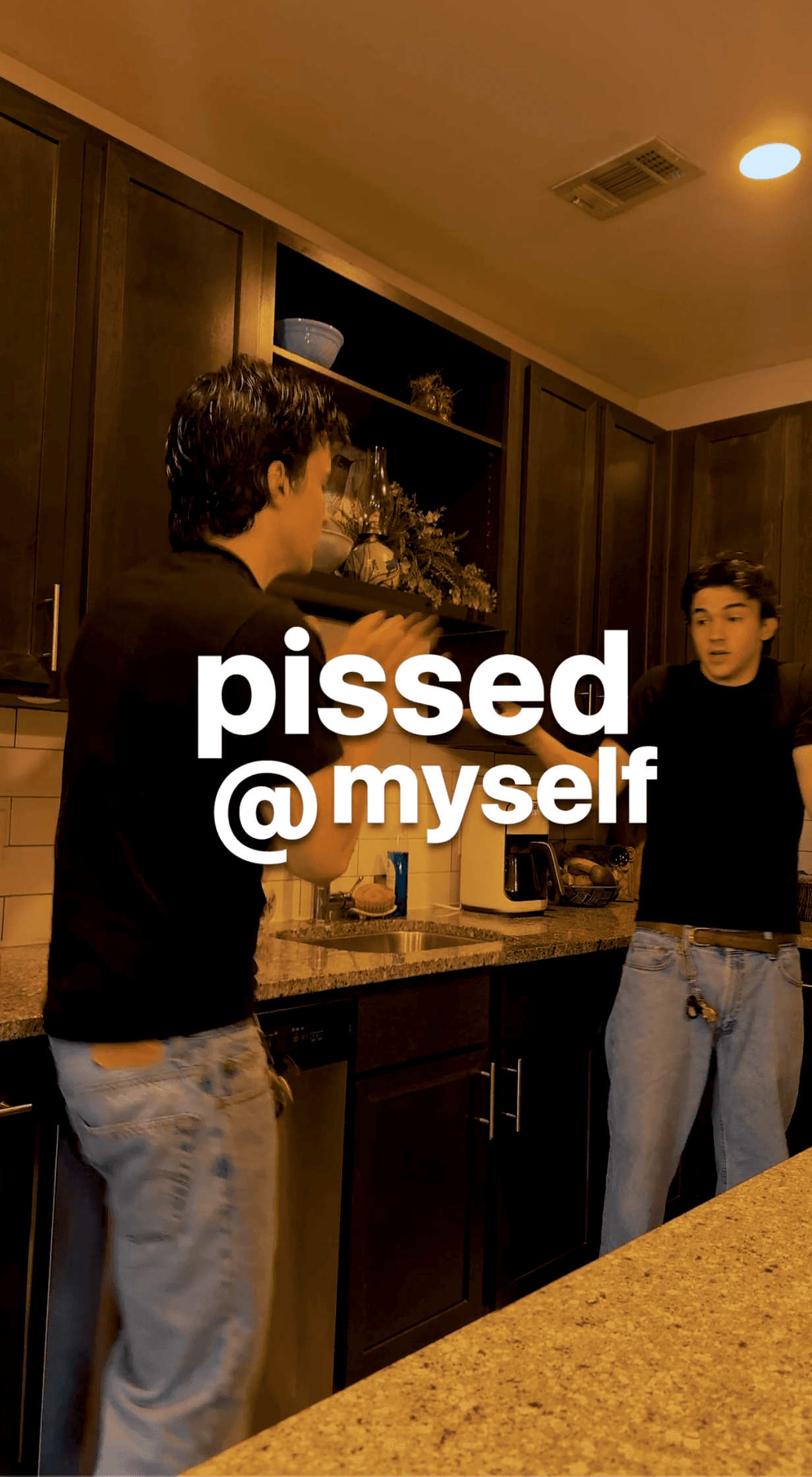
Clone shots are a great way to have interact between two “characters.”
I like to imagine one clone is me now and the other is a younger me who doesn’t know what I do now. (like the viewer.)
The clone will poke a proud and ask all the questions a viewer has. Think of the clone as a physical embodiment of whatever the conflict is.
You can also have the clones work in tandem to explain an idea.
Or you can have lots and lots and lots of clones all around you being silly. The effect just looks really cool and is easy to pull off → that’s why it’s in the basics.
To make the clone shot as easy as possible for yourself when editing, here’s the step’s to take:
Set up a wider shot.
Note the middle. Avoid crossing this line at all costs.
Stand on one side and say the first half of the line, then stand on the other and say the second.
BUT to make the clone shots even more real you need to imagine the other “person” is talking for each part of the line.
Meaning you’re listening or reacting to what the clone is doing or saying. (looking annoyed, laughing, nodding, etc.)
Here’s my video tutorial on how to do it: CLONE TUTORIAL
If you DO know how to mask, you’re already more editorially advanced then 99% of creators and this give you a lot more creative freedom in general and especially with clone shots.
Vlog shot
This is as easy as it sounds, take a selfie video, look at the camera, and talk.
To make these more interesting I would move around or walk while filming.
A vlog shot taken on a walk outside is much more visually appealing then you in a dimly lit room facing a wall.
The can also work well as transitions shots:
Turn your head and have the next shot be a vlog shot
Then while you moving in the vlog shot put the phone down and walk out of frame.
Walk into the frame on the next shot.
(Again: be creative, think outside the box. Are you noticing a theme?)


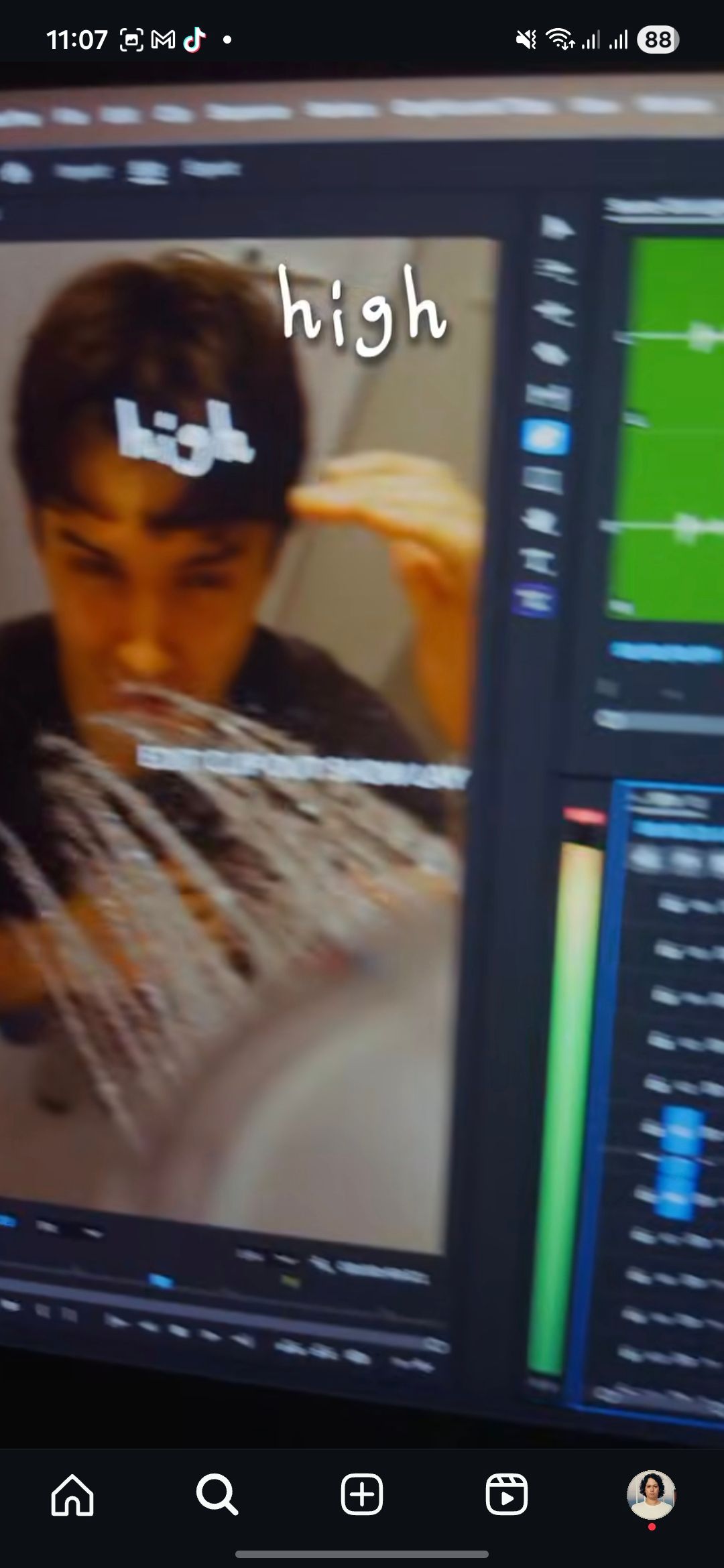
Screen recording shots
This is also really easy and a great way to make the video feel at home on the internet.
It’s also really easy to edit, you just lower the opacity of the recording to about 30%, distort the shot so it’s titled a bit, and rock on.
I mainly use these for the CTA to show the act of commenting.
I pretend to type into my camera and have the screen recording be a video of me putting the keyword into the comments.
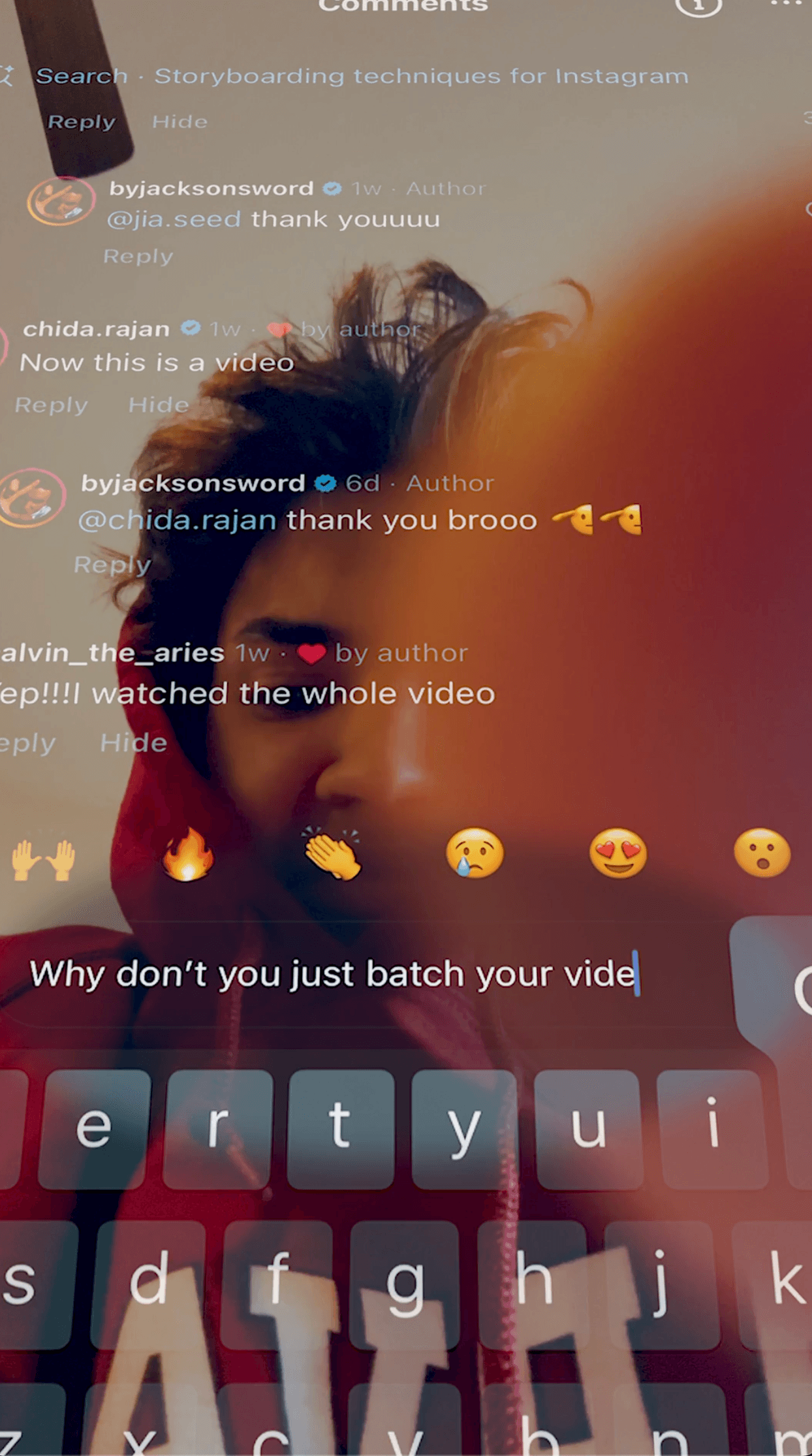
There is ANOTHER type of screen recording shot as well but it’s more literal.
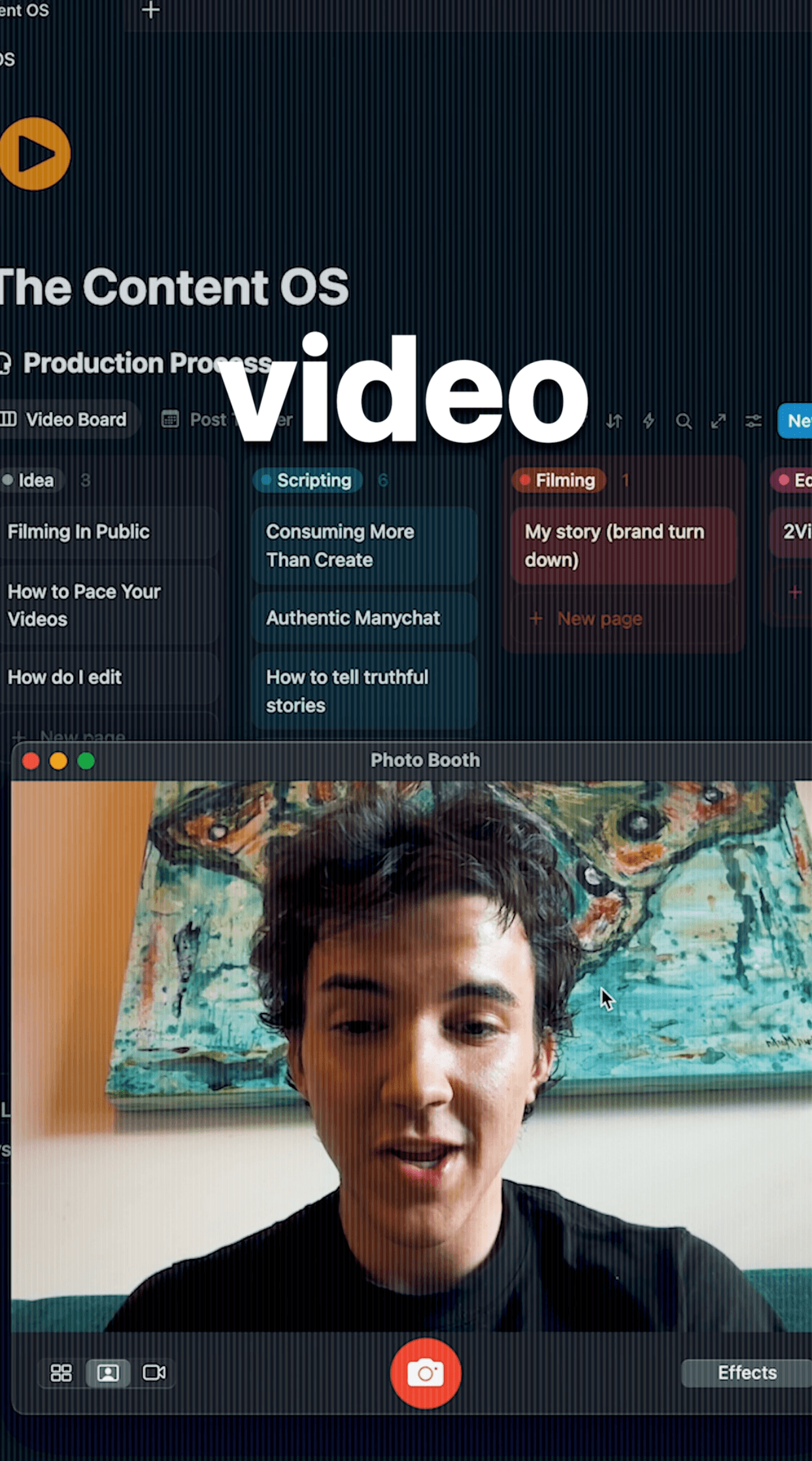
You can film a video prior to shooting the clip and have it appear on a screen that you film. (literal screen recording.)
For example if the line was: “I was spending 15 hours a day editing.”
I could record a horizontal video of myself saying that line, put the video up on my laptop and have the editing timeline behind it, and then record the laptop AND video.
This is also a solid way to show of a free resource. (I like visual showing them what they get when they comment.)
DIY shots
This is also know as jerry-rigging.
Sometimes you have an idea for a shot that is a bit out there and you’re not too sure how to pull it off.
This is where having a small rig comes in REALLY handy: SMALL RIG LINK
It turns anything into a tripod basically, a bit scary to use and trust, but given that you take the proper persuasions → 10/10 would recommend.
However sometimes you have to get a bit outlandish.
Duck tape exists. Just saying.
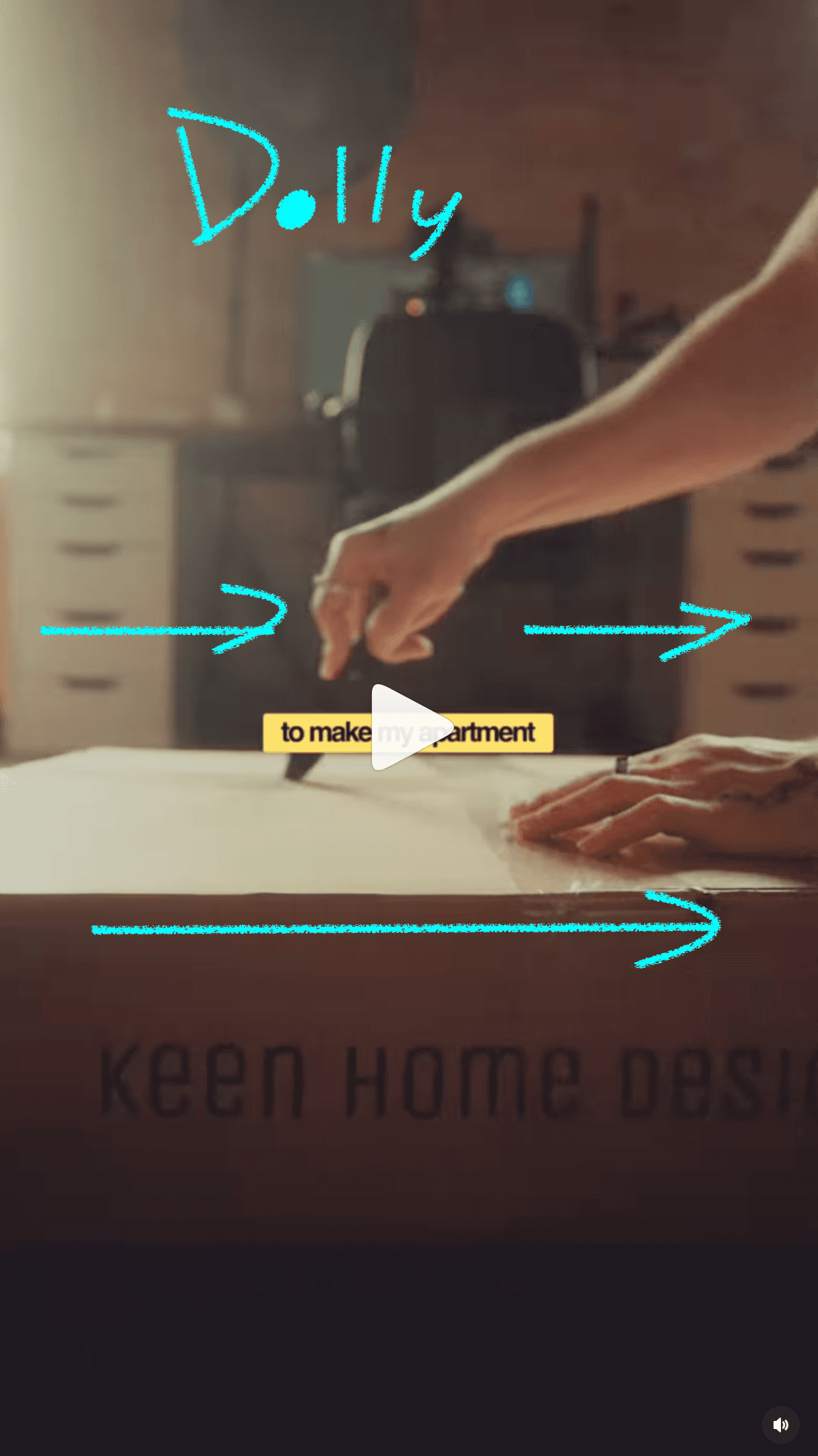
Another cool DIY is the skateboard dolly.
A dolly is something filmmakers use to have clean camera movement in and out from their subject.
You can replicate this by having your tripod on a skateboard and pulling it towards you or pushing it away.
ON CAMERA PRESENCE
This is really important. If you look scared or feel stale on camera you’re videos are going to be hard to sit through.
And I know it’s weird talking to a black box and trying to act “normal.” So here my methods to decompress before you shoot:
First, Shake
Stand in front of the camera and shake your body really loose. You can make a noise here if you want.
The goal is too feel stupid and silly so that you get all the nerves out of your system.
Really wave your arms about.
Then, act like the camera is your best friend
You need to talk to the camera like you’ve known each other for years. This is how you sound most authentic.
The goal is to be looking at the lens to maintain eye contact with the viewer at all times, this makes it feel like your speaking directly to them.
HOW SHOULD YOU TALK?
A good rule of thumb is to talk a bit faster than you typically would, maybe around 1.5x speed. Odds are your going to be nervous so you may talk faster automatically.
But we also want to alternate the pace of the story so you need to be slowing down at the appropriate moments.
If you had a line that was read: “I was so depressed, I couldn’t get out of bed.”
You wouldn’t say that fast and happy. You want to match the mood that that line dictates (i.e. slow and sad)
We also want to maintain authority in our tone when speaking to our ICP. So don't drop or have your voice fall off at the ends of your sentences → this makes you come off as unsure of what your saying.
For when you keep messing up your lines:
Don’t get frustrated at yourself. I have once taken 30 minutes to say 3 lines.
Take a deep breath and say the line really slow, then a little faster, then a little faster, until your at a regular pace.
It’s also 100% ok to switch the wording of the line when filming. I have scrapped entire lines and added new ones on the fly based on what felt “right.”
(also keep in mind you should be saying each line a minimum of three times anyway so that when you’re editing or being edited, they have other takes to choose from.)
CINEMATORGOPAHY
Absolute cinema. That is the goal.
But if your like me, cinematography at first feels really daunting.
What does it actually mean to be cinematic.?
And after thousands of hours, I’ve found the cinema feeling comes from three places:
Composition, Lighting, and References
1. COMPOSITION
Composition for short form is actually quite simple most of the time.
You want to be aligned with the center of the frame for most of the shot.
This means whenever your walking in, out, etc; you’re aligned with the the middle third.
(this plays into the rule of thirds, the problem is that the rule of thirds is typically for horizontal formats. However, I have a vertical composition guidelines you can use here:
Take notes that the yellow space is were NOT to have your captions.)
Furthermore when shooting consider eye line, each clip should have your eye level roughly at that first white bar. This helps the shot feel consistent.
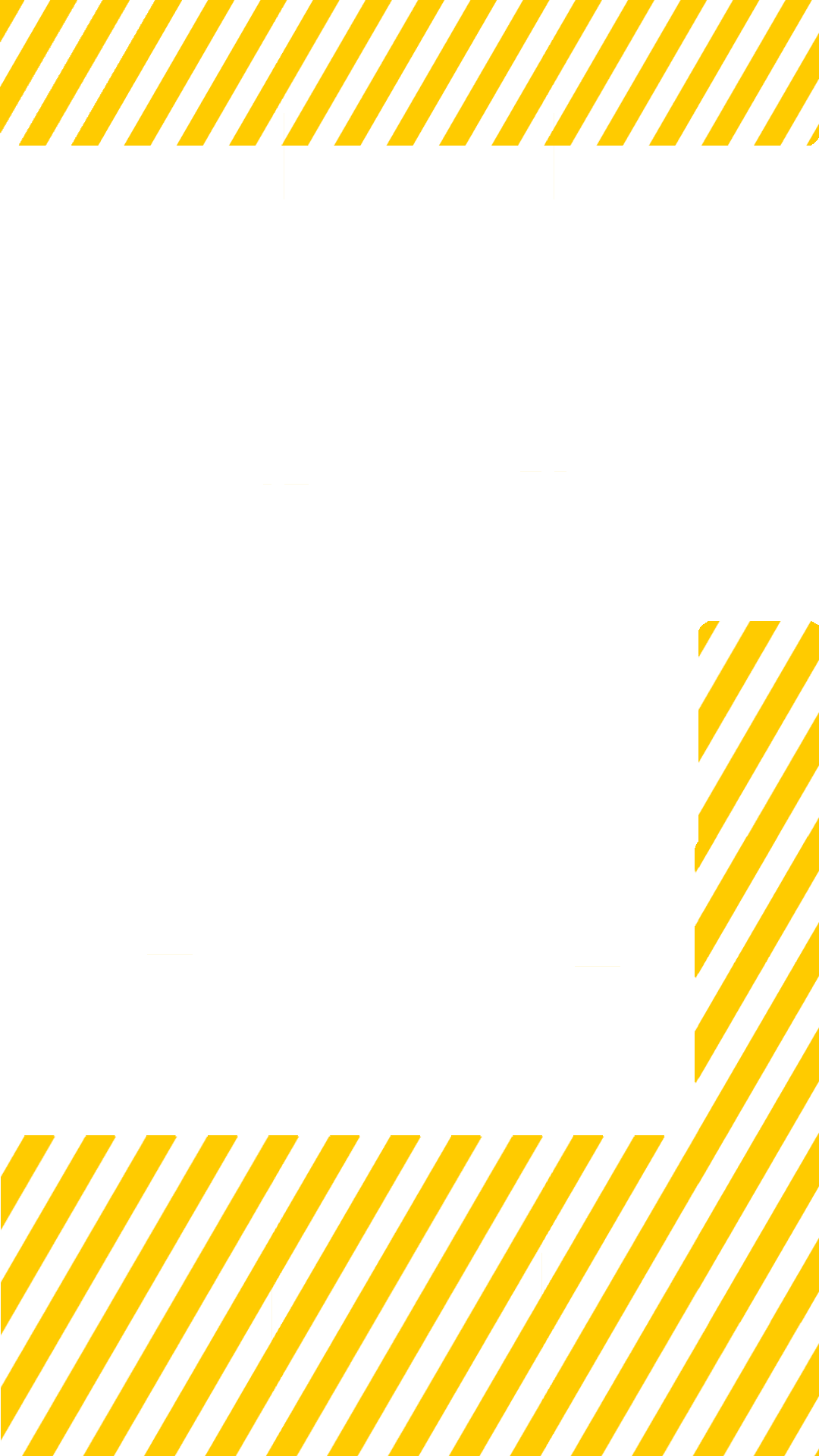
You also want your composition to support your caption placement, so shoot with them in mind. Best rule of thumb is to have them towards the top half of your screen above your head. But your captions don’t need to stay in one place for the entire video — if your head takes up the top half of the frame in one shot it’s over the move the captions lower so that your face is not covered.
iPhone filming composition tip:
If your filming on an iPhone and have another Apple device, you can screen share your phone screen while you film to line yourself up for compositional reasons.
If you don’t have access that’s ok too, when you’re setting up your shot take note of whatever object is near the middle and align yourself close to it.

2. LIGHTING
“How to have cinematic lighting” is plastered all over Instagram. And for the most part it’s just a matter of where your light is in relation to the camera as well as where you’re shooting from.
The purpose of lighting is to create depth within a shot and develop the atmosphere. Lighter shots are more cheery and darker shots are more sinister.
These diagrams shows the simplest way to get that cinematic look while not taking to much time to set up. The main rule for lighting in this case, is that you don’t want it to be straight on — it’ll make you look washed out.
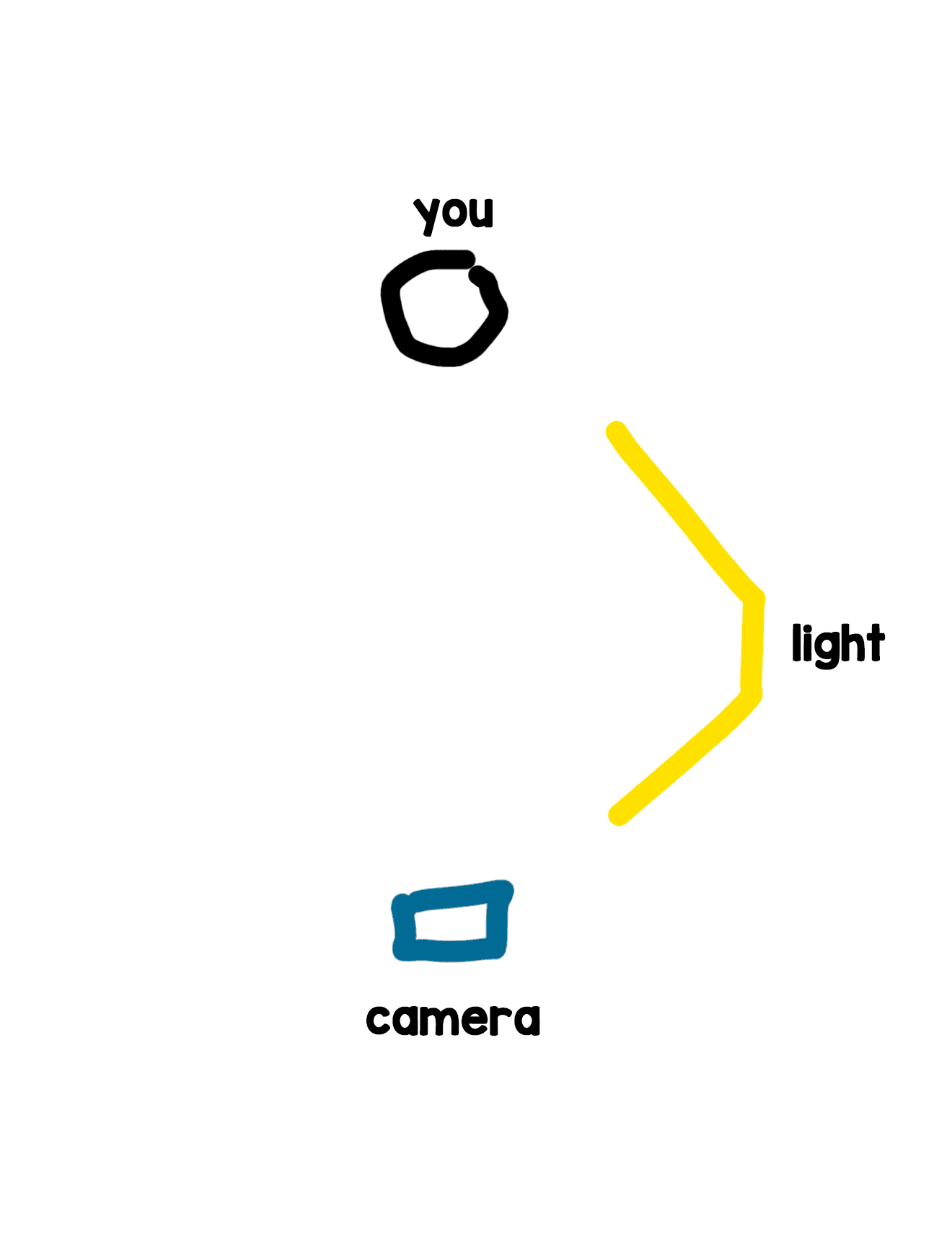
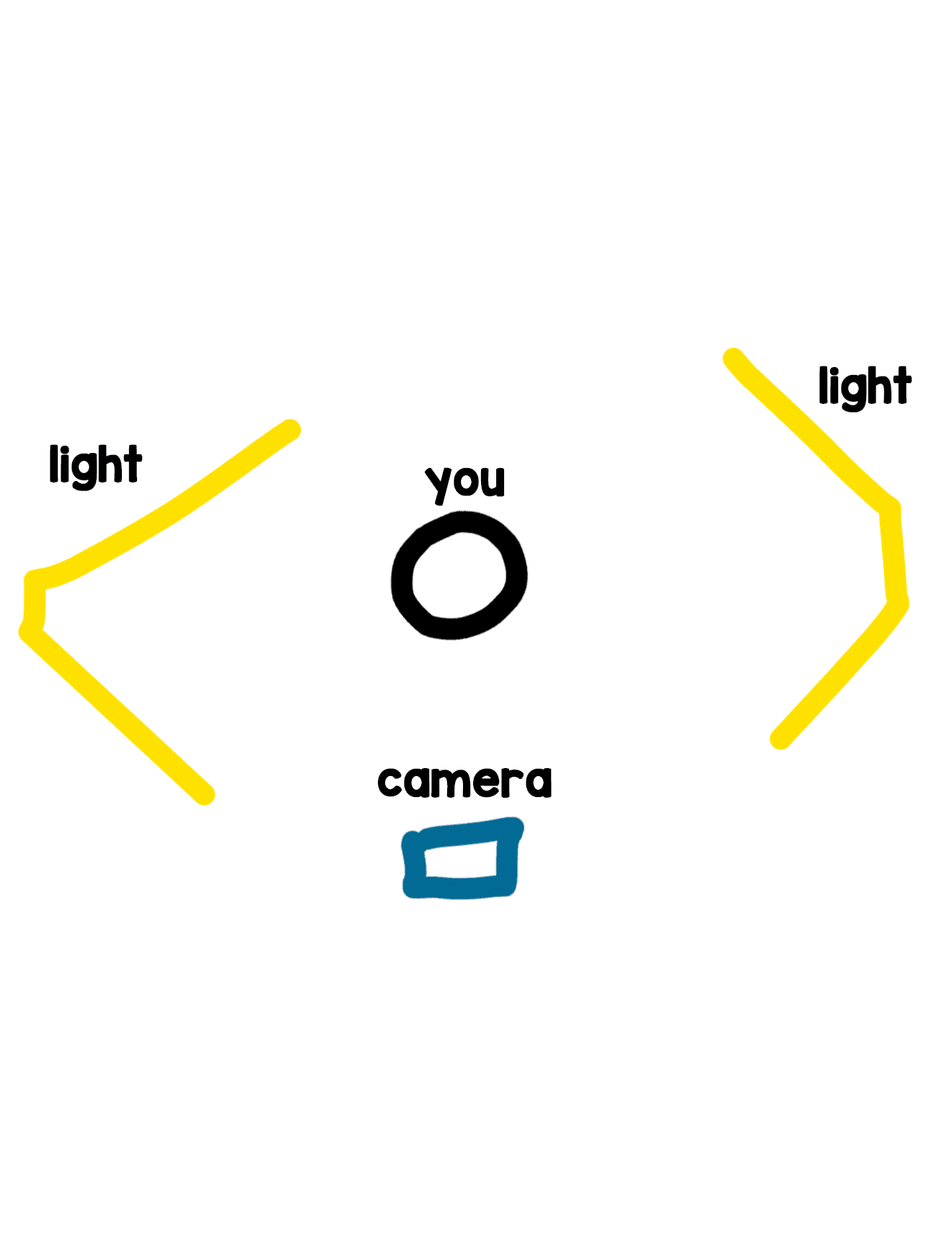
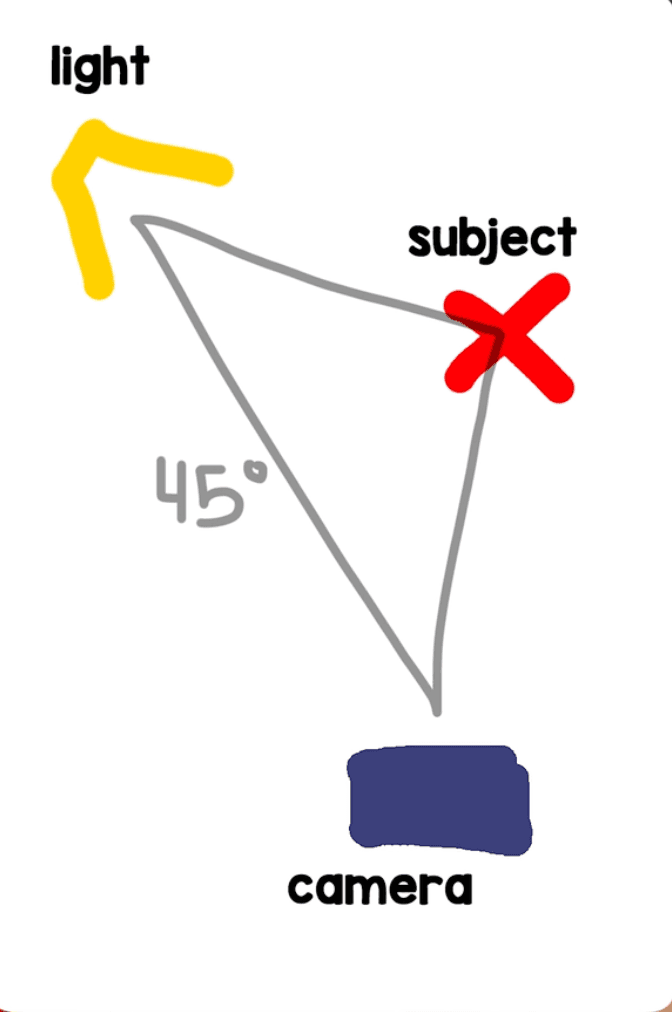
We angle the lights to the side, so that there is a “shadow side” of our face.
WE SHOOT TO THIS SHADOW SIDE.

You can also adjust the height of your light to get different effects.
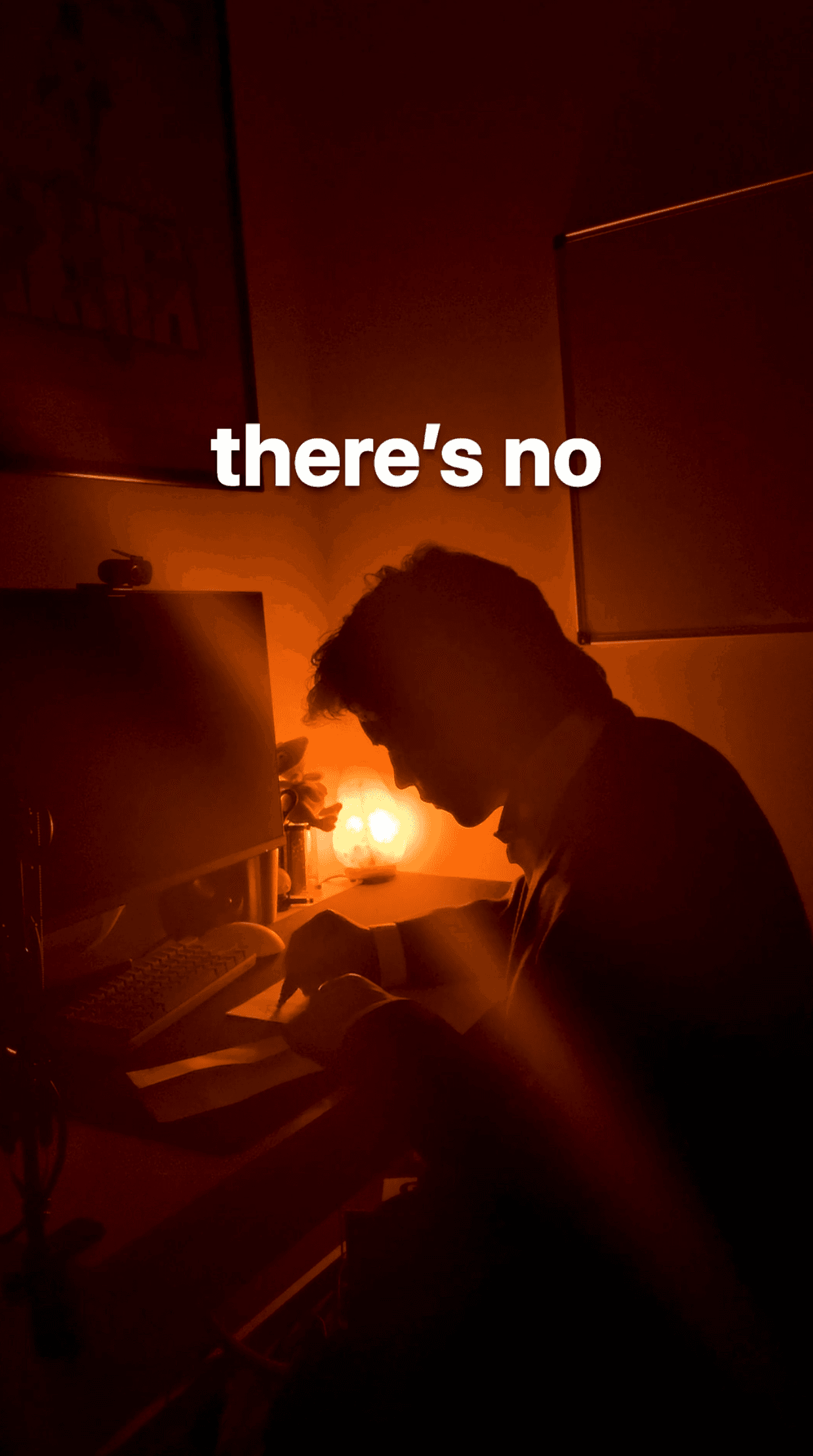
Back lighting makes for a more silhouetted shot.
As for lighting gear, it varies and can get expense.
But really any light source will do if placed correctly. Like I mentioned before mine is from Walmart.
You can also have your setup next to a big window.
Typically the sunlight from 8am-10am or 3pm - 5pm translates best onto camera and stays the most consistent. Be careful when shooting outside during times of day when the light changes drastically.
But if you really have awful lighting in your inside space or don’t have access to a window → go outside.
You can get some beautiful lit shots during “golden hour”, sunset, dawn, or even midday.
3. REFRENCES
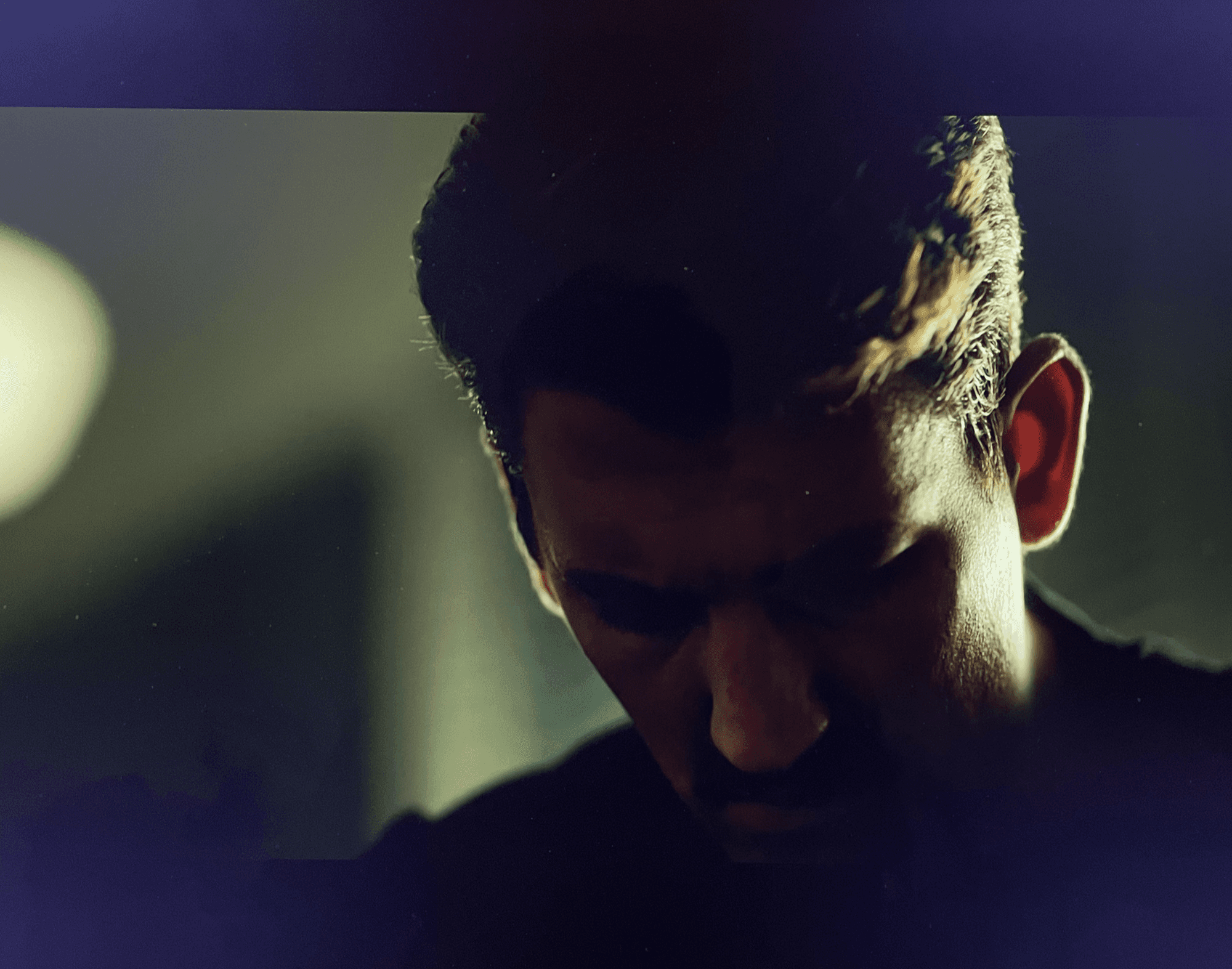
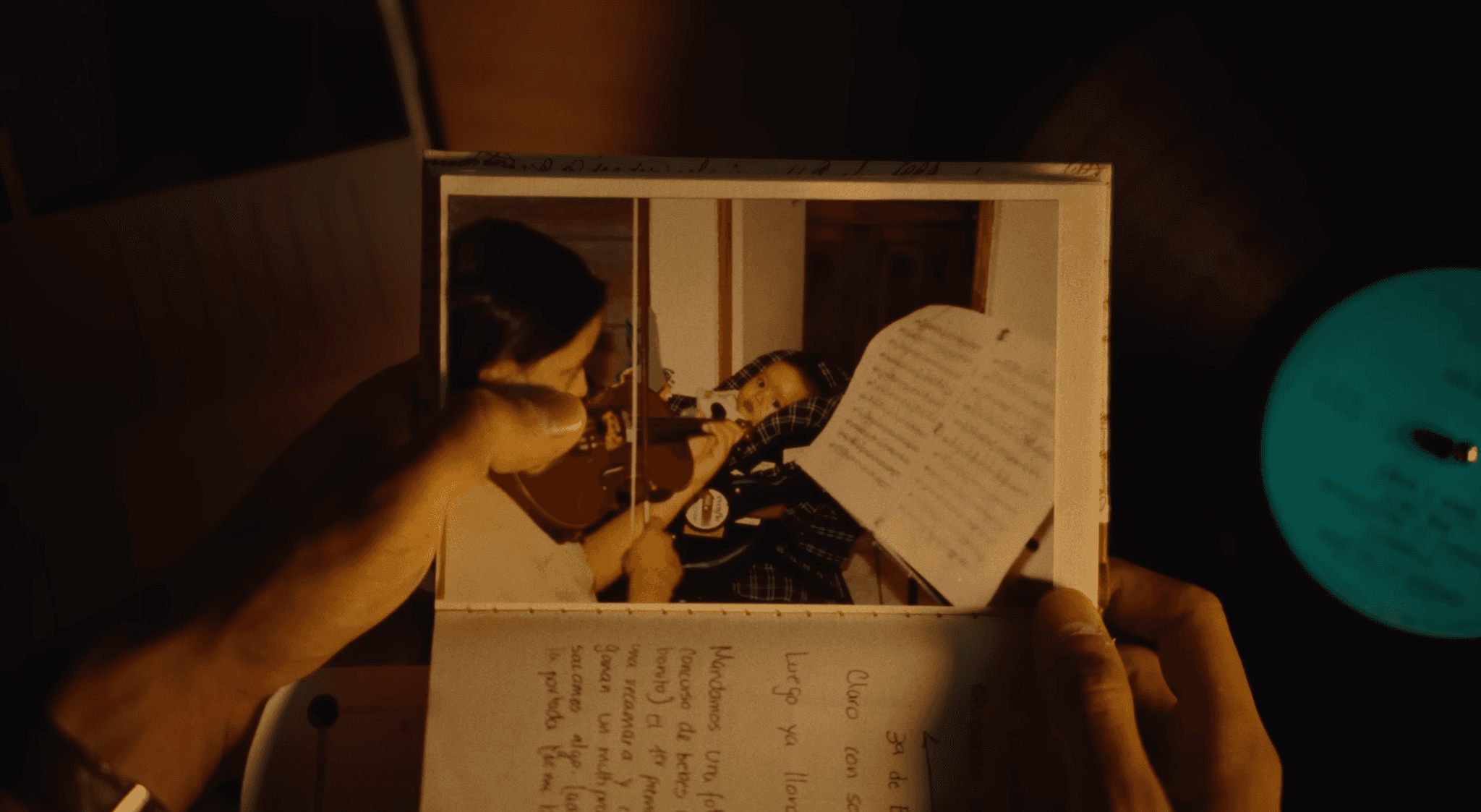
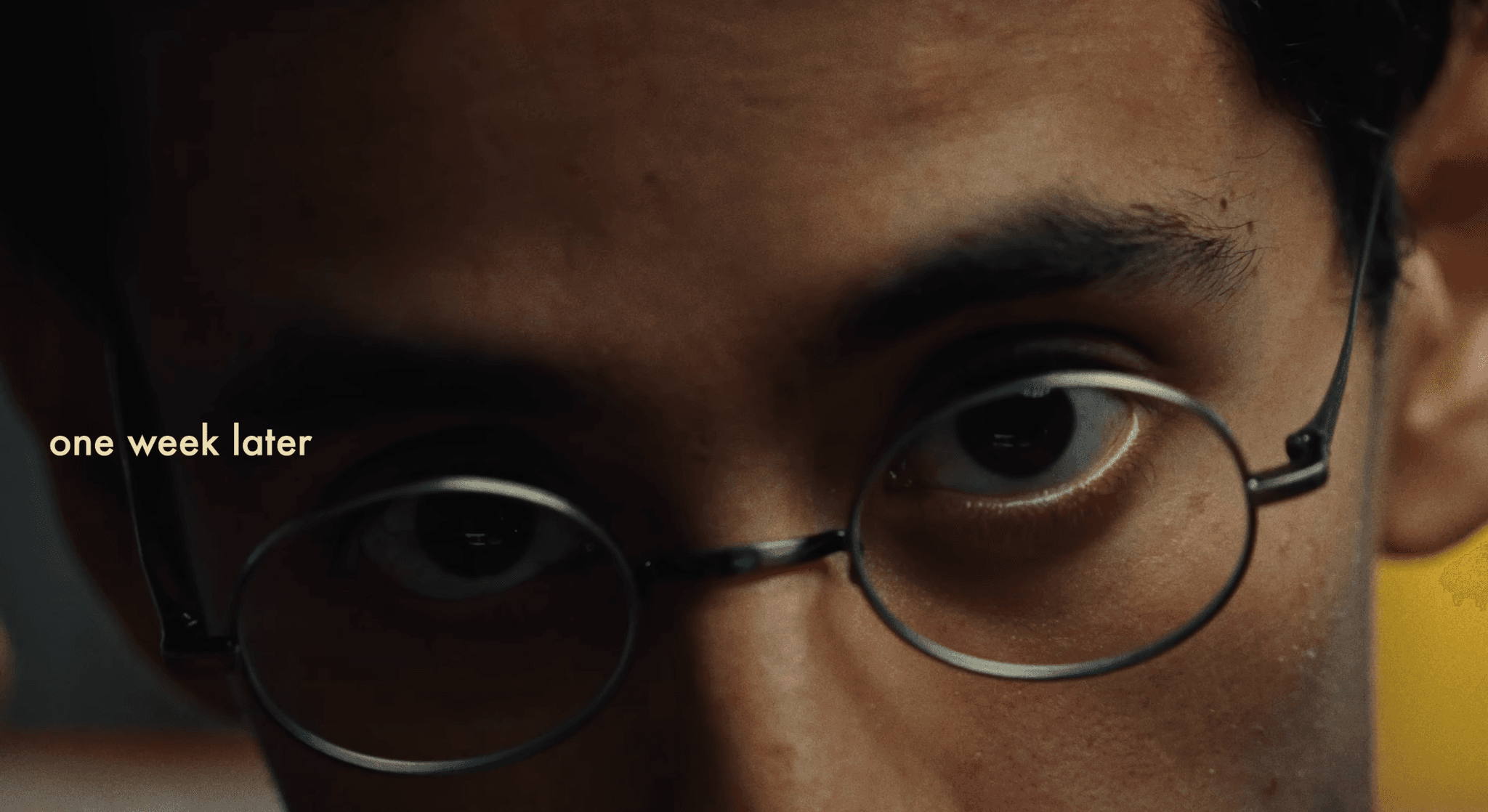
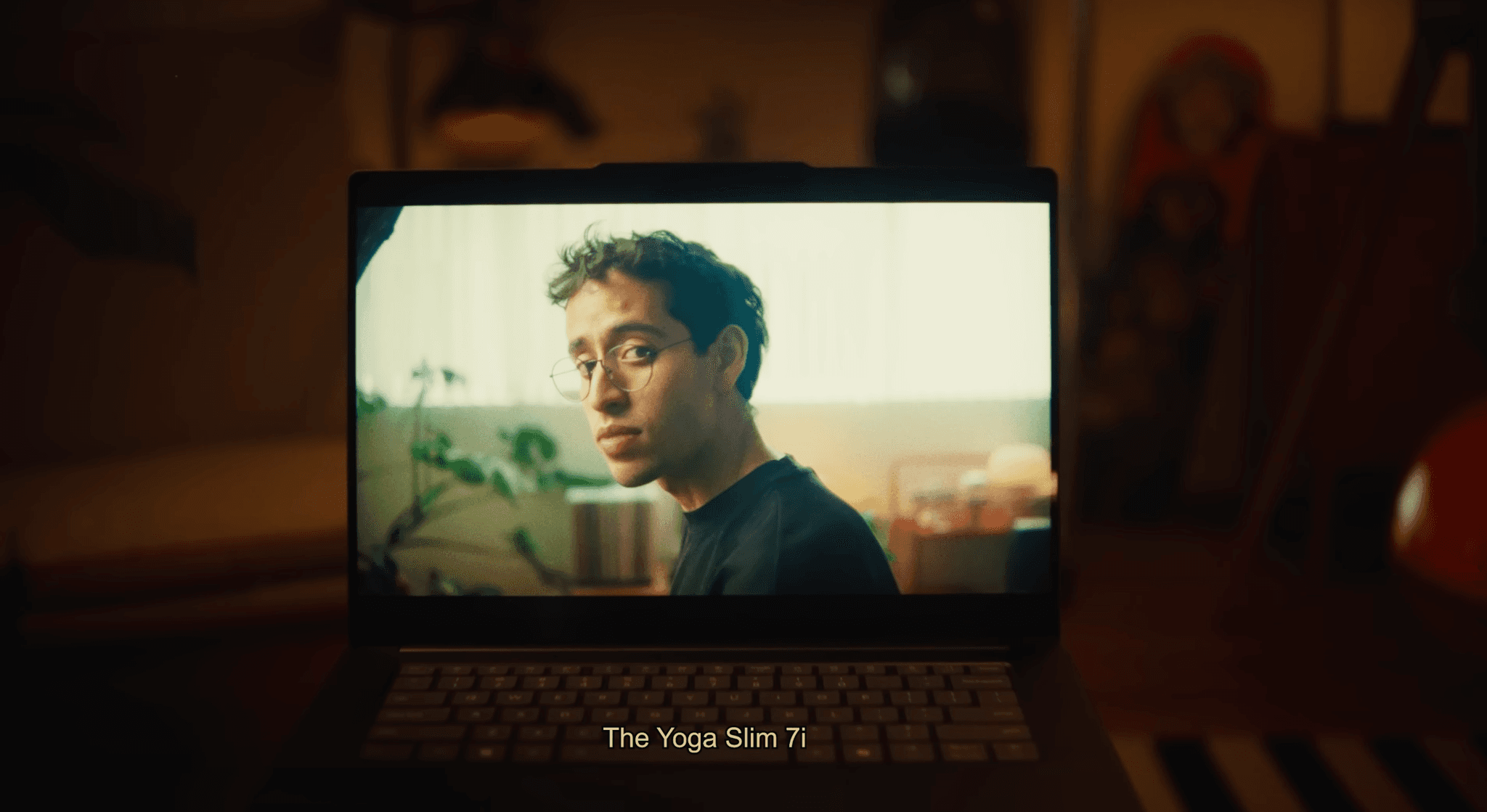
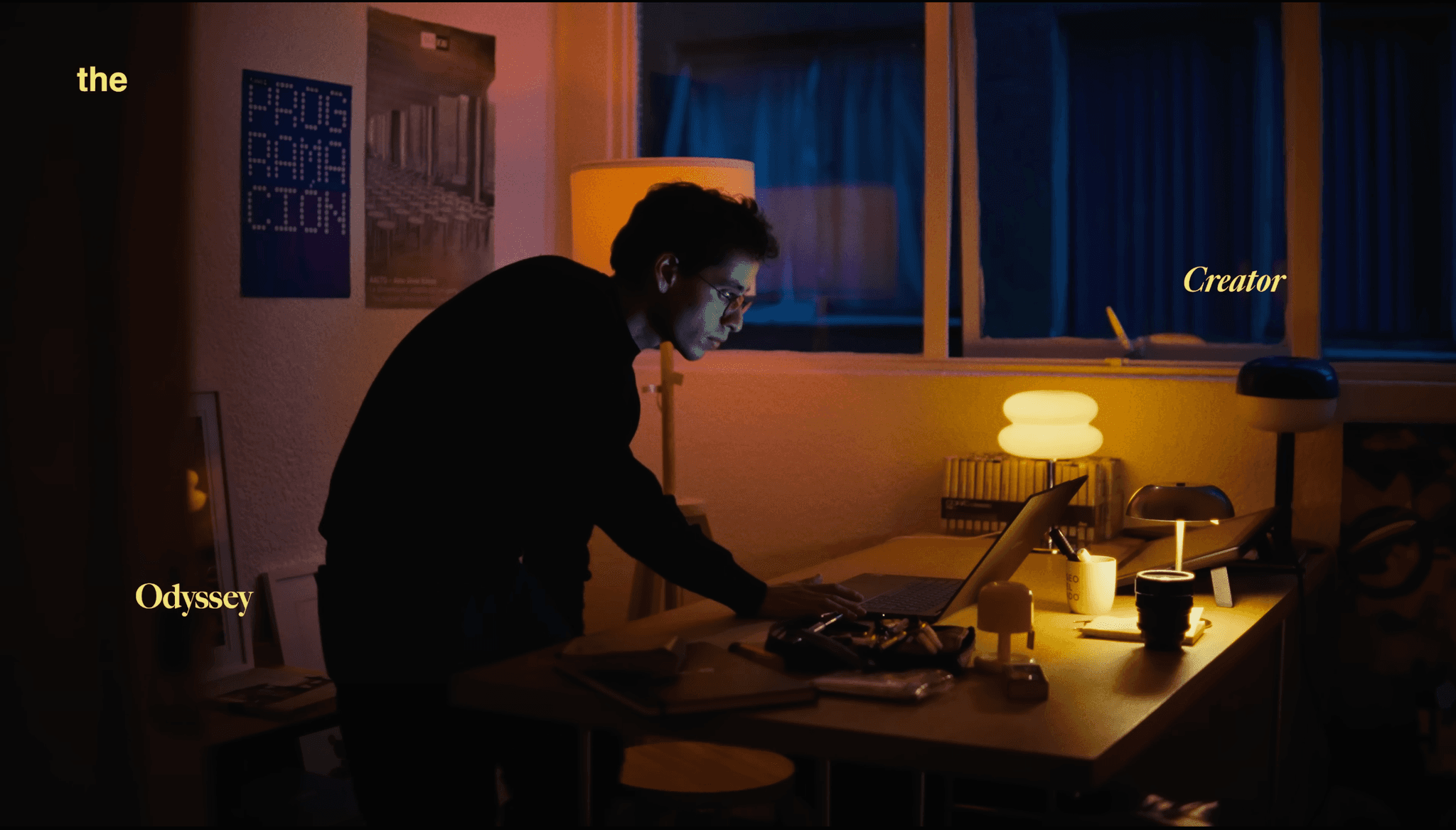
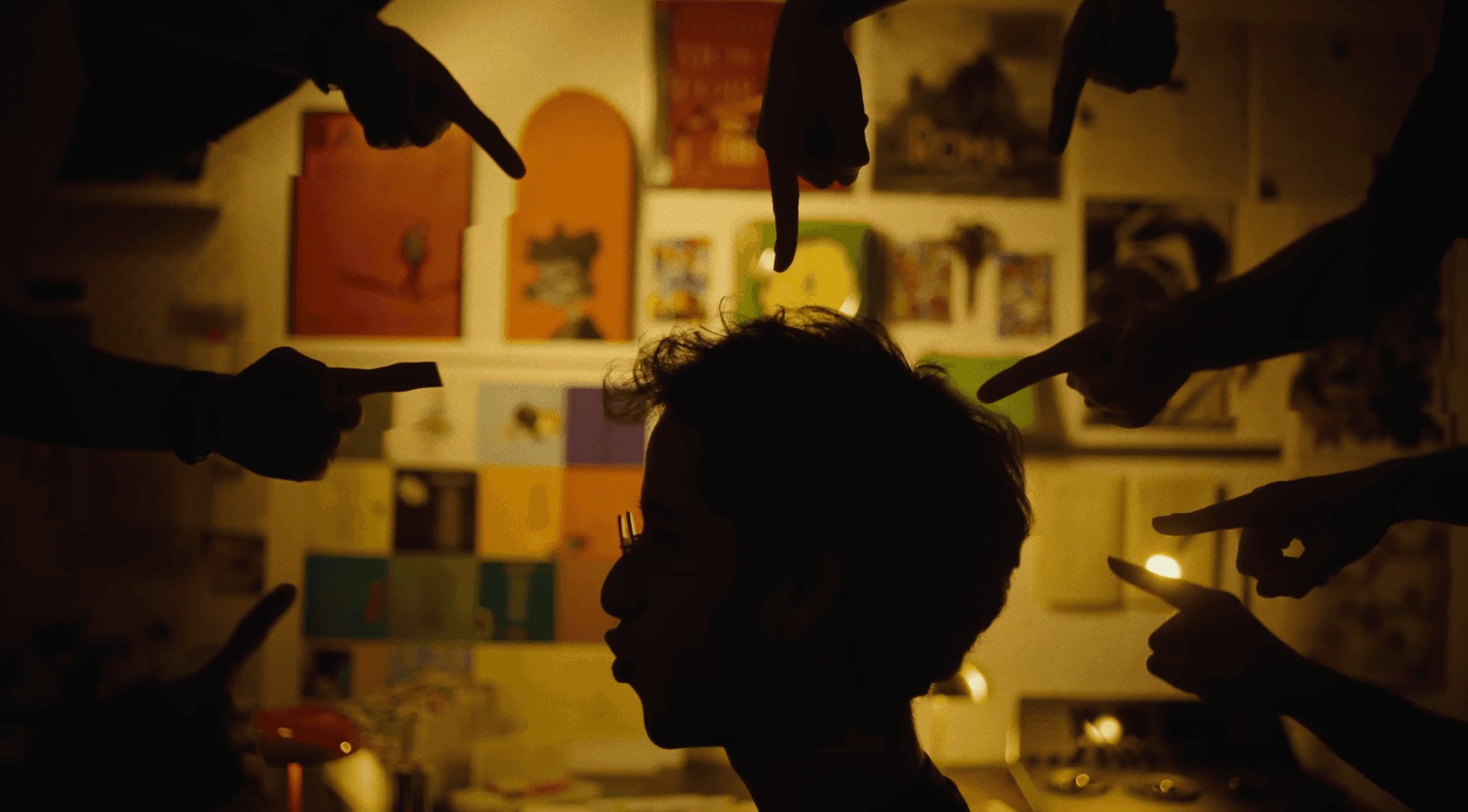
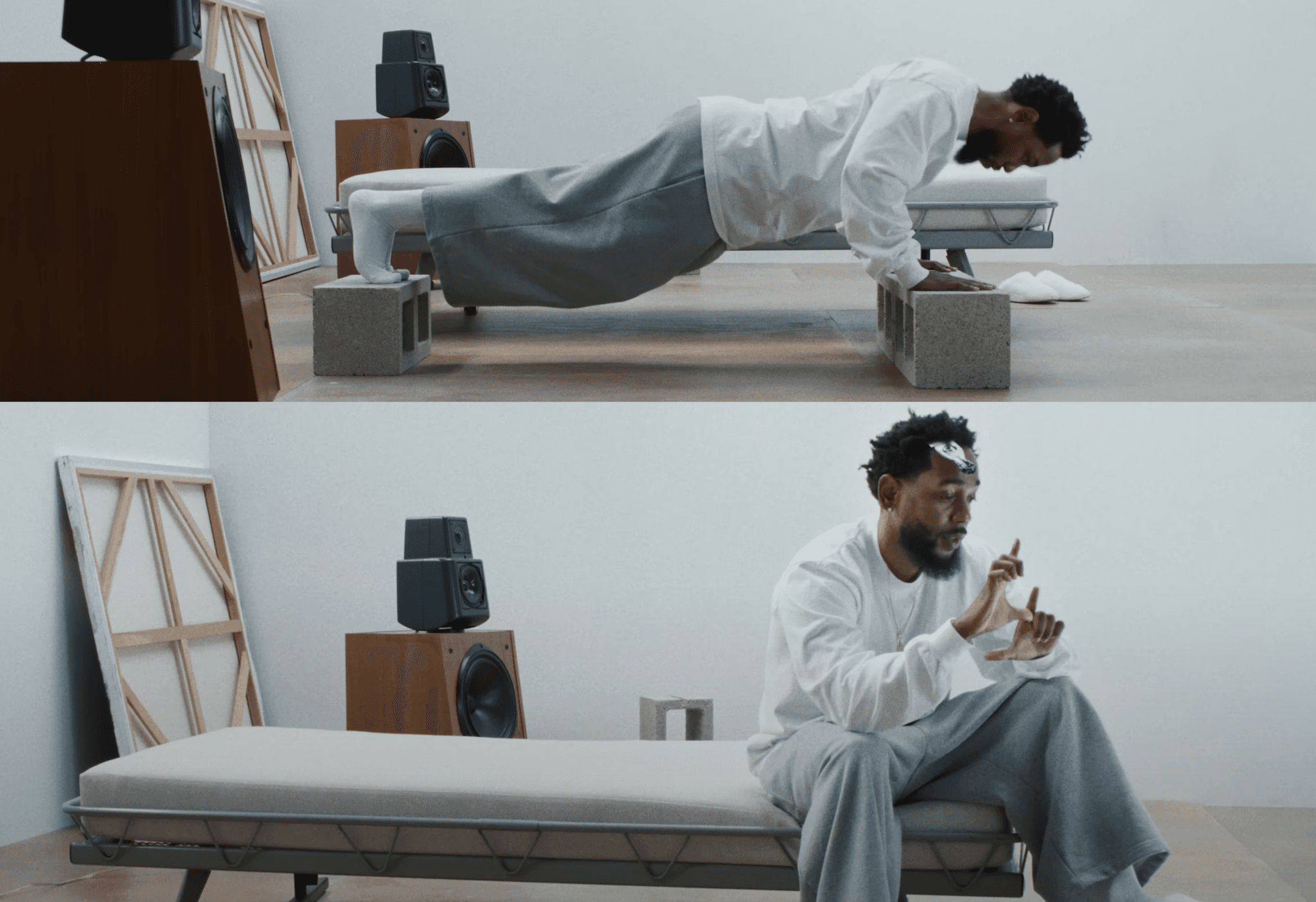
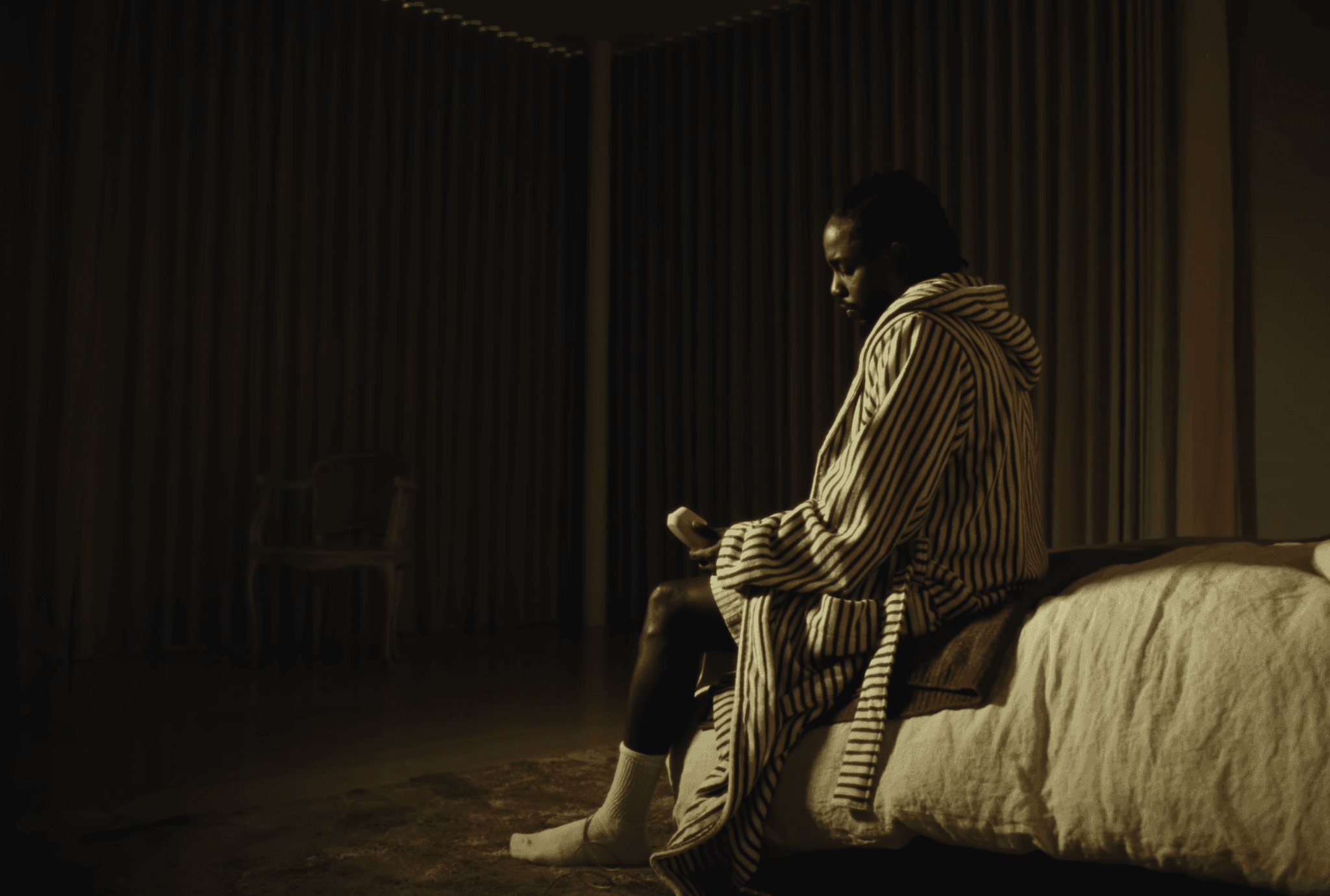
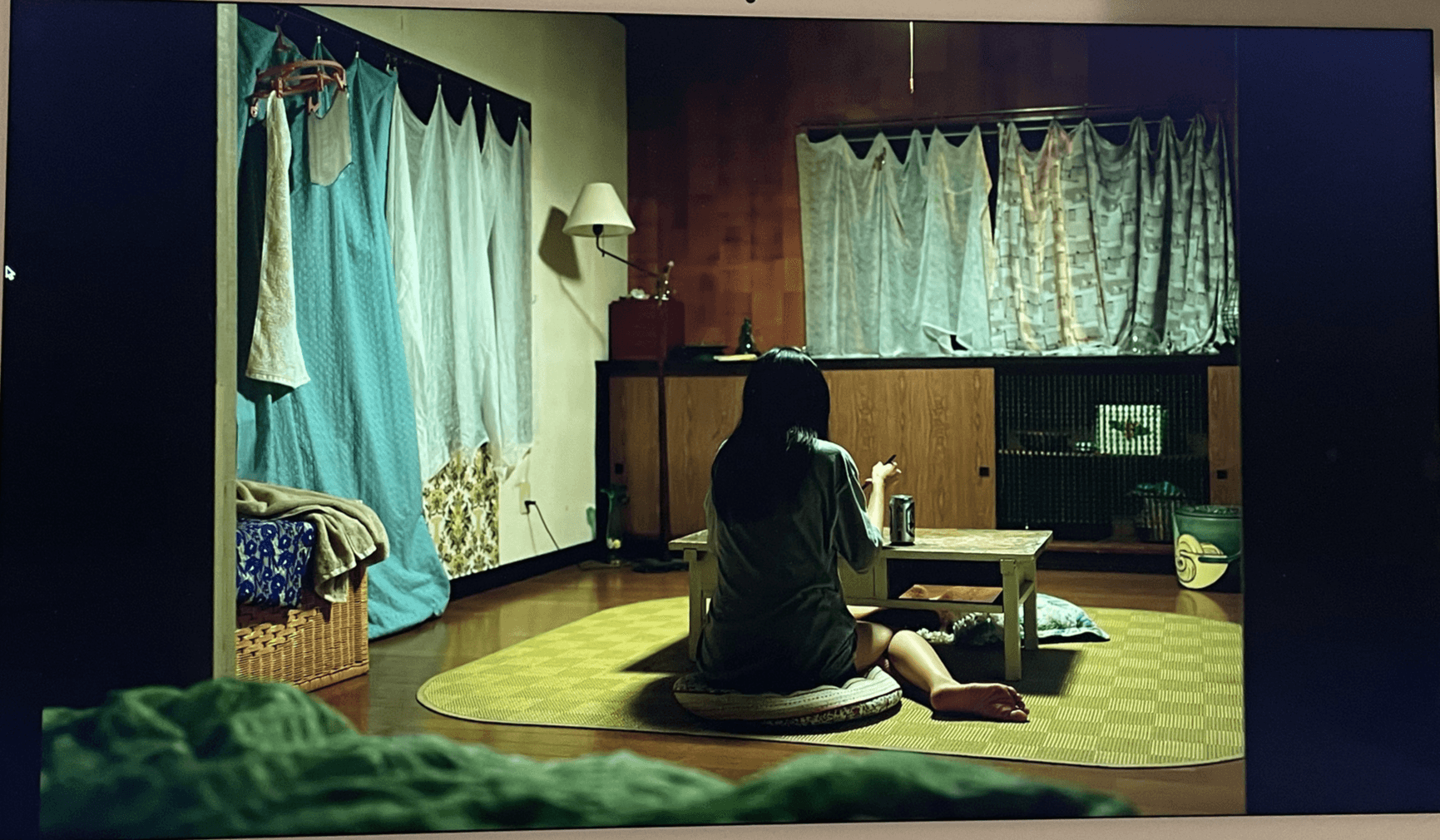
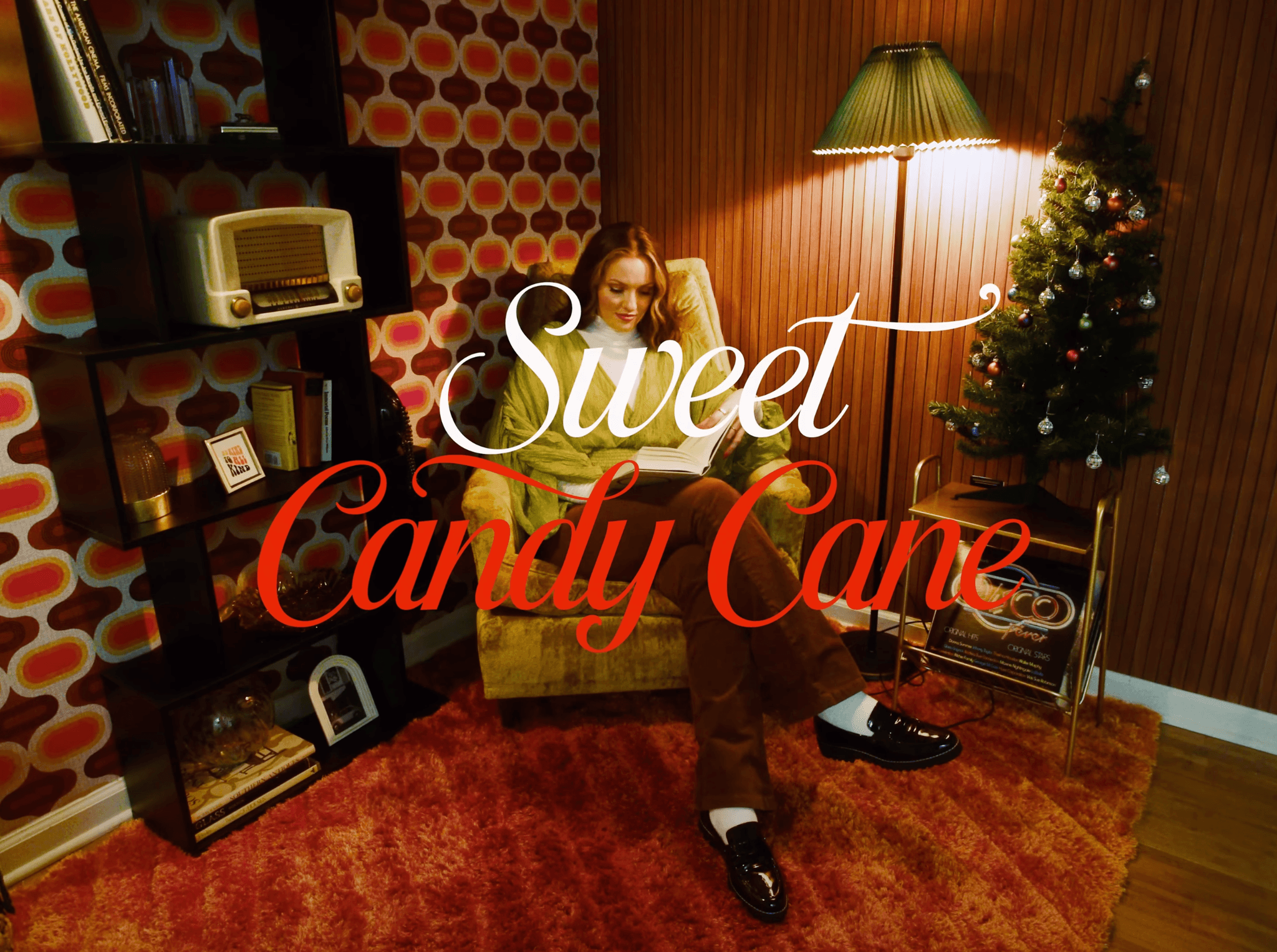
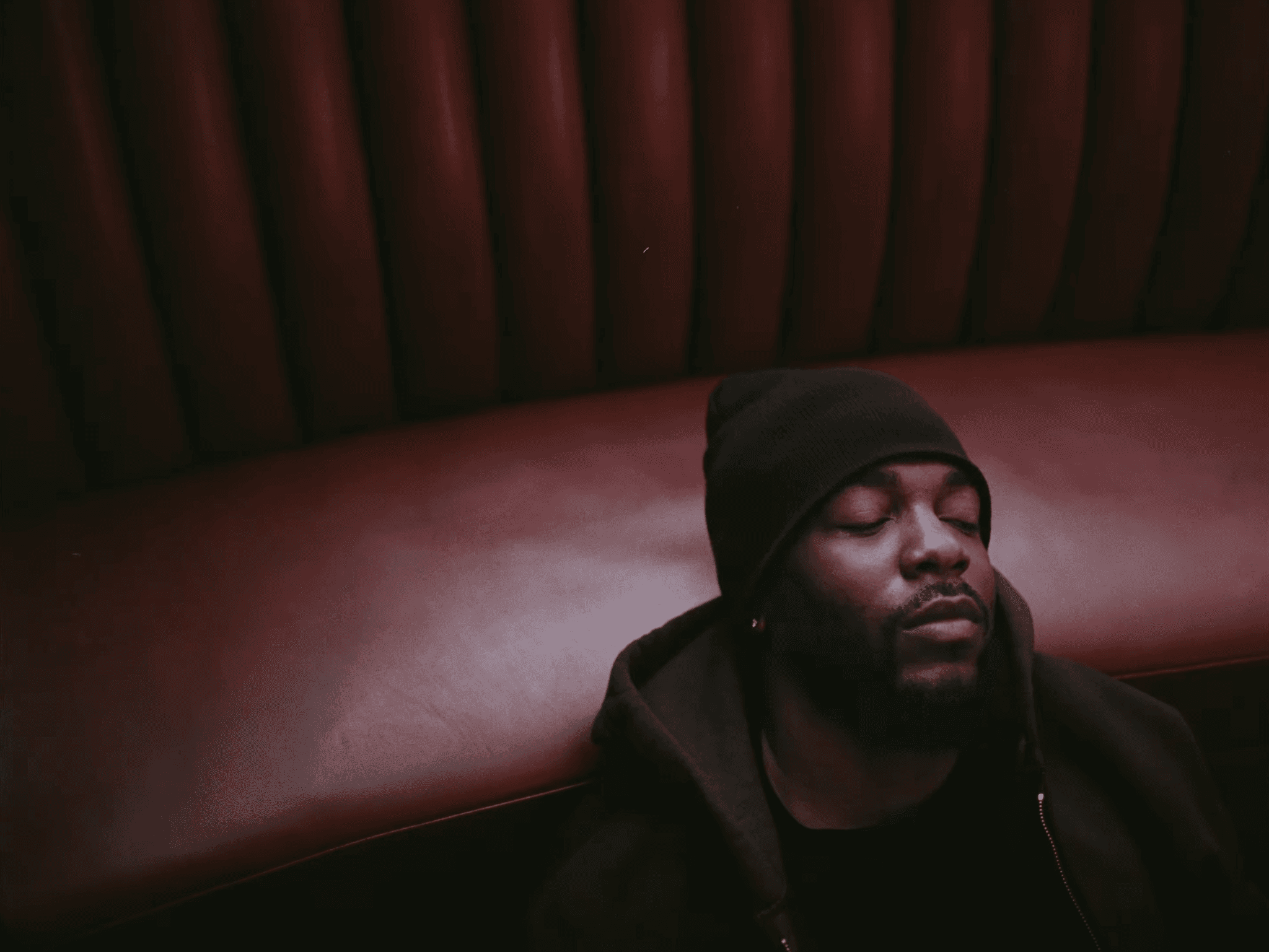
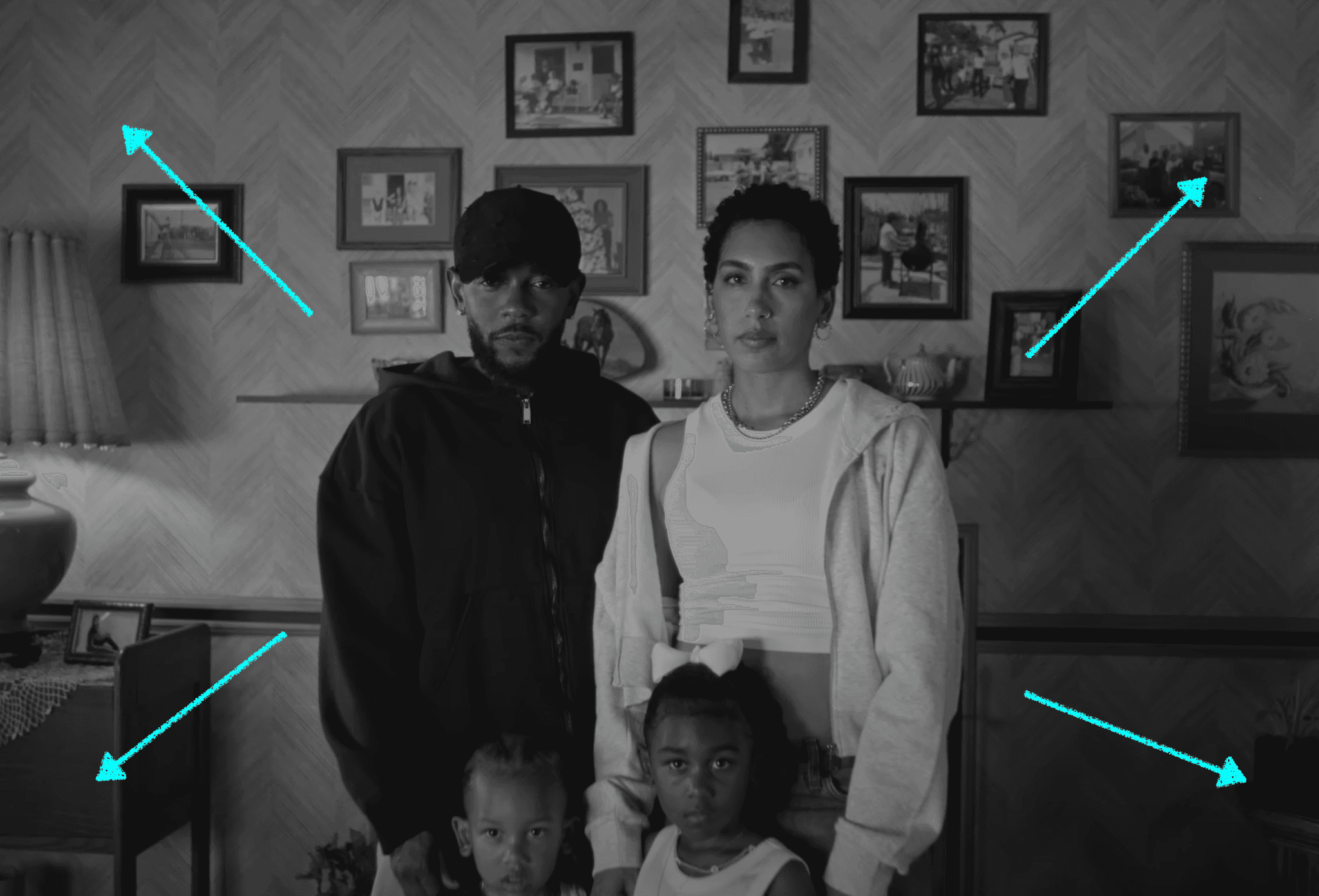
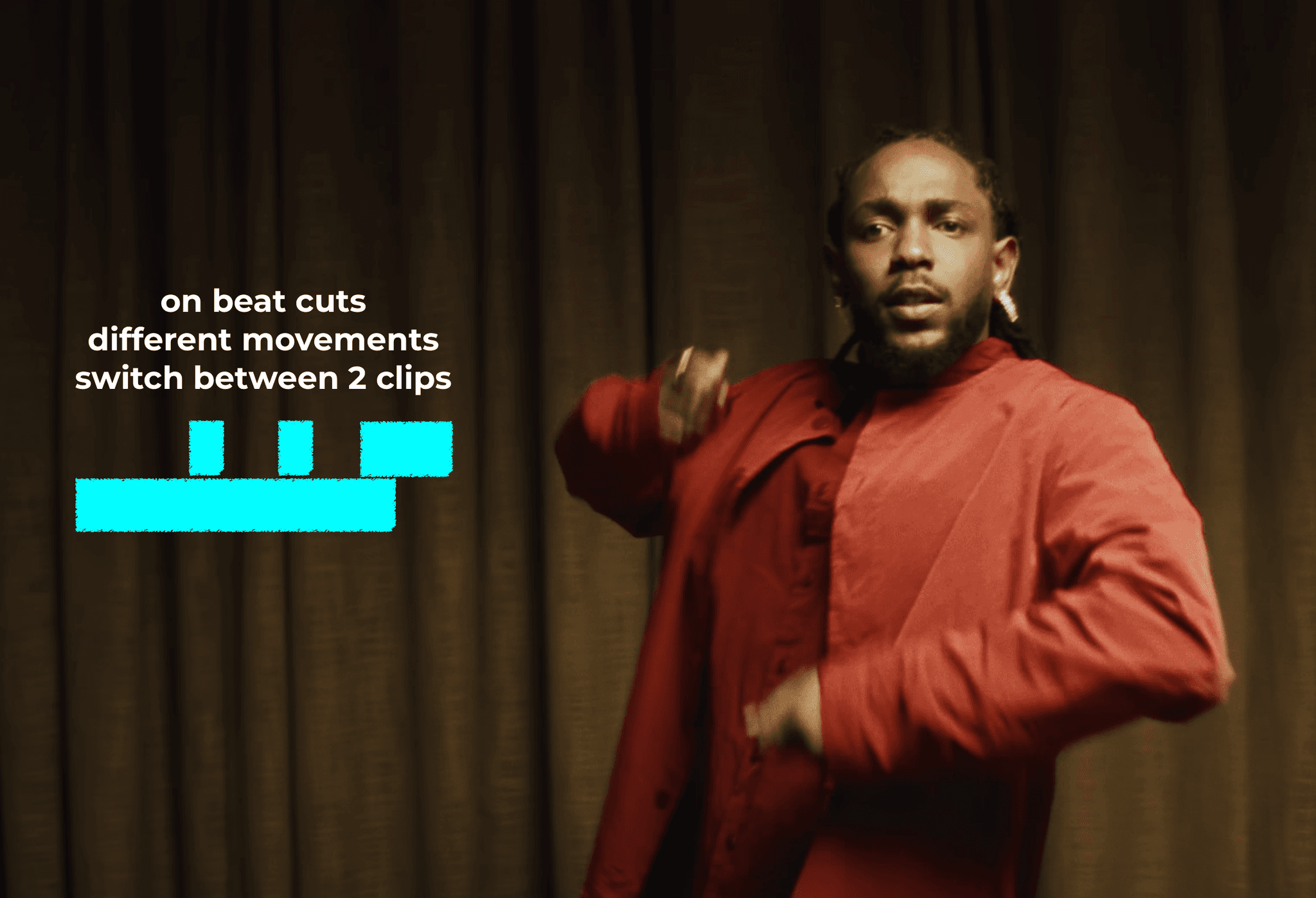
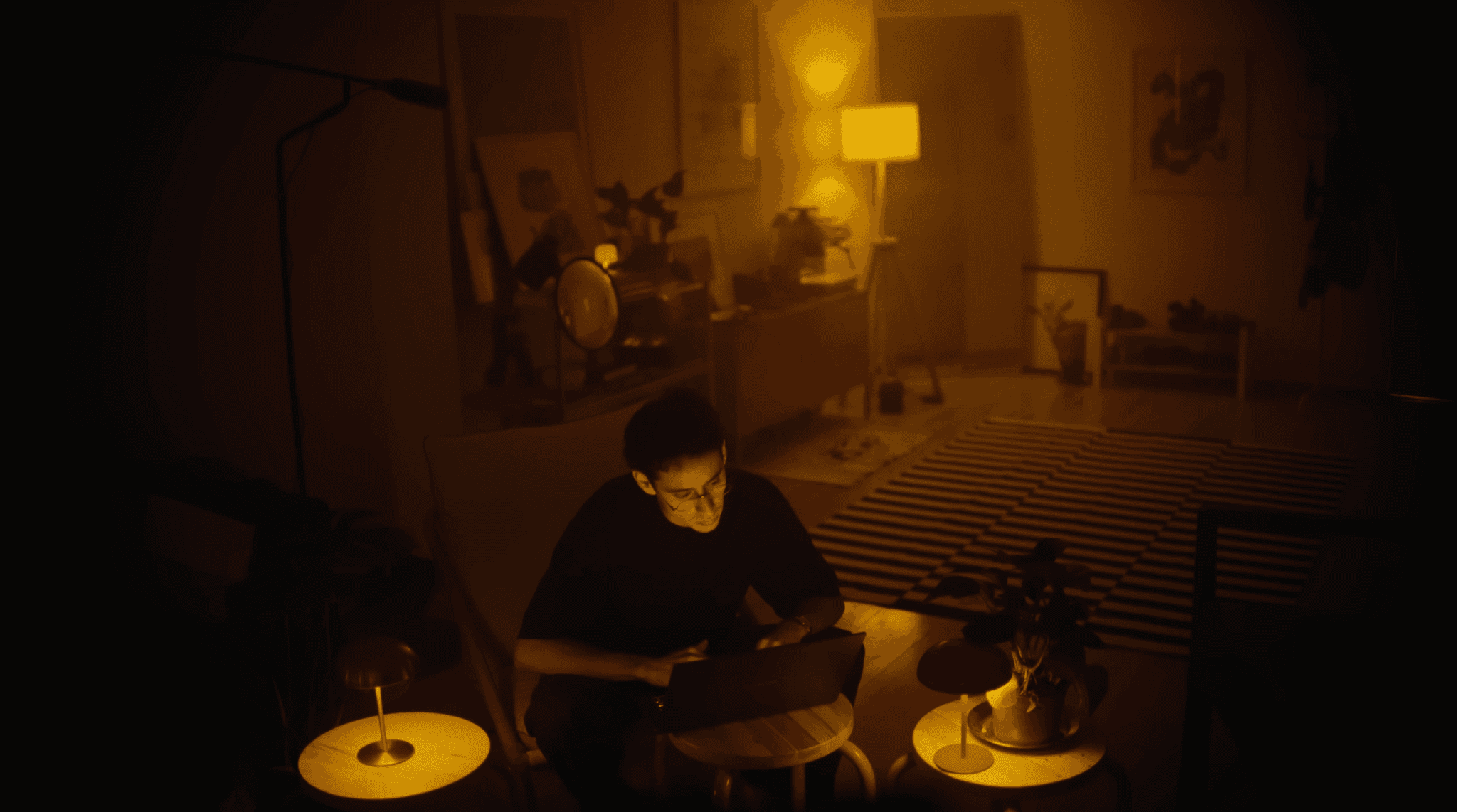
References are obviously the easiest, if you like a shot you see, its typically not to hard to recreate and with that recreation comes the cinematic-feel.
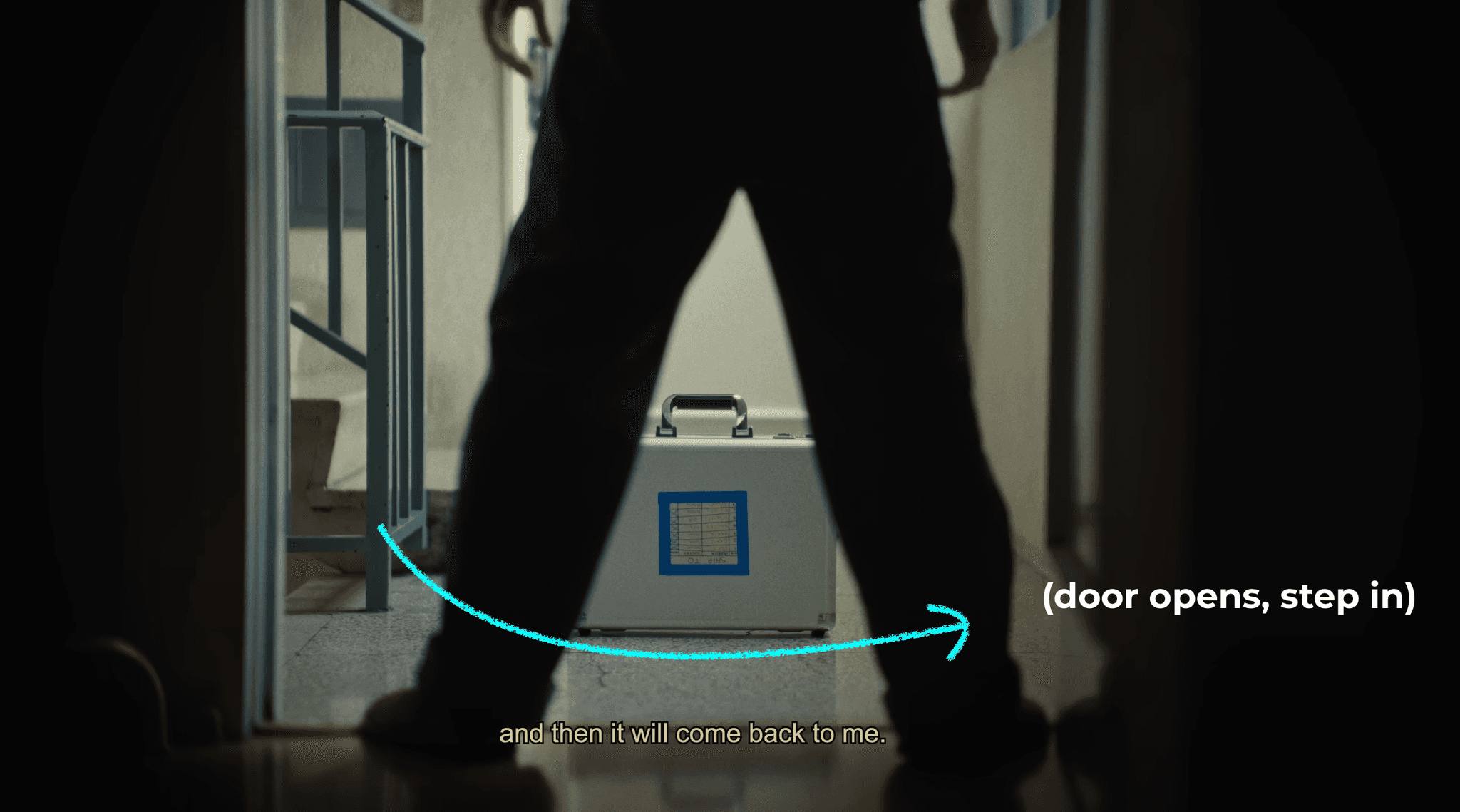
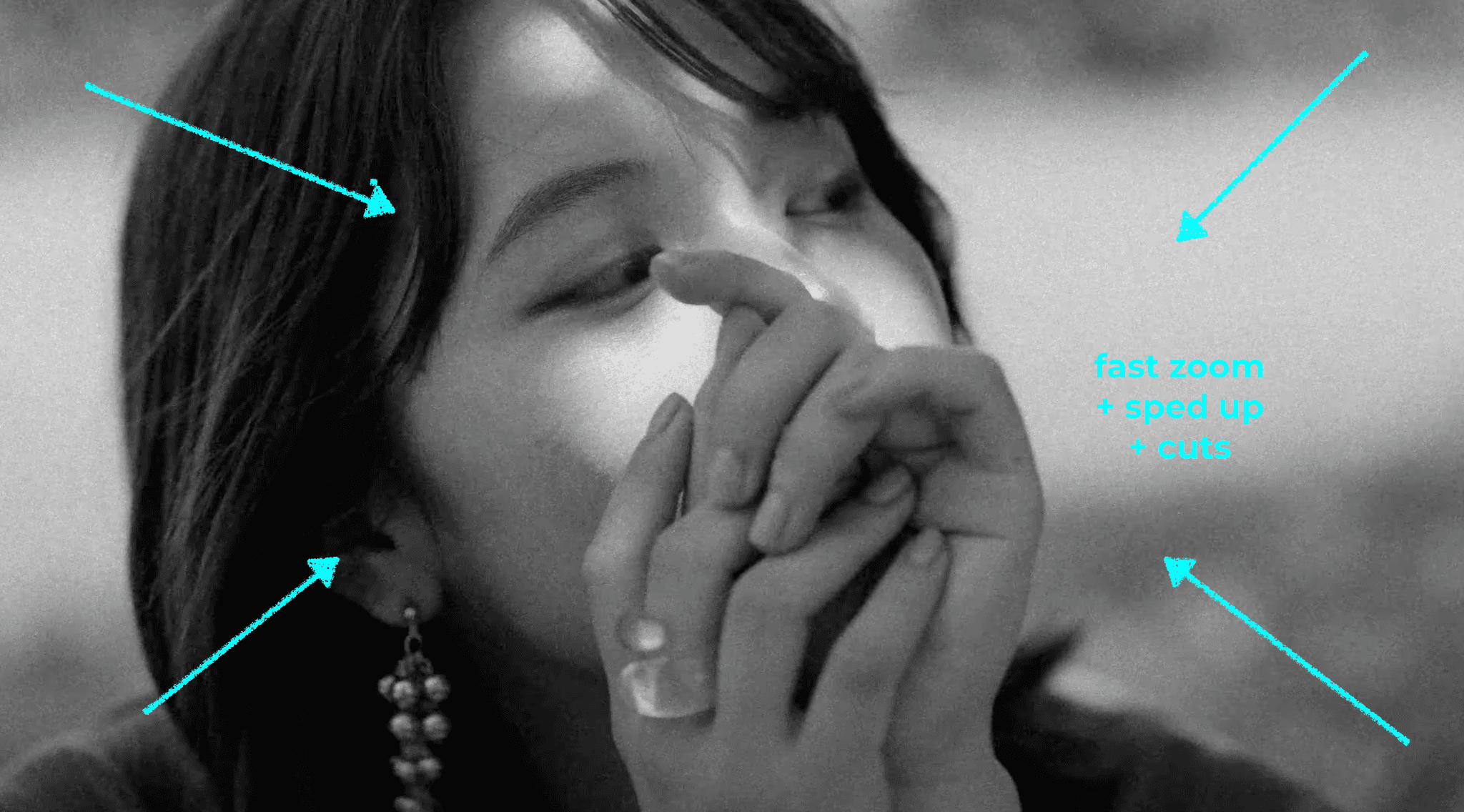
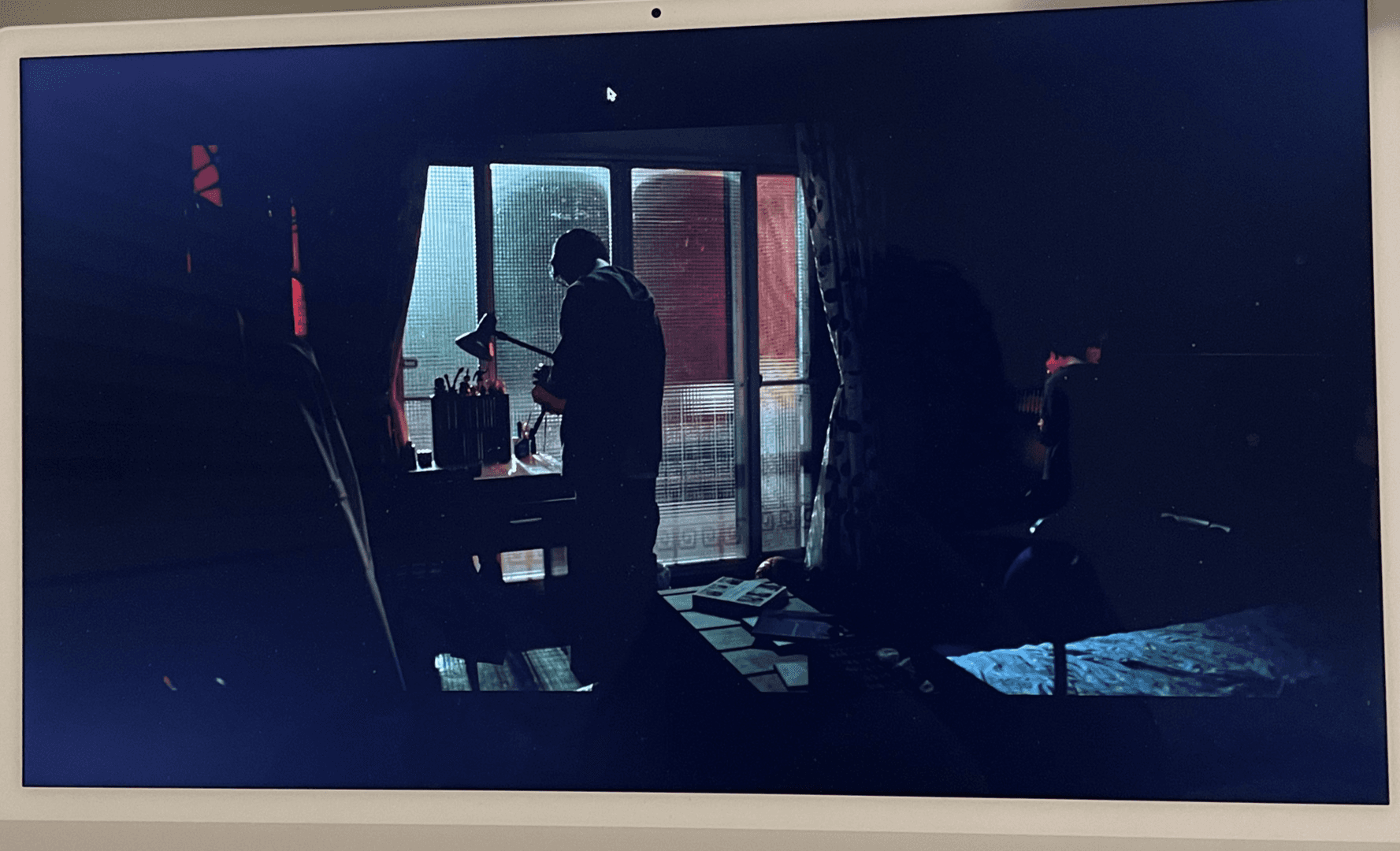
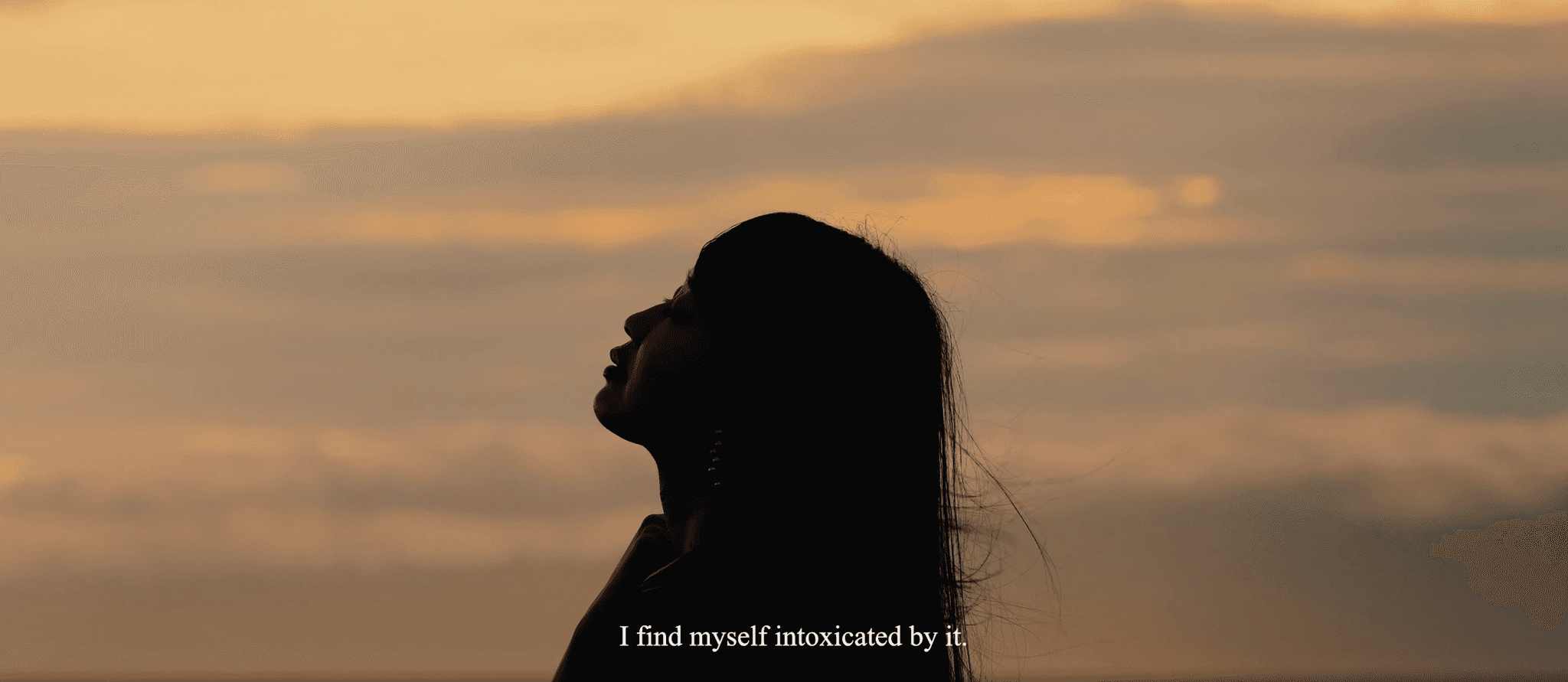
So take a look at the shots, creators, and movies below.
TAKE NOTES.
Write down what you shots you like and don’t like.
Notice the lighting and how the camera moves.
This will develop your unique cinematic style — again: do. not. copy.
Room

Living Room



Kitchen

Backyard
Other


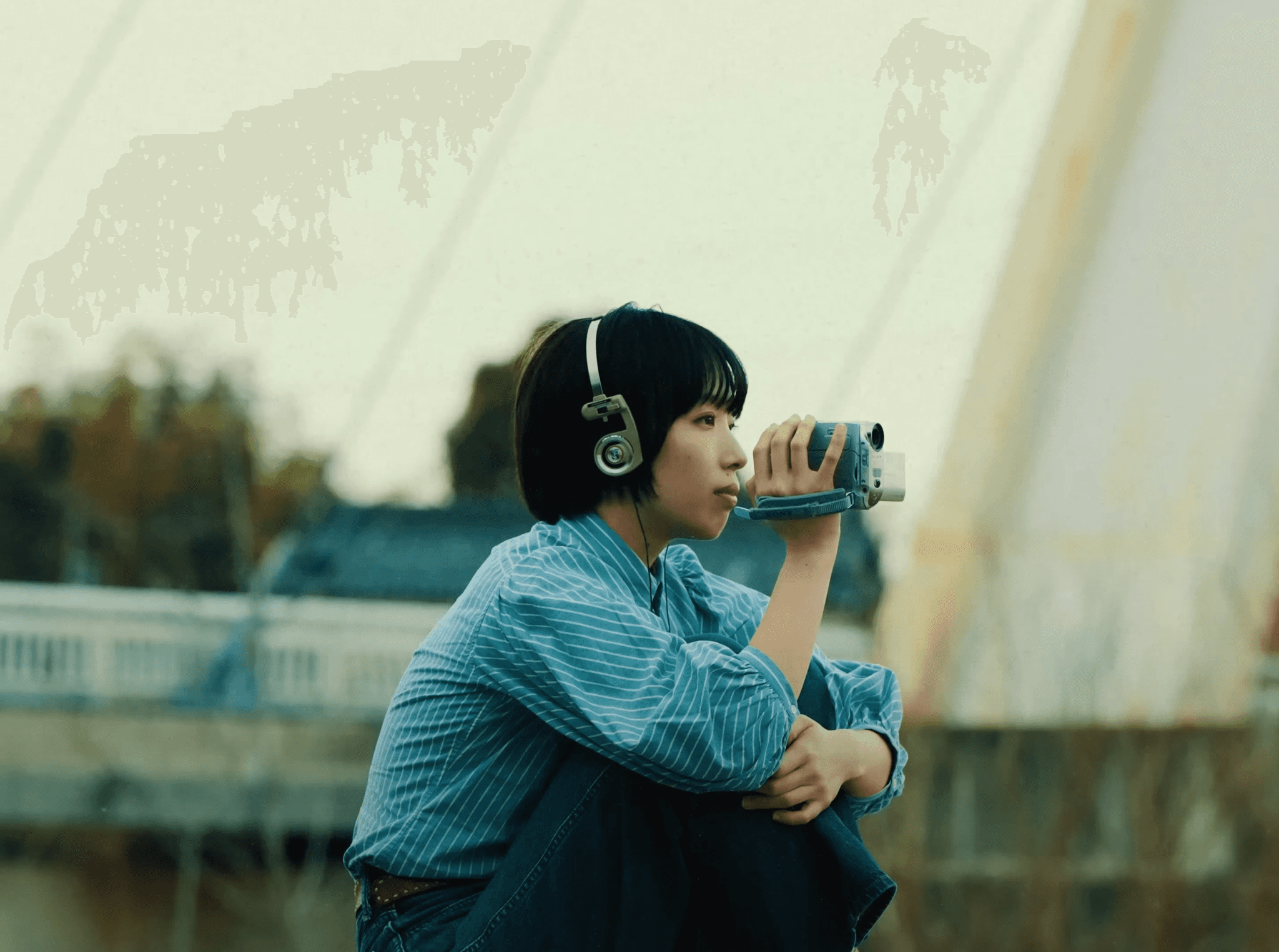
Creators with beautiful cinematic styles:
Movies for reference:
B-ROLL
New creators have an obsession with b-roll. They think if they have the perfect “go-to” clips, it’s going to catapult their videos into Instagram’s good graces and get them millions of views.
And I hate to break this bubble, but I MAYBE use 1 b-roll clip per video and because of how b-roll has been used it feels lazy..
Well, when used in the old way.
Like everything with content, it goes back to intention and effort.
So how do we make it feel fresh?
Well for one: cinematic b-roll can look really good, if you have sick shots to intermingle within a story (relating to that story of course) throw them in with some nice typography.
But, even then, that can still same-y as a lot of creators have full videos that are just 5 clips of b-roll of them at their desk with he caption “work harder.”
OK buddy.
So, in order to avoid b-roll slop, here’s how you can curate a extensive b-roll library in about a day.
24-HOUR B-ROLL BANAZA
Essentially you camera is going to be rolling for the ENTIRE day.
You want to use the modifier method I talked about in Talking head shot to increase the quality of the b-roll you get.
You get out of bed in the morning → film it as a long shot, get back in bed and do it as a low angle.
You make breakfast → Close up shot, fridge opening shot, pouring coffee in mug POV shot.
You go to the gym → Wide shot with you centric doing squats, you put your tripod on the weights as they move up and down to get a moving-close up angle.
These are just examples but you get the point.
This is fantastic for new creators because you’re both practicing how to get cool shots AND filming a bunch of common things you do in a day that will apply to your videos.
Another thing you can do to make this process faster is the “fake timelapse.” (mainly helpful for work-related shots.)
Instead of having 2 hours of footage of you sitting at a desk you can set up the camera and move around yourself and your stuff to simulate the passage of time. (turning off lights helps sell this effect as-well.)
The other best use of b-roll comes from it’s presentation and relation to the story.
My most used b-roll are clips of myself from a earlier point in time. It helps viewers to see the progress from a younger version of yourself to who you are now.
So if I say “3 months ago I…” I have a random 3-month old video of me, same goes for if I said, ”5 years ago…” I would just ask my mom for a clip.
And we live in a digital age, SOMEONE will have these old clips. Here’s where I looked to get my time-related b-roll library.
Photos app on my phone
Snapchat
Instagram archive
Google photos
Google drive
Reached out to my friends, girlfriend, and family.
(my grandma had a bunch of old VHS footage of me that I LOVE the look of.)
And not all of it has to be videos. Say you were just talking about growing up as a kid, you can edit 3-4 younger pictures of you on the screen and get the same effect.
NOTE: you’re also going to get b-roll when you film “acting shots” for you videos, save them and add them to your library for later use.
The last part of b-roll is how you organize it, this is VERY important when it comes to editing. Here’s how I have mine sorted: (I highly recommend an external hard drive for this.)
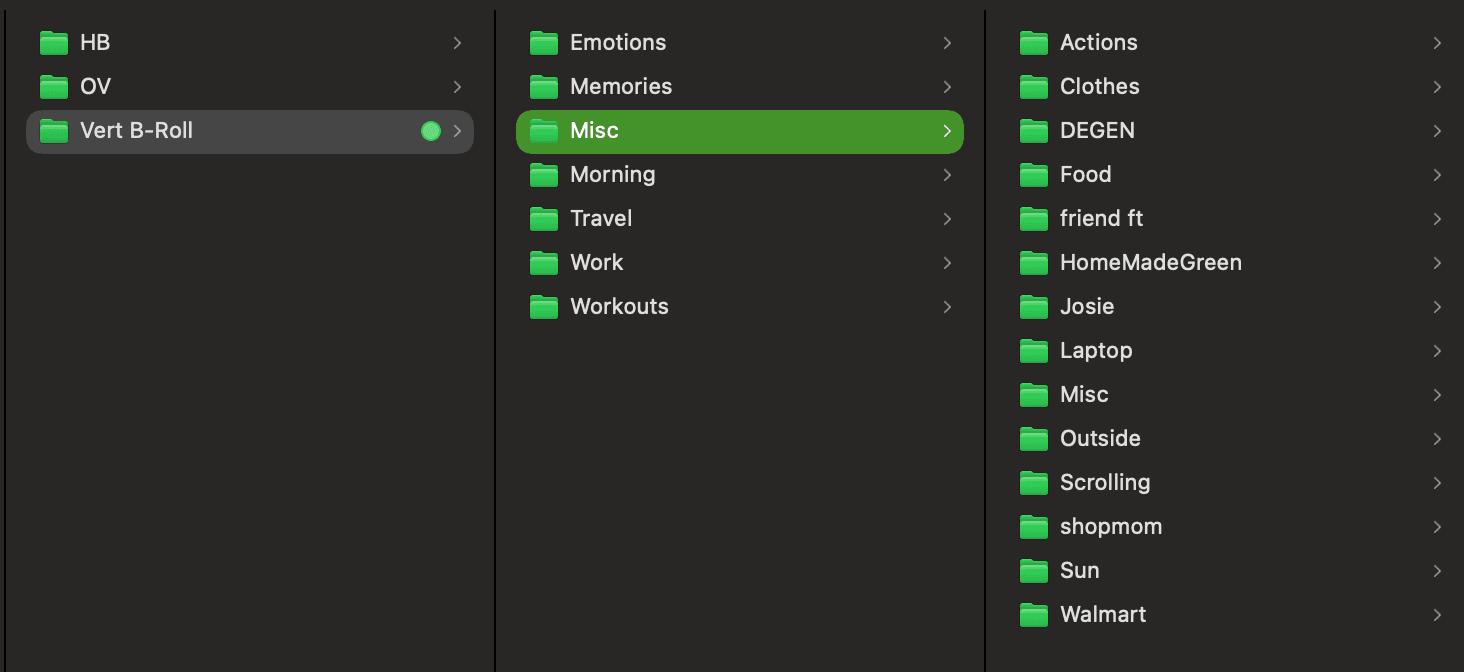

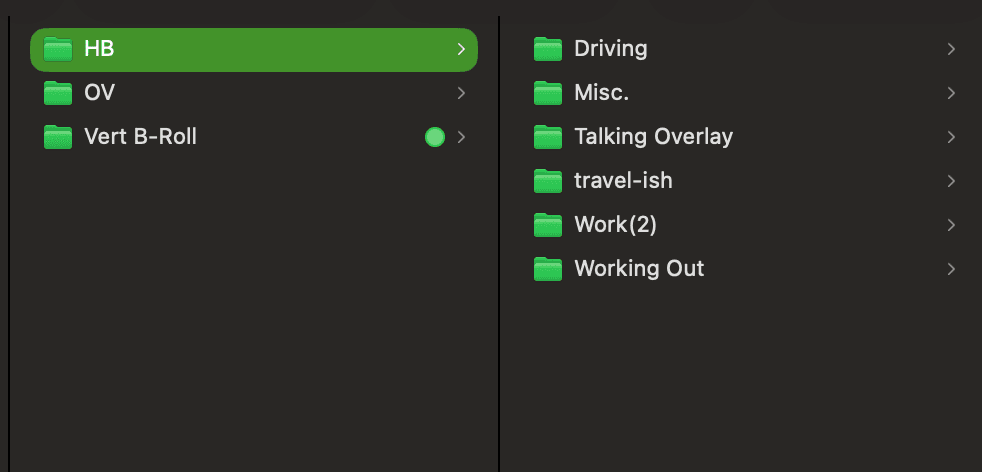
The goal is to label everything in a way that makes it easy to find the clips you’re looking for.