ManyChat Setup
1. SETTING UP MANYCHAT
Go to this link: MANYCHAT SETUP, and click on “Get started for free.”
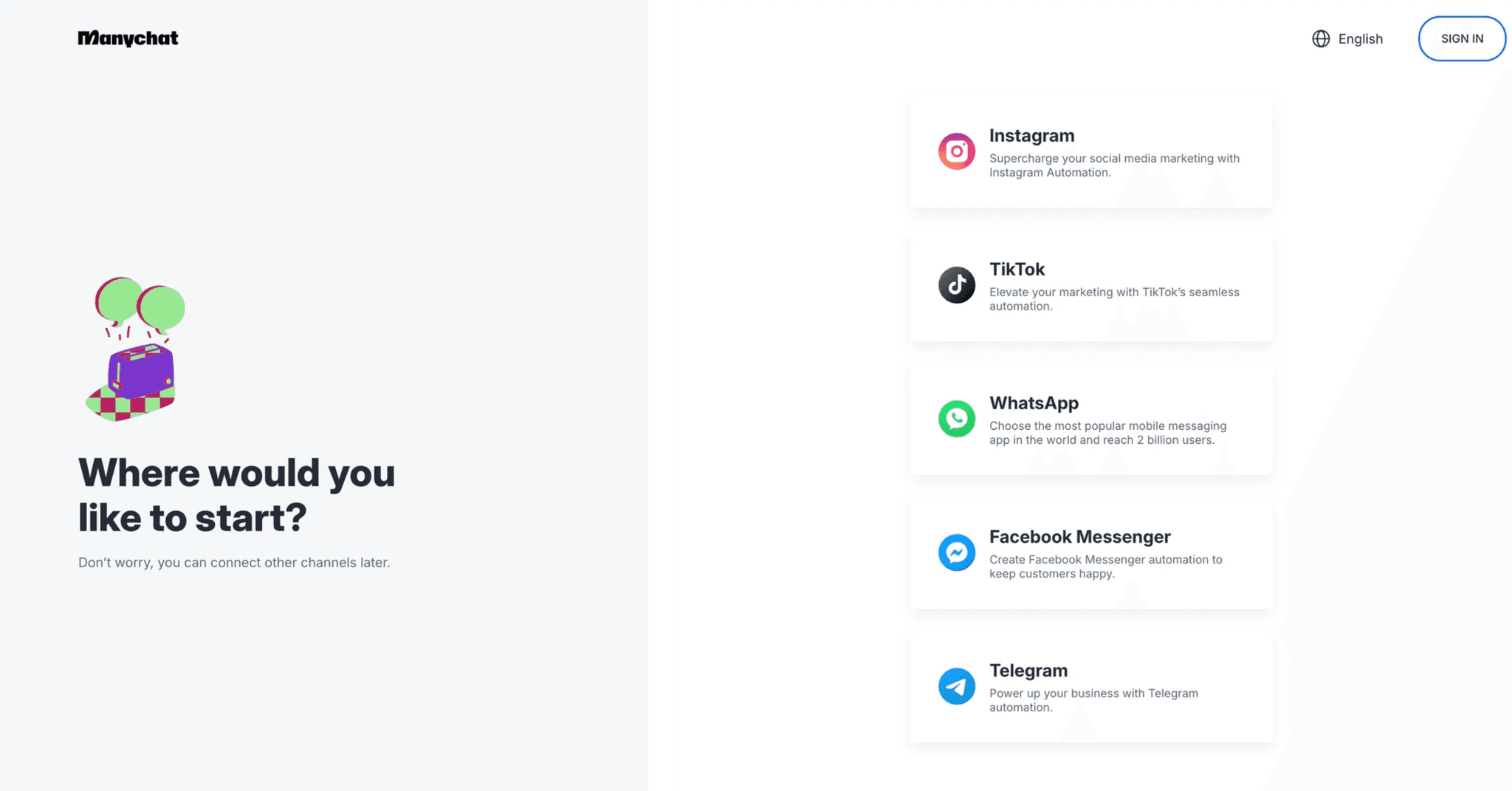
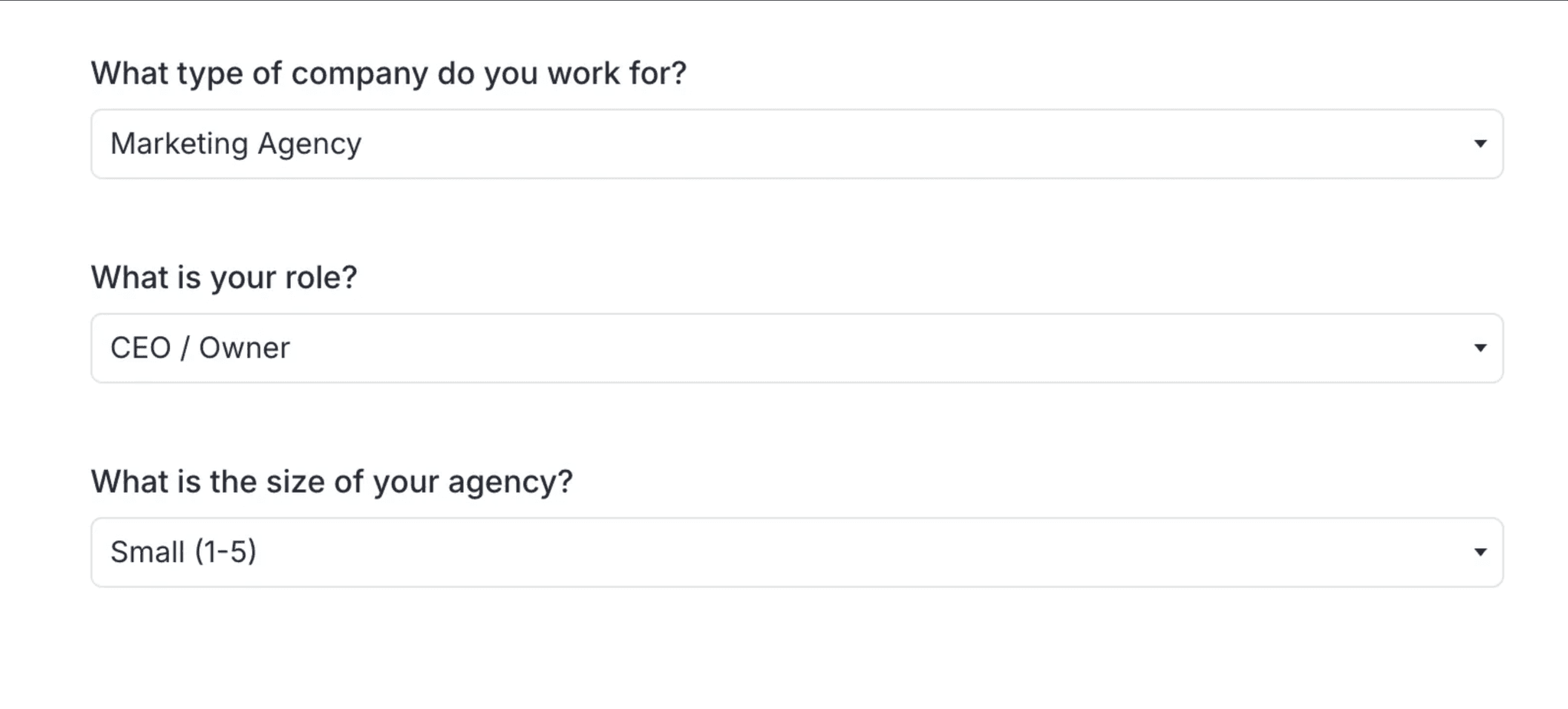
Log into your Instagram and fill out the 3 questions.
Purchase the pro version, it’s $15/month but you’ll have a return on investment (ROI) after a single client. Keep in mind this will scale with the # of contacts that go through your system.

Install our plug and play templates: MANYCHAT TEMPLATE DOWNLOAD LINK
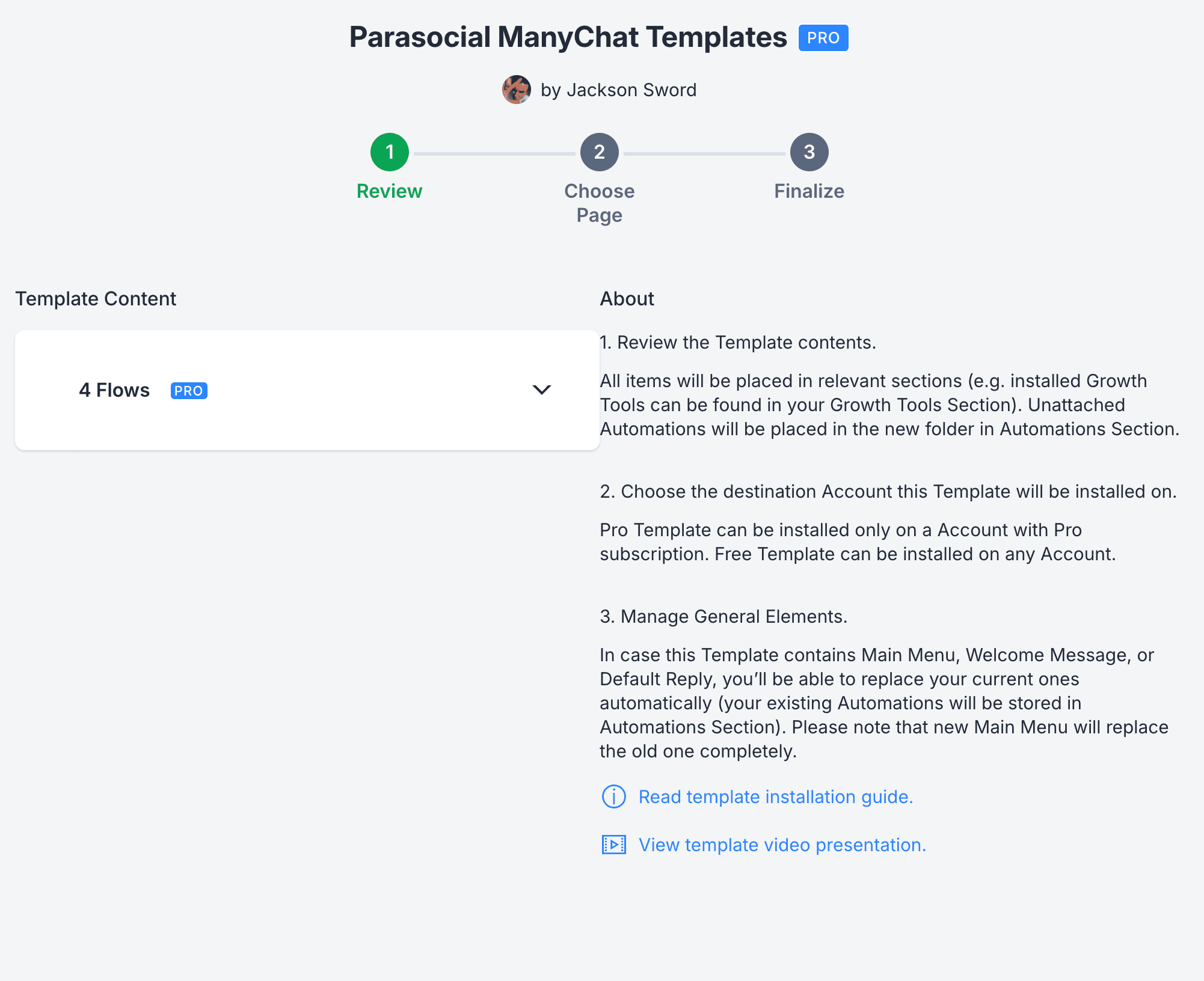
Click Install.

Select the account you want to install the templates too.
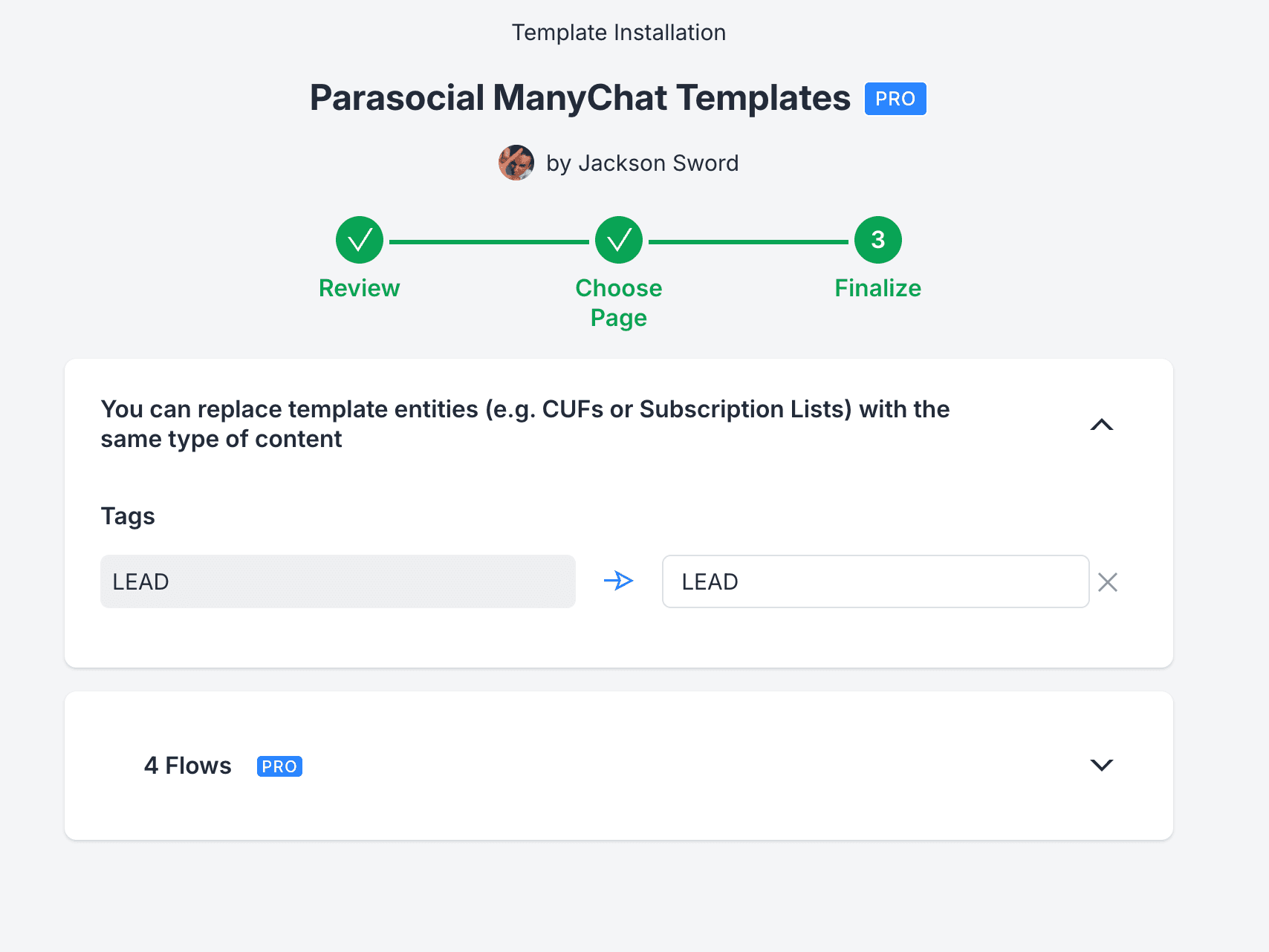
Click “Instal Now.”
The include templates are as follows:
Comment > Follower Check > Free resource
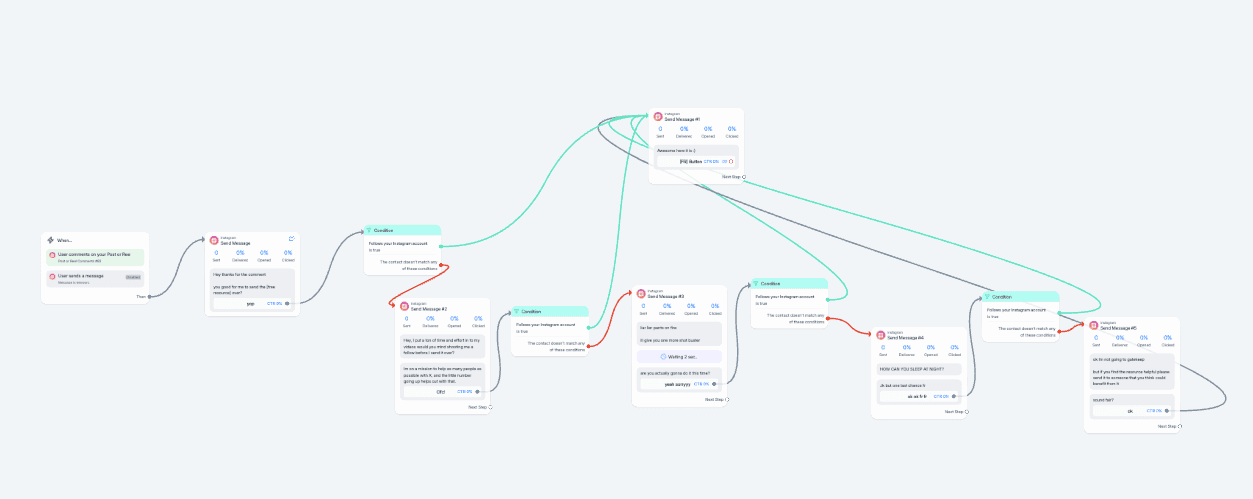
Story → DM → FR → Funnel

Bio → DM → Funnel

Follower → Lead Magnet → Funnel

Adding team members (if applicable)
Go to settings → team members

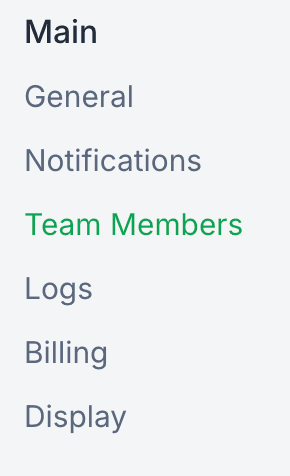
Click on Invite team members → select the “Admin” role → generate link

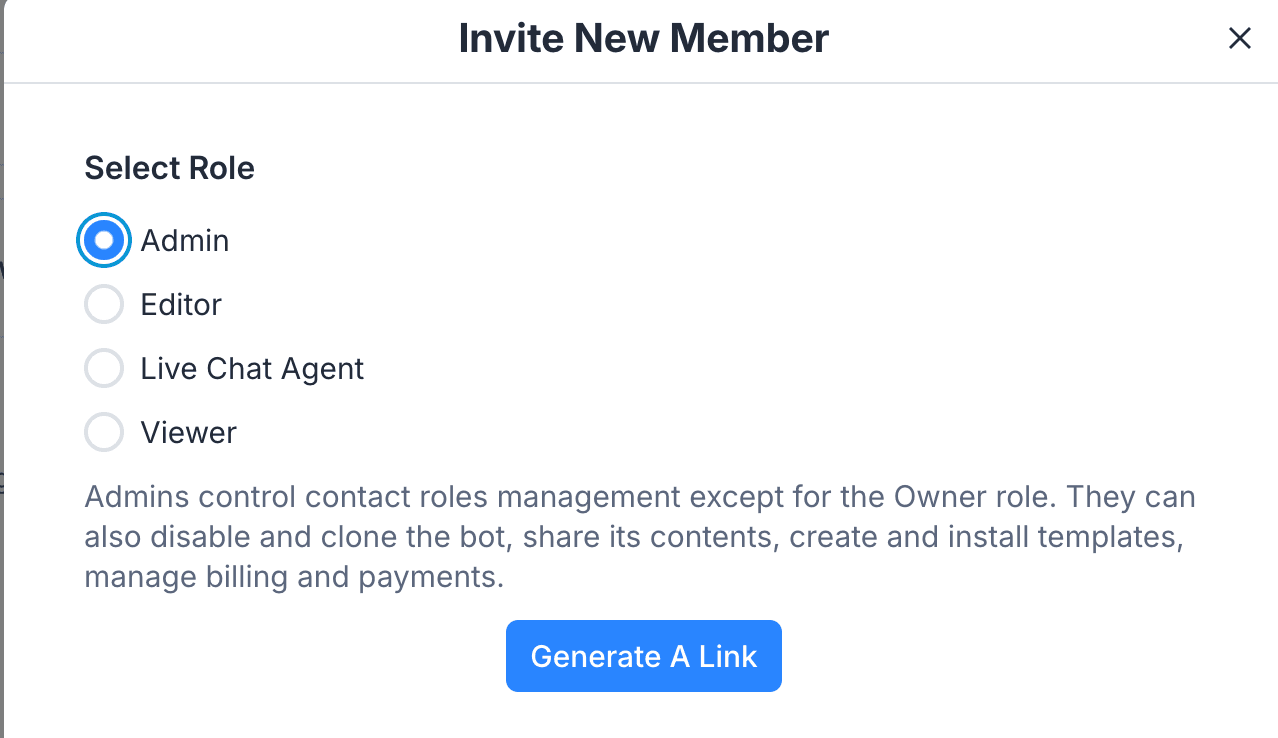
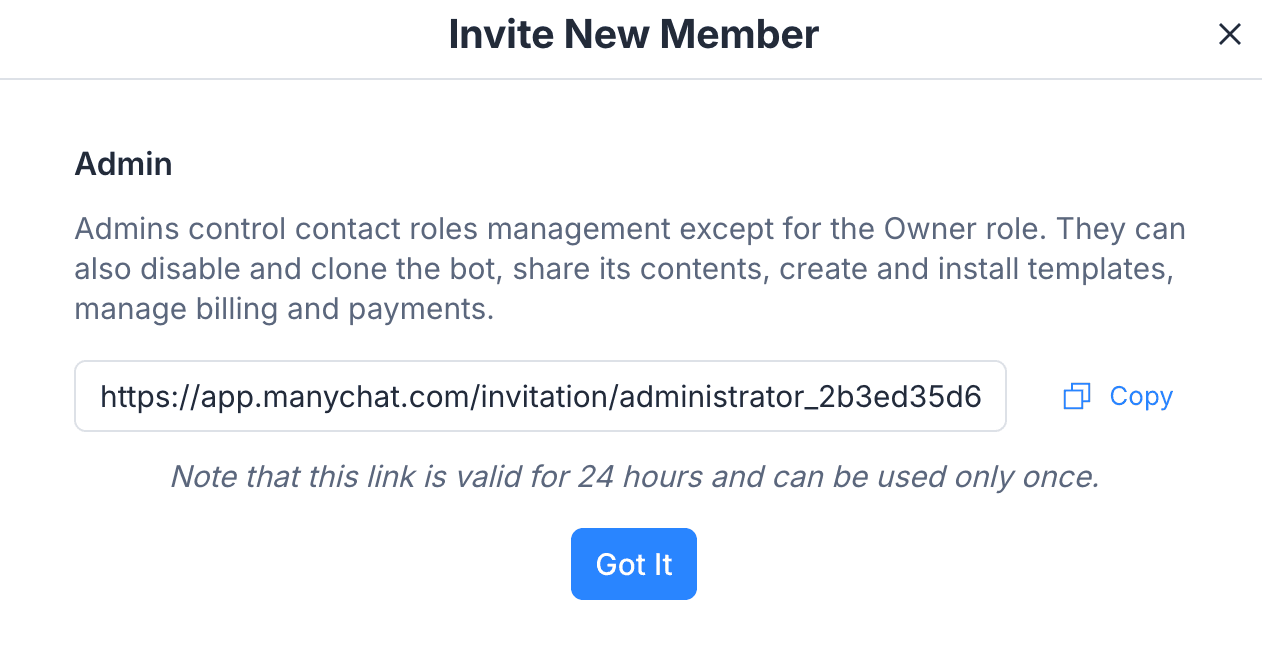
Send the link to the new member and ensure they have access to your account!
Setting up your Facebook business manager (for the new follower automation)
Go to FACEBOOK'S BUSINESS MANAGER and login with Instagram
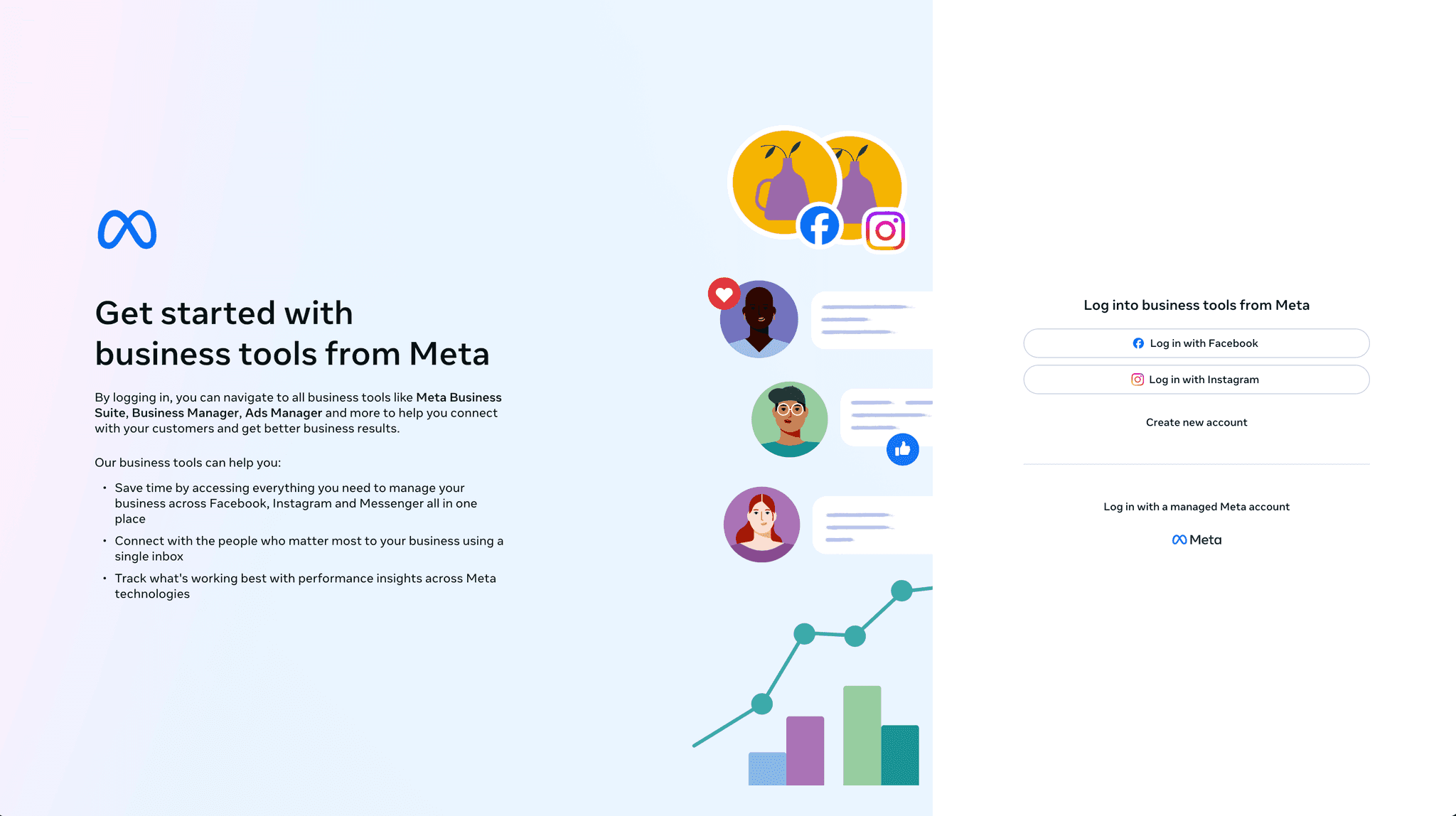
Navigate to the left most bar and create a business portfolio → once you have done so navigate to business settings to ensure your Instagram account is connected to it.
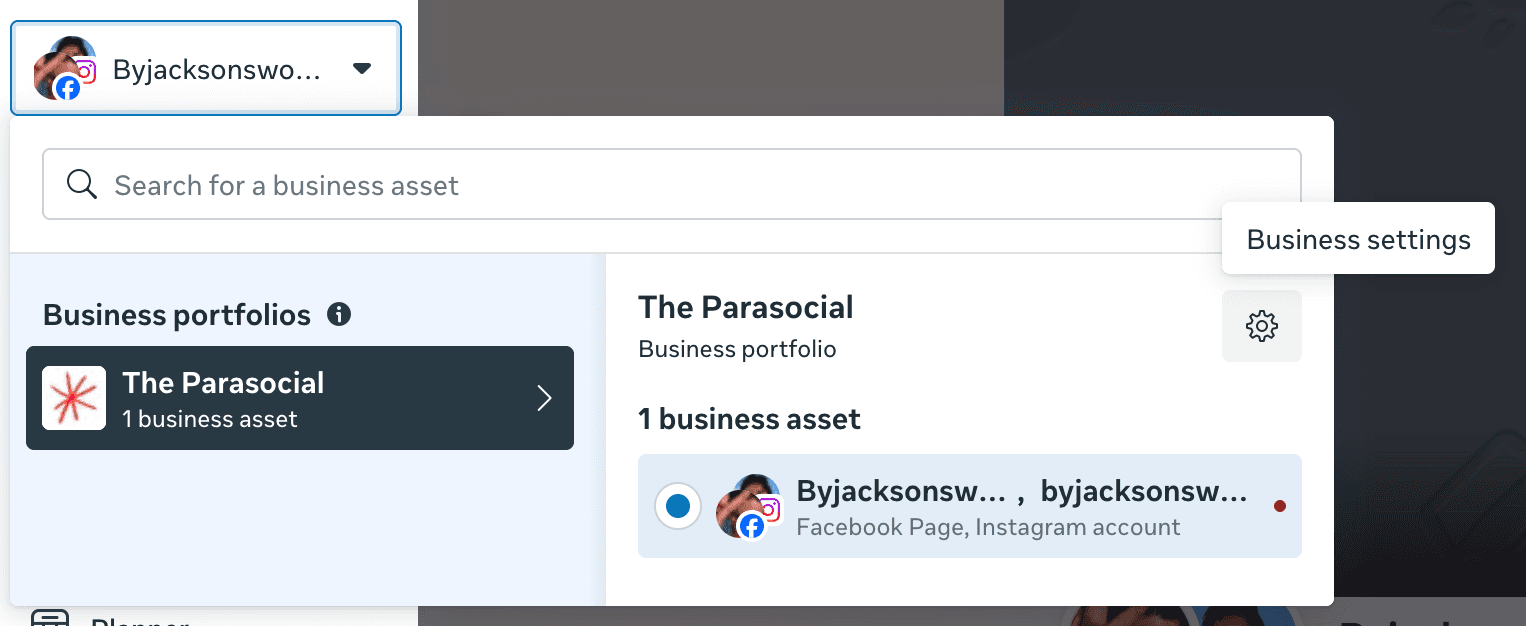
Now, check your settings to make sure everything is linked properly:
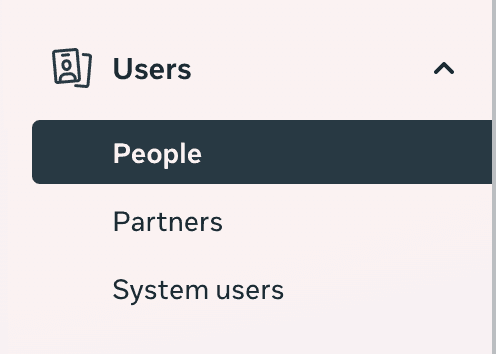
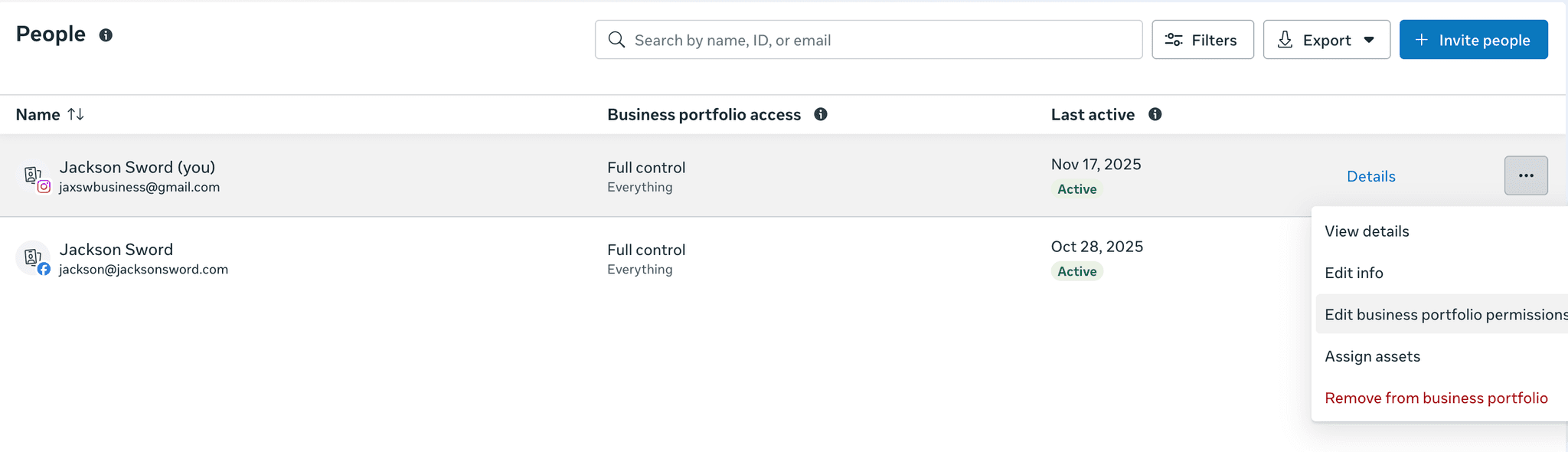
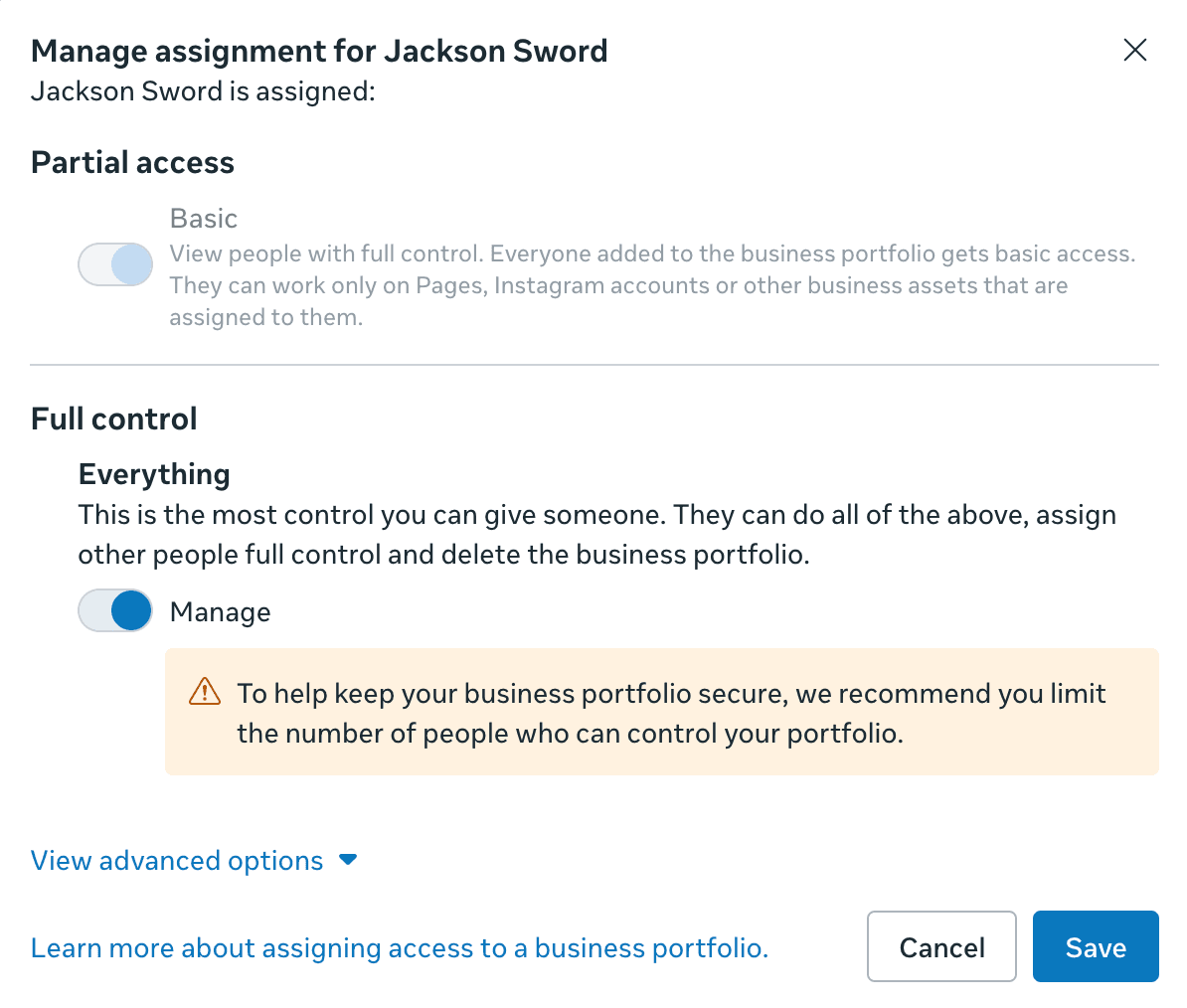
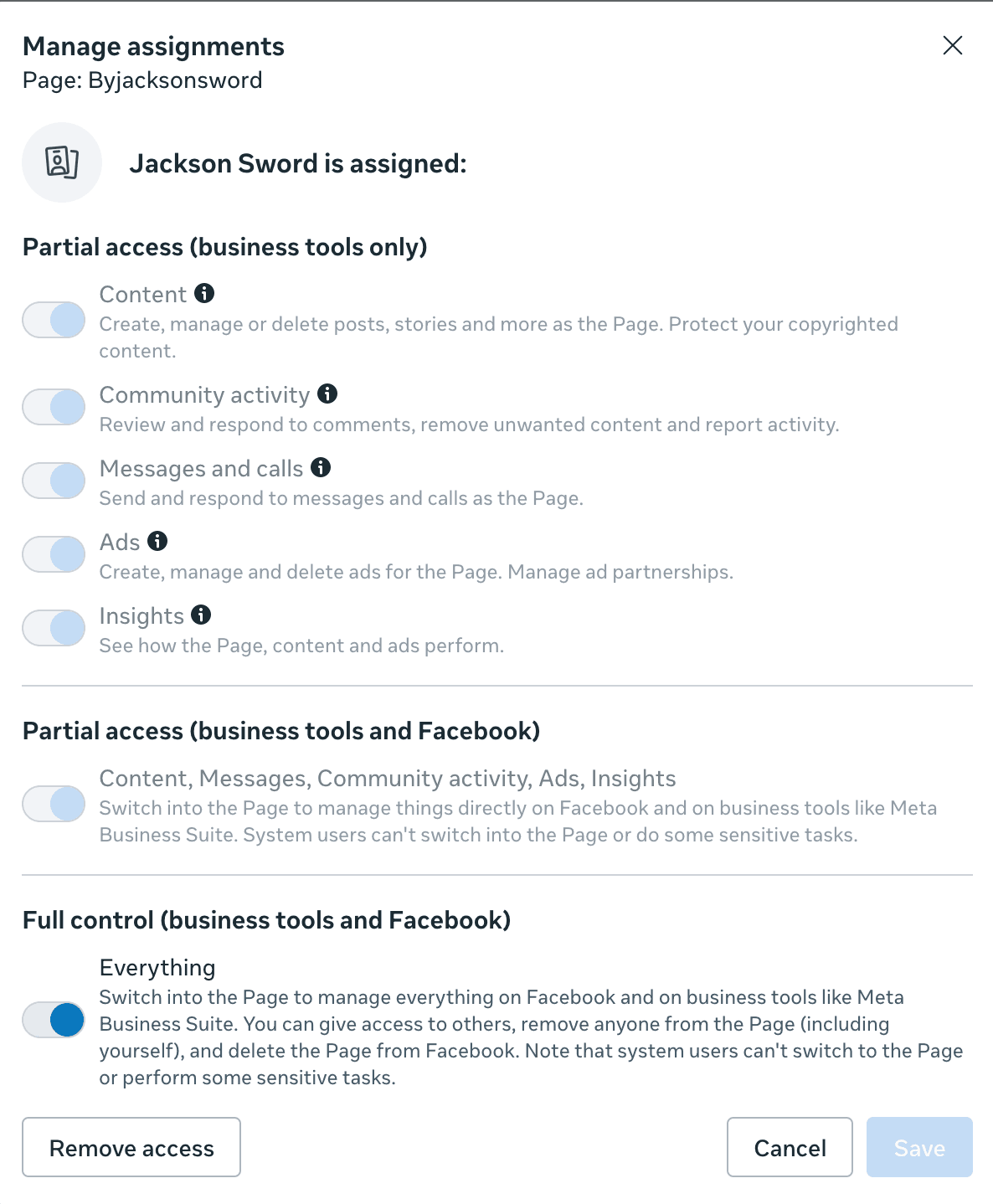
Go to Users → People → Click the three dots → edit business permissions → Enable full control of everything
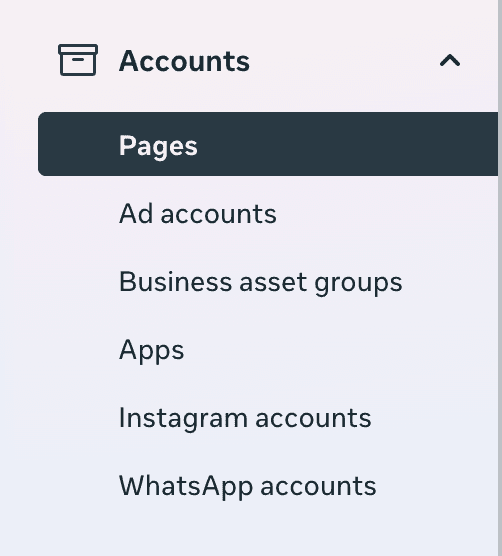
Go to Accounts → Pages → Click on yourself and press manage → Then give yourself full control to each page you see listed

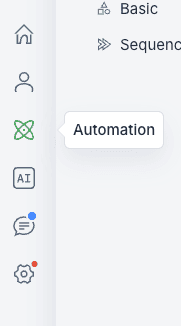
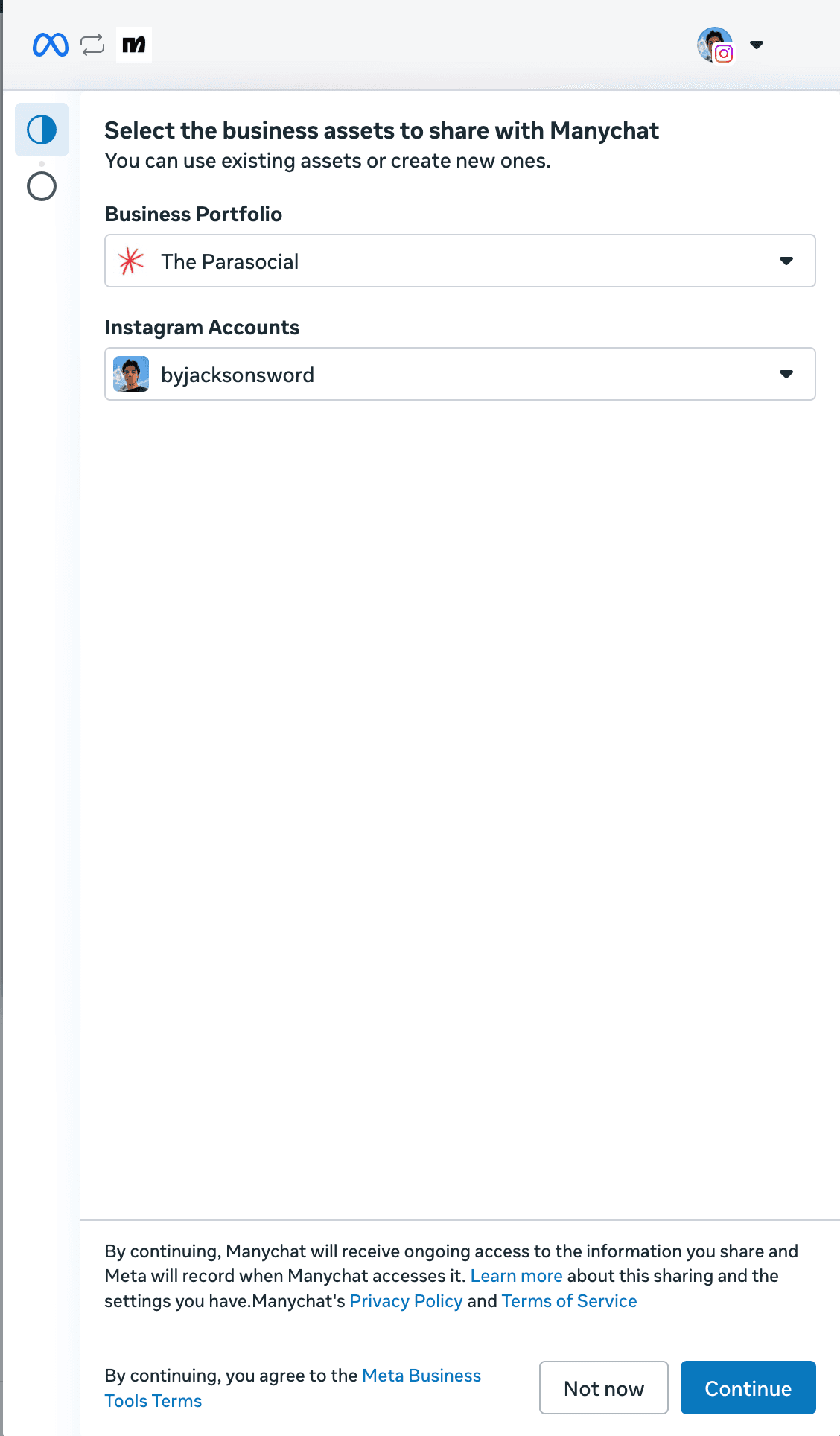
After everything is linked, go back to ManyChat → Automations (left bar) → new automations → Click “Say hi to new followers” → Click on “Update Permissions” in the pop up.



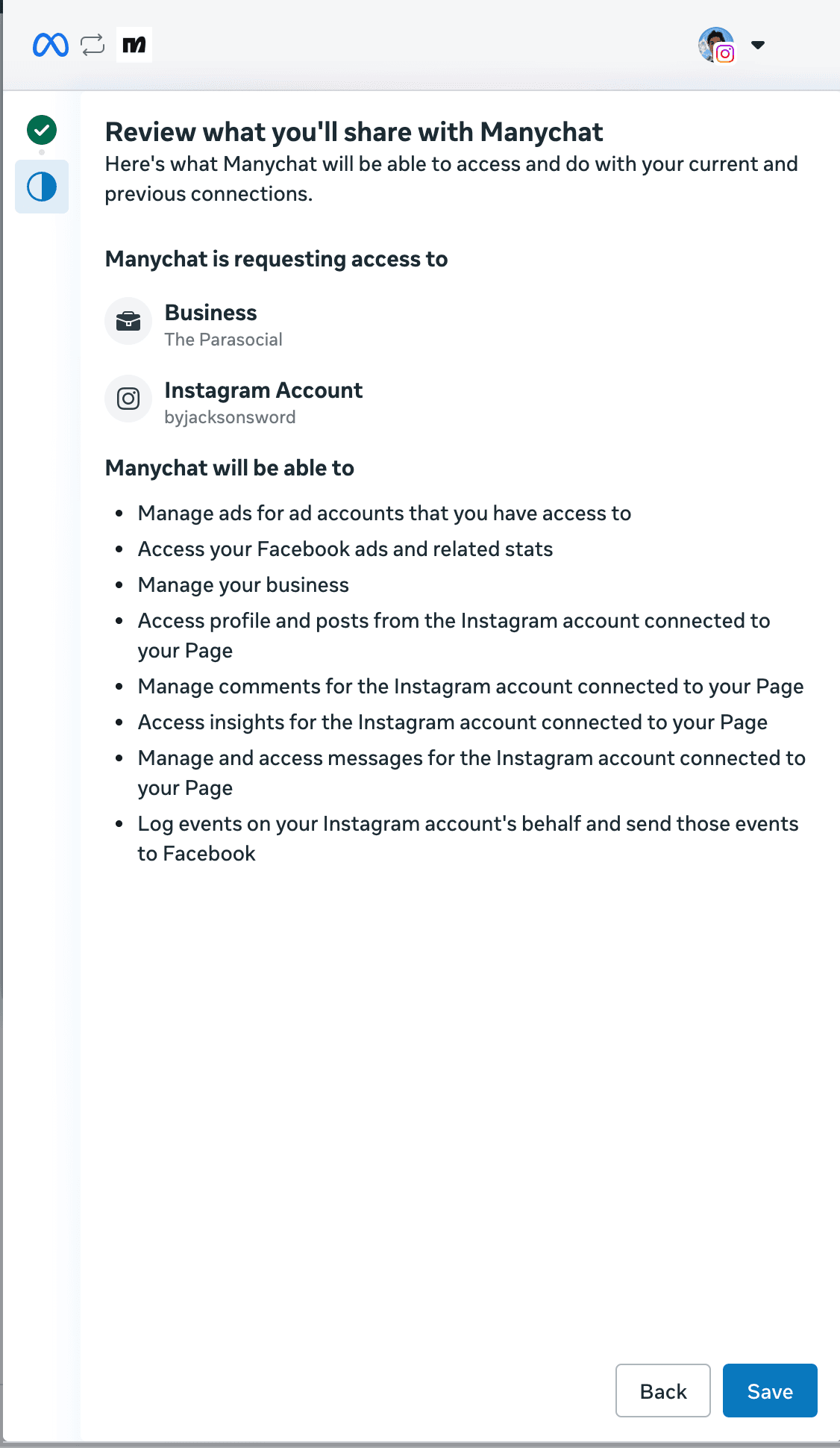
You’ll be redirected back to Facebook Business Manager → Review → Click Save
Watch this lesson for a quick breakdown of ManyChat as a whole and to understand the theory behind our templates / best practices to use when creating your own: SFS LESSON 2 MODULE 1
2. ABOUT MANYCHAT
ManyChat is THE best instagram growth tool.
The main reason for that being it allows you to ask for a follow in exchange for a free resource, check if that person follows, and if they haven’t follow up until they do. (AND they’re a Meta partner so no risk of your account being suspended or flagged for over-usage.)
ManyChat features
Create DM automations for CTA in bios and stories
Track and sort leads via customizable tags
Set up long term follow up sequences
Connect to Zapier and therefore ANY app you can think of
Use customizable Ai to hold realistic conversations followers and leads
So, once ManyChat is setup (see below) we’re essentially going to following this structure to add 10k new followers as fast as possible:
Create extremely valuable content with a free resource. (you’ll learn how to do this by the end of the course)
Have a CTA within that content which triggers an DM automation that asks them to follow you prior to getting the resource (see template below.)
Check if they’re following and use authentic messaging to reinforce the decision.
We cover how to create high-quality valuable resources in under an hour in this module: FREE RESOURCE CREATION
WHAT IS AUTHENTIC MESSAGING
Basically when writing your ManyChat you want to use causal wording / slang to lower the “bot” feeling.
You need the automations to come off like they’re texting their best friend. I like to include jokes, call-outs, or other bits to keep it engaging
The goal here is increase the click through rate (or CTR) thus leading to more follows / conversions.
Robot | Authentic |
|---|---|
Hi! Thanks for the comment! 🤗 | Yooo appreciate the comment |
However depending on your offer and level of prospect you’ll be speaking too, we want to be mindful of how relaxed were being with our messaging (i.e. talking to 22 year old content creators vs. 8-fig business owners)
And if you don’t believe me…
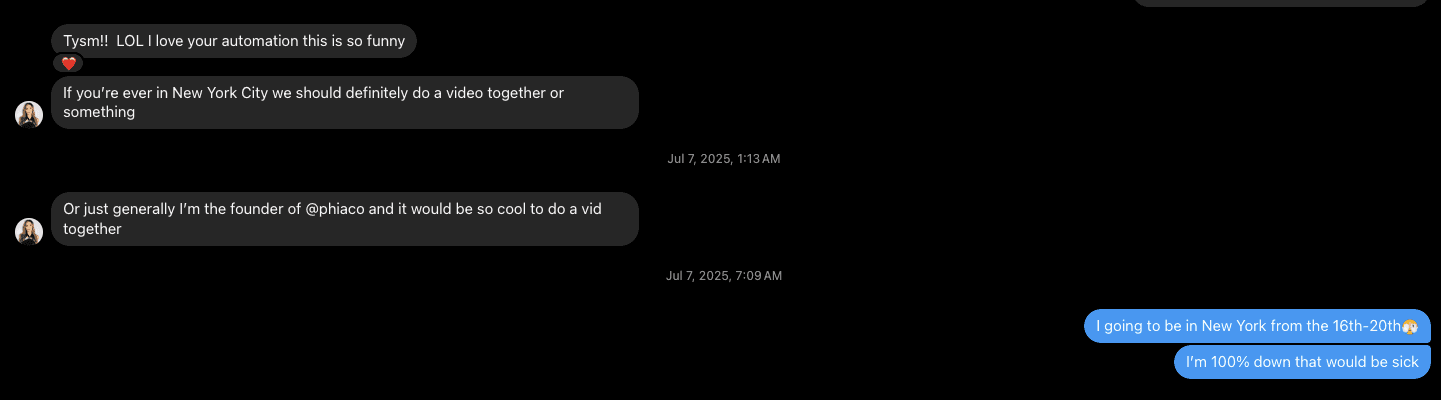
This is my collab with @phiaco, Bill Gate’s daughters company.
https://www.instagram.com/reel/DMaTUwhu9qh/
I landed this collab at 5,000 followers PURELY based on the fact one of the co-founders liked my ManyChat automation.