Understanding types of content
Now that you know what “good” means and you’ve spent the last few hours digesting 50 fantastic videos, you need to understand the concept of a content funnel and what that means for the types of content you’ll produce.
This is how we make videos that target viewers at each stage in the pipeline. It is crucial for monetizing your account, you cannot only do 1 if you want to be a full time creator.
TOP OF FUNNEL | This is viral-oriented content. (The competitor analysis you did will facilitate this.) |
|---|---|
MIDDLE OF FUNNEL | The middle nurtures you audience, this is how we use “content minutes” theory to our advantage. |
BOTTOM OF FUNNEL | This is where they buy. |
STORIES
The goal of the stories is connect, engage, and convert through the raw behind the scenes of your life.
We want to build trust with your audience and have 2 CTAs throughout the week to generate inbound leads you can sell to
Stories keep your audience warm without having to post every single day.
It’s also where people voluntary opt into your funnel if done right.
(as we want to be intentional with everything, batching out your stories for Monday → Friday during the weekend is a must.)
The basic “rules” of stories are as follows:
Be real, no one likes to feel flexed on
Have one key message throughout the day
Don’t have too much text or any videos over 15 seconds
Aim for 5 - 10 stories a day
Less than 5 people forget you but more than 15 is spammy)
No more than 2 in one batch
The first 2-3’s goals should be to connect and engage, make sure to rotate formats.
Show proof: Visual proof builds trust and credibility
Client wins
Screenshots
Your transformation
So the first thing we want to do CONNECT.
Your stories should feel like a FaceTime with your audience. Basically showing them you are a real person.
Examples:
BTS of you or your business or job
What you’re struggling with on a day-to-day basis
W’s and L’s
Daily life / routines
Meals, walks, workouts, etc.
Now that they’re connecting with us we want to ENGAGE them.
Use Insta’s native tools (BUT only 1 per story.)
Polls
Q&A boxes
Emoji slide bar
Tap sticker
This or that templates
(More interactions → shown to more people → more views → more people seeing offers)
Lastly, and most importantly, we want them to CONVERT.
Call To Action’s (2/week)
Hard CTA (direct offer)
Example: “I’m looking for 5 people who want DFY content like mine. DM me ‘DFY’”
Soft CTA (lead magnet)
Example: “I put together a pdf of everything I know about IG. Dm me “PDF” and it’s yours.”
Collect emails, phone numbers, and guide them toward your offer.
Story Metrics:
Average numbers
Stories reach a number of followers 100%
15-50% for micro accounts (up to 1,000 followers);
10-40% small accounts (up to 10,000 followers);
7-30% for medium accounts (10,000-50,000 followers);
5-20% for big accounts (50,000-150,000 followers)
3-10% for mega accounts (from 150,000 followers)
Interactions with stickers
Number of interactionsStories Reach 100%
5-10% is okay
10-30% is good
30%+ is excellent
CONTENT STRATEGY USING C.E.C. FRAMEWORK
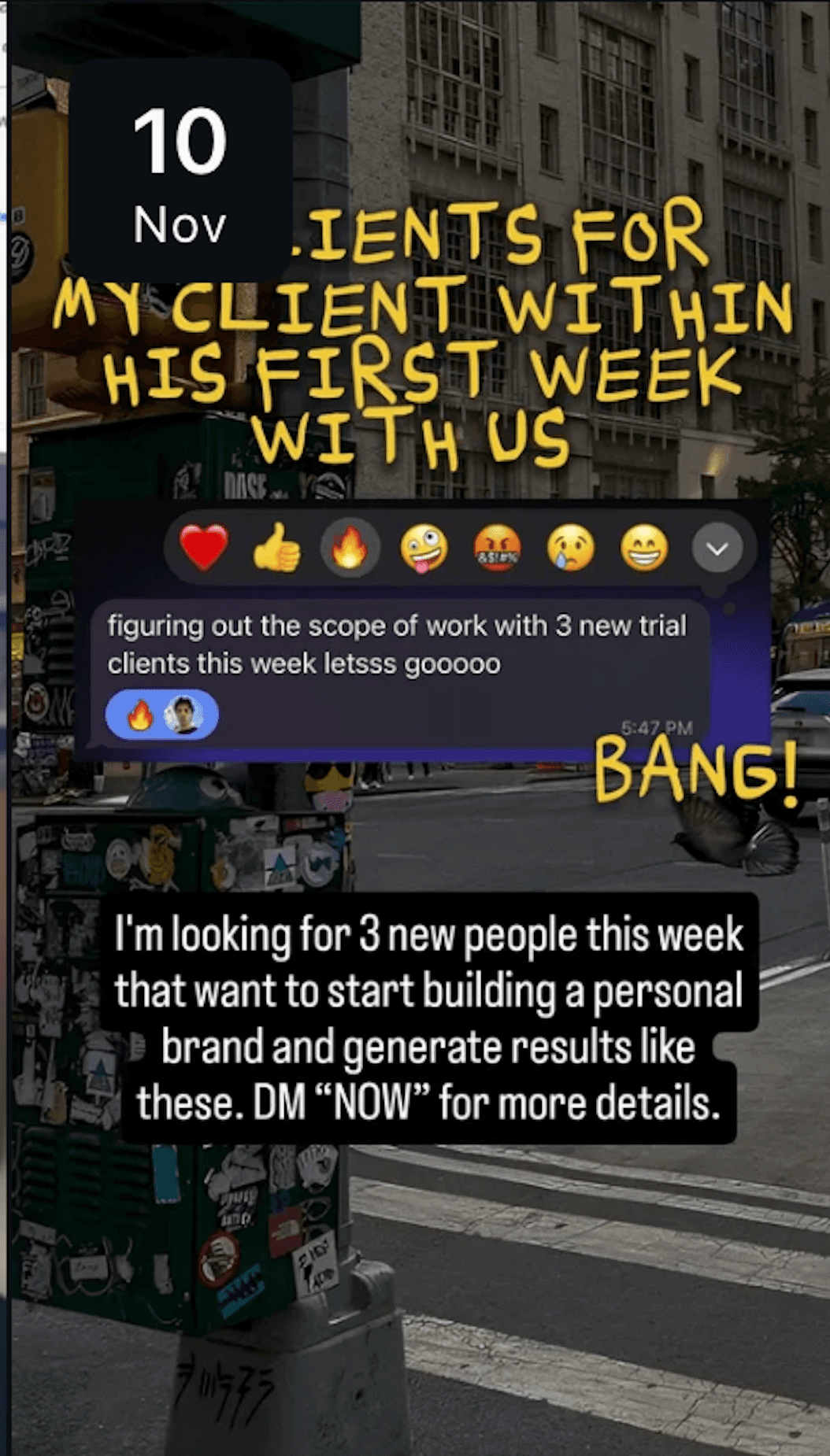
Monday: Post a result that one of your clients got and a hard CTA to DM you
Just post a client result and follow it up with:
”I’m looking for 5 people that want to achieve [desired goal] in x days. DM me the word “NOW” and i’ll send you more details”
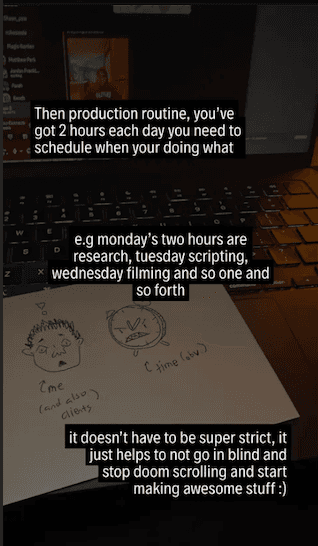
Tuesday: Provide value and help them realize why the have not achieved their desired outcome
The goal here is to really dig into their pain point and make them realize they need to change.

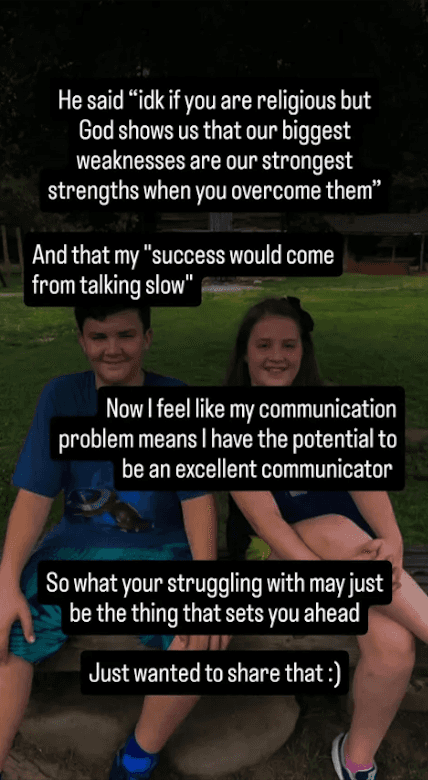
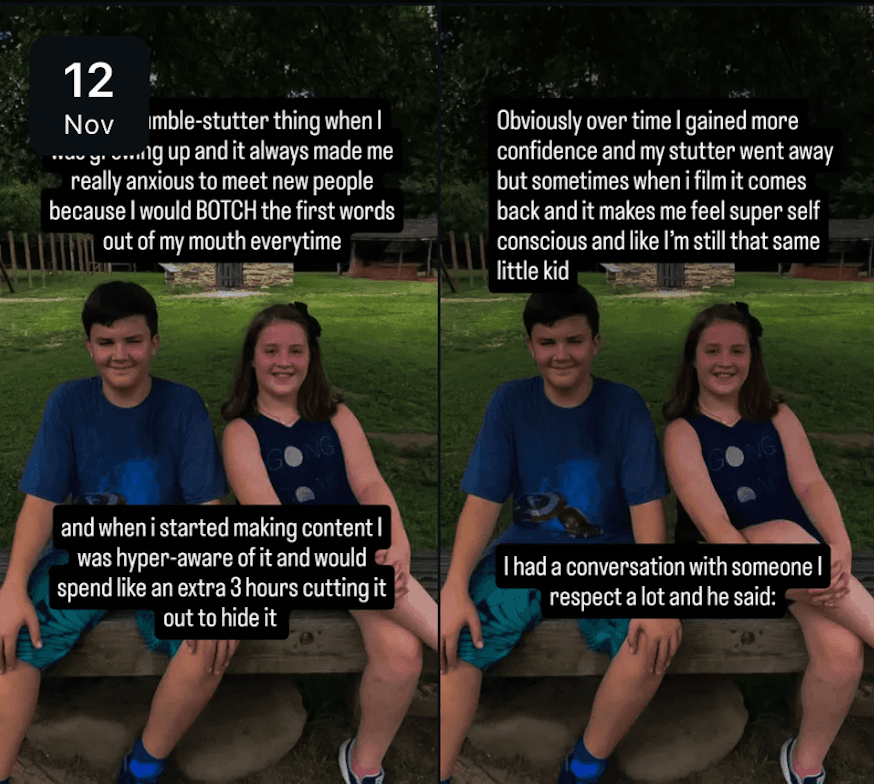
Wednesday: Talk about a personal story that will inspire your audience
It could be future goals, if you dropped out of college and went all in on your business etc
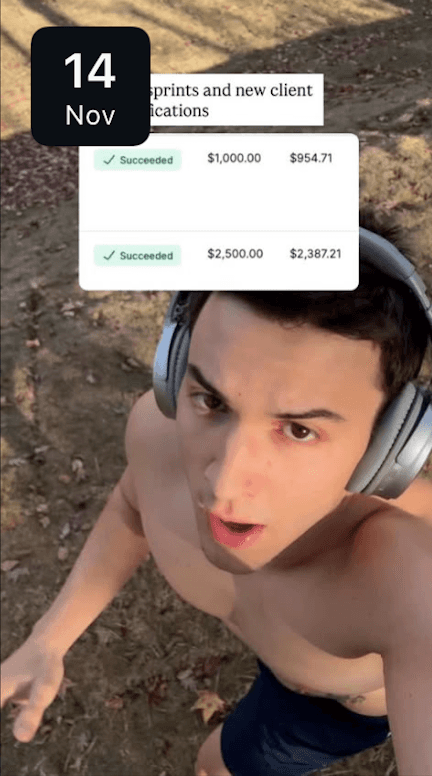
Thursday: Post your own win.
Show a payment screenshot, workout that you did, or anything personal that you don’t mind sharing.
Friday: Post a soft CTA for people to DM you for a free resource
This is a less indirect way of getting people to DM you without being sales-y.
In your Manychat automation, ask people what their biggest problem with insert niche: content creation, crypto trading etc
FREE RESOURCE CREATION
Hey! Do you want to grow on Instagram really, really fast?
(say yes)
THEN MAKE FREE RESOURCES.
They reason they work so well is because of a principal called value debt.
For example:
You post a video going over scripting. In that video you say: “comment: ‘script’ for 50 viral storytelling templates.”
Now assuming you set the value up right and the video is quality.
People are going to comment. A lot.
If they watched 70% of the video to where the CTA is, they know they’d most likely benefit from more information on what they’re already intrigued about.
And using our ManyChat templates we set up in lesson 1, (ManyChat Setup), you’re able to ask for a follow in exchange for the information they want.
And because your giving away something greater than the “pain” of following you AND your dumping even value on them, they’re going to follow, stick around, AND comment on the next video.
It’s awesome.
And what’s even MORE awesome is that making high quality free resources only takes about an hour and can be used as a lead magnet FOR EVER.
So, when your scripting for value, there are going to be parts that you cut down — hold on to those tid-bits of knowledge and put them into a the FR (free resource.)
Then using CHAT GPT tell it to go in-depth with the value using this…
PROMPT:
You are an expert educator and copywriter.
Your job: Take the script I give you and turn it into a free resource / step-by-step guide that walks a beginner through the process in a simple, human way.
Follow these rules:
Overall goal
Turn the script into a clear, actionable, step-by-step guide.
Assume the reader is smart but busy and slightly overwhelmed.
Your tone should be human, casual, and straightforward (like a friend explaining it), not corporate.
Structure
Start with a short 1–2 paragraph intro that explains:
What this guide is about
Who it’s for
What they’ll be able to do by the end
Then create a numbered step-by-step section:
Each step should have:
A short, clear step title (e.g., “Step 1: Clarify Your Offer”)
2–6 sentences explaining what to do and why it matters
Optional bullet list with examples or mini-checklist if useful
End with a short “Putting it all together” or “Next steps” section.
Style guidelines
Plain language. Avoid jargon unless you briefly define it.
Use concrete examples whenever possible.
Avoid sounding like a textbook or academic essay.
No emojis.
Don’t talk about “the script” or “this video” in the final version. Write it as a standalone resource.
Editing the content
You can reorganize the ideas from the script so they flow better as a guide.
You can cut repetition and tighten rambly parts.
You can add missing connective tissue (transitions, clarifications, simple examples) so it’s easy to follow.
Do NOT change the core ideas, frameworks, or opinions — just make them clear and teachable.
Formatting
Use clear headings and numbered steps.
Use short paragraphs and line breaks so it’s easy to read on mobile.
Bold key phrases or key actions occasionally to help scanning.
Now take the following script and turn it into the best possible step-by-step free resource based on the rules above:
[INSERT SCRIPT HERE]
It should give you something really, really solid. If not run it again tweaking the prompt in whatever way it failed.
“But Jackson! How do we format this nicely and share it in a repeatable way?”
NOTION.
Notion has quickly become the gold standard for documentation and resource sharing. It looks nice and it works well.
Here’s how to set up your free resource landing page for infinite value-dumpage.
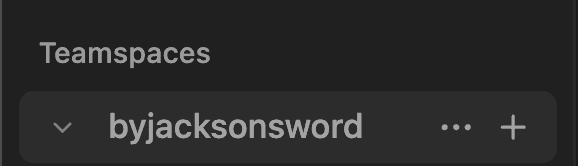
Go to Teamspaces on the left hand bar (command or control \ if its hidden) → and press the “+” to make a new page. Label something like “[your name]’s notebook.”

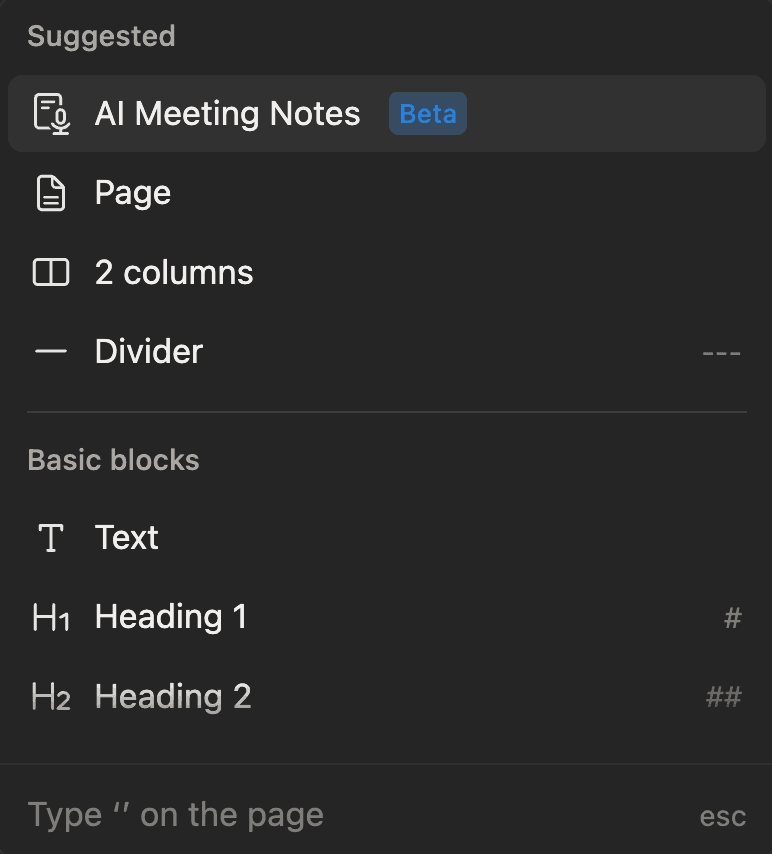
Within that page create a new page, this will be where you paste the ChatGPT output. (press the + next to your cursor on a new line)
Now you need to clean up the AI writing and make it authentic. Add bits about you, little inside jokes, anything to de-robot it and make it feel human.
And lastly is formatting: use different colors, heading sizes, and drop downs to make the info pretty and digestible. Add pictures where you can, people will appreciate the extra effort in the way you explain things.
